SuperMaker vs Veo 3 AI: Generate Veo 3 AI Video With Realistic Sound
A detailed comparison to help you choose the right AI tool for your workflow.
SuperMaker
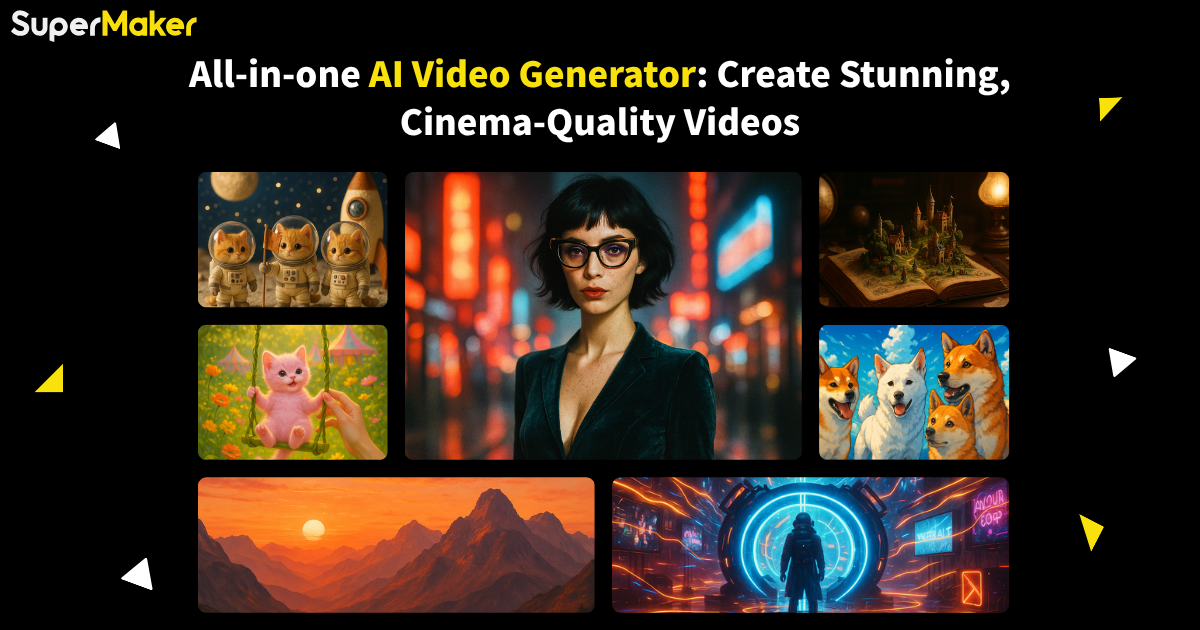
SuperMaker AI is a powerful all-in-one AI Video Generator that creates cinematic-quality videos, music, images, and voice with an easy-to-use interface. It's suitable for anyone looking to create professional-grade content quickly and efficiently. The tool offers a range of features, including a streamlined workflow, AI-powered script generation, and editing tools. What makes it different is its ability to seamlessly integrate text, images, and video into one creative workflow, allowing users to craft unique and engaging stories. Try it for free, no login required!
View SuperMaker →
Veo 3 AI: Generate Veo 3 AI Video With Realistic Sound
Veo 3 AI is an advanced, all-in-one platform that generates high-quality images and videos. Utilizing Veo 3 models powered by Google, it transforms text or reference images into visually stunning videos featuring realistic motion and synchronized audio, allowing users to quickly achieve production-ready content. It is designed for diverse users, including content creators, marketing teams, filmmakers, and educators. The platform unifies AI image and video generation, streamlining the creative process and enabling the rapid creation of dynamic, engaging visual content. Key features include adaptive aspect ratio support (square, vertical, widescreen), multiple output resolutions up to 1080p, and the ability to generate short-form videos optimized up to 8 seconds long for platforms like TikTok and Instagram.
View Veo 3 AI: Generate Veo 3 AI Video With Realistic Sound →Feature Comparison
SuperMaker
No features listed yet.
Veo 3 AI: Generate Veo 3 AI Video With Realistic Sound
- •High-Fidelity AI Video Creation using Google's Veo 3 models
- •Authentic Movement and Audio Synchronization
- •Flexible Input Options (text or visual references)
- •Adaptive Aspect Ratio Support (square, vertical, widescreen)
- •Short-Form Video Optimization (up to 8 seconds)
- •Multiple Output Resolutions (360p to 1080p)
At a glance
| SuperMaker | Veo 3 AI: Generate Veo 3 AI Video With Realistic Sound | |
|---|---|---|
| Category | Video Generation | Video Generation |
| Pricing | Free | Freemium |
| Community Rating | No reviews | 5.0 / 5 (1 reviews) |
| Upvotes on Stremit | 44 | 89 |
| Website | supermaker.ai ↗ | veo3-ai.io ↗ |
SuperMaker vs Veo 3 AI: Generate Veo 3 AI Video With Realistic Sound: Which is Better?
Choosing between SuperMaker and Veo 3 AI: Generate Veo 3 AI Video With Realistic Sound depends on your specific needs. Both tools belong to the Video Generation category, making them direct competitors. Compare their pricing, features, and user reviews above to make the best choice for your workflow.
Visit the individual tool pages for more detailed information, community reviews, and feature breakdowns.
Frequently asked questions
What is the difference between SuperMaker and Veo 3 AI: Generate Veo 3 AI Video With Realistic Sound?
SuperMaker: SuperMaker AI is a powerful all-in-one AI Video Generator that creates cinematic-quality videos, music, images, and voice with an easy-to-use interface. It's suitable for anyone looking to create professional-grade… Veo 3 AI: Generate Veo 3 AI Video With Realistic Sound: Veo 3 AI is an advanced, all-in-one platform that generates high-quality images and videos. Utilizing Veo 3 models powered by Google, it transforms text or reference images into visually stunning videos featuring…
Is SuperMaker free?
SuperMaker is listed as Free on Stremit. Check the tool's site for current plans.
Is Veo 3 AI: Generate Veo 3 AI Video With Realistic Sound free?
Veo 3 AI: Generate Veo 3 AI Video With Realistic Sound is listed as Freemium on Stremit. Check the tool's site for current plans.
Are SuperMaker and Veo 3 AI: Generate Veo 3 AI Video With Realistic Sound competitors?
Yes — both are Video Generation tools on Stremit, so people often compare them before choosing.