$THINK — AI You Own. vs Pullsy
A detailed comparison to help you choose the right AI tool for your workflow.
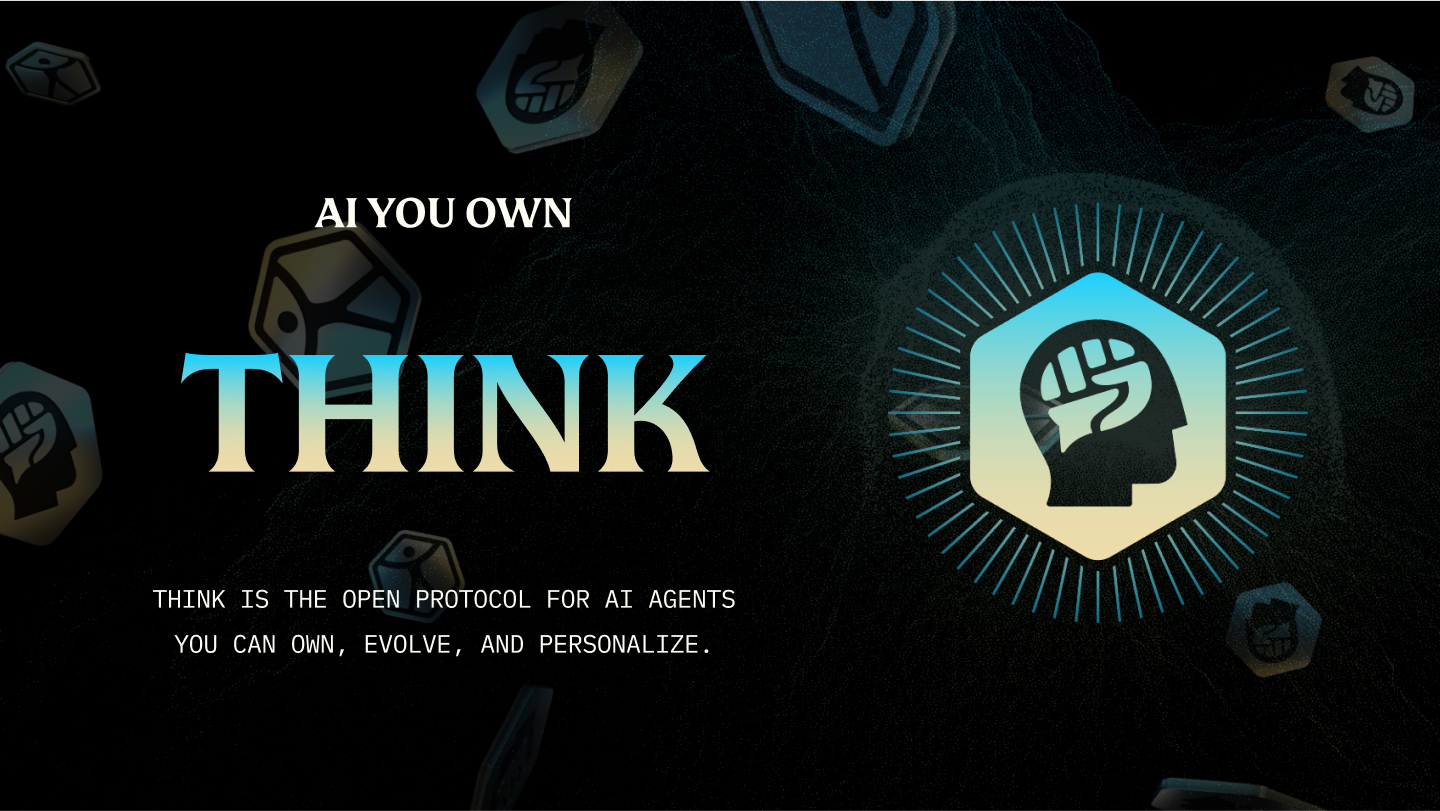
$THINK — AI You Own.
ThinkOS provides a system of personal AI teammates designed to learn and grow with your work, handling complex tasks across various professional domains. It connects to existing tools like Gmail, Calendar, Drive, Slack, and Linear, allowing agents to triage inboxes, draft follow-ups, track expenses, and keep running itineraries. The platform is built around the concept of agent ownership, giving users control over their data and intellectual process. Learned information is saved to "Work Memory" as plain files on your computer, ensuring you retain ownership and avoid vendor lock-in. This makes it ideal for professionals who rely on multiple digital tools and require a highly customizable assistant that adapts to their unique workflows, ensuring that your intelligence stays yours.
View $THINK — AI You Own. →
Pullsy
Pullsy is an AI email assistant designed to manage and organize your entire inbox. It connects to services like Gmail and Microsoft 365 to automatically label, sort, and draft context-aware replies. Beyond basic drafting, the tool analyzes your existing emails to identify necessary tasks, confirm questions, or flag required action items, keeping your communication streamlined. It is for professionals who need to maintain focus by filtering out noise and ensuring they never miss important messages. By consolidating your inbox, calendar, and task lists into one smart dashboard, Pullsy helps keep your day under control, providing an organized overview of your commitments. What sets Pullsy apart is its highly adaptive AI that learns your personal writing style, mimicking your natural tone and word choice. Coupled with secure, one-click sending and comprehensive data security (including GDPR compliance), it moves beyond generic assistance to become a truly integrated writing partner.
View Pullsy →Feature Comparison
$THINK — AI You Own.
- •Integrates with Gmail, Calendar, Slack, and linear
- •Work Memory stores data as plain files
- •Customizable Spheres for specific tasks
- •Runs on Mac, Windows, and Linux
- •Supports dedicated agent avatars
Pullsy
- •Context-aware draft replies
- •Adaptive learning of writing style
- •Smart inbox organization
- •Task and meeting summary view
- •One-click sending
- •Integration with Gmail/Microsoft 365
At a glance
| $THINK — AI You Own. | Pullsy | |
|---|---|---|
| Category | Productivity | Productivity |
| Pricing | — | Free Trial |
| Community Rating | No reviews | No reviews |
| Upvotes on Stremit | 60 | 90 |
| Website | thinkagents.ai ↗ | pullsy.com ↗ |
$THINK — AI You Own. vs Pullsy: Which is Better?
Choosing between $THINK — AI You Own. and Pullsy depends on your specific needs. Both tools belong to the Productivity category, making them direct competitors. Compare their pricing, features, and user reviews above to make the best choice for your workflow.
Visit the individual tool pages for more detailed information, community reviews, and feature breakdowns.
Frequently asked questions
What is the difference between $THINK — AI You Own. and Pullsy?
$THINK — AI You Own.: ThinkOS provides a system of personal AI teammates designed to learn and grow with your work, handling complex tasks across various professional domains. It connects to existing tools like Gmail, Calendar, Drive, Slack,… Pullsy: Pullsy is an AI email assistant designed to manage and organize your entire inbox. It connects to services like Gmail and Microsoft 365 to automatically label, sort, and draft context-aware replies. Beyond basic…
Is Pullsy free?
Pullsy is listed as Free Trial on Stremit. Check the tool's site for current plans.
Are $THINK — AI You Own. and Pullsy competitors?
Yes — both are Productivity tools on Stremit, so people often compare them before choosing.