Trupeer vs Free Size Chart Maker
A detailed comparison to help you choose the right AI tool for your workflow.

Trupeer
Trupeer is an enterprise transformation platform that captures and standardizes operational know-how across organizations. It accelerates complex software rollouts, automates documentation, and builds comprehensive knowledge for both employees and AI agents. It is built for large enterprises requiring process harmonization, workforce training, and rigorous documentation. Users can create AI-led training videos, process maps, SOPs, manuals, and GxP-compliant documents to manage transitions and streamline operations. The platform differentiates itself by preparing workflows specifically for AI agents, generating detailed agent instructions and RPA specifications. It also provides global accessibility, with walkthrough videos available in over 120 languages.
View Trupeer →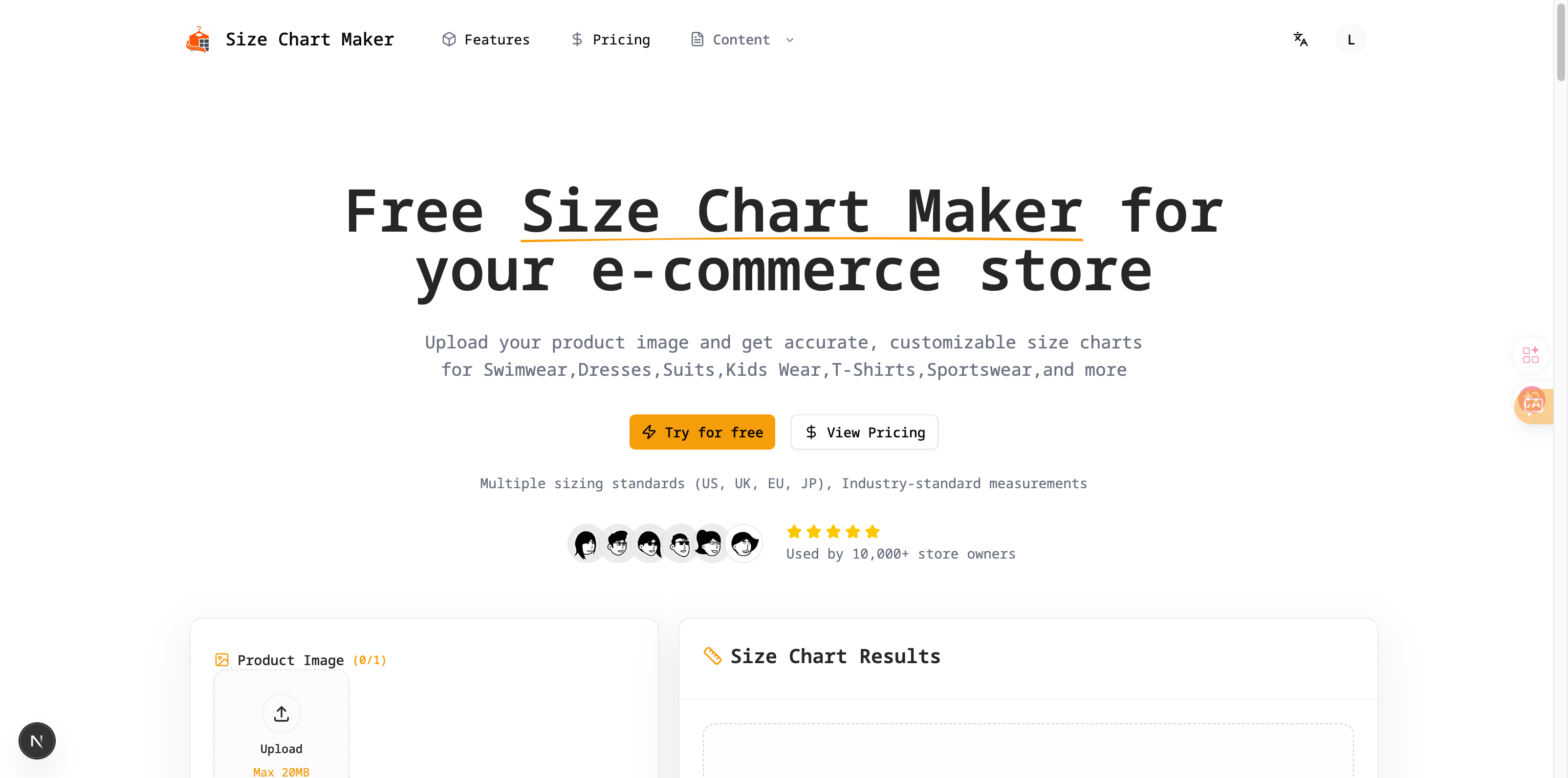
Free Size Chart Maker
Free Size Chart Maker turns a garment photo into a size chart for apparel product pages. Users upload a product image of up to 20 MB, choose a sizing standard (US, UK, EU, JP, and others), a size scale, gender category, measurement unit (cm or in), and complexity level (basic, standard, or advanced). The AI suggests measurement rows such as chest or bust, length, shoulder, and waist, which can then be reviewed and edited. The tool is aimed at online clothing sellers, including Shopify, Etsy, Amazon, and WooCommerce store owners, who want to reduce size-related questions and returns. Charts can be exported as Excel, PDF, or PNG for editing, approvals, or quick posting. The tool states that uploaded photos are auto-deleted after processing. Presets let sellers set a standard and complexity once and reuse the same chart structure across new styles and SKUs. Signing in is required to generate and download charts.
View Free Size Chart Maker →Feature Comparison
Trupeer
- •Captures operational know-how and processes
- •Generates AI-led training videos and process maps
- •Supports workflow standardization and automation
- •Creates SOPs, manuals, and GxP documents
- •Provides walkthrough videos in 120+ languages
Free Size Chart Maker
- •Generates size charts from a product photo up to 20 MB
- •Supports US, UK, EU, JP and other sizing standards
- •Switch between cm and inches
- •Basic, standard, and advanced measurement complexity
- •Exports to Excel, PDF, or PNG
- •Photos auto-deleted after processing
At a glance
| Trupeer | Free Size Chart Maker | |
|---|---|---|
| Category | Business | Business |
| Pricing | Free Trial | Free Trial |
| Community Rating | No reviews | No reviews |
| Upvotes on Stremit | 250 | 35 |
| Website | trupeer.ai?fpr=pif ↗ | sizechart-maker.com ↗ |
Trupeer vs Free Size Chart Maker: Which is Better?
Choosing between Trupeer and Free Size Chart Maker depends on your specific needs. Both tools belong to the Business category, making them direct competitors. Compare their pricing, features, and user reviews above to make the best choice for your workflow.
Visit the individual tool pages for more detailed information, community reviews, and feature breakdowns.
Frequently asked questions
What is the difference between Trupeer and Free Size Chart Maker?
Trupeer: Trupeer is an enterprise transformation platform that captures and standardizes operational know-how across organizations. It accelerates complex software rollouts, automates documentation, and builds comprehensive… Free Size Chart Maker: Free Size Chart Maker turns a garment photo into a size chart for apparel product pages. Users upload a product image of up to 20 MB, choose a sizing standard (US, UK, EU, JP, and others), a size scale, gender category,…
Is Trupeer free?
Trupeer is listed as Free Trial on Stremit. Check the tool's site for current plans.
Is Free Size Chart Maker free?
Free Size Chart Maker is listed as Free Trial on Stremit. Check the tool's site for current plans.
Are Trupeer and Free Size Chart Maker competitors?
Yes — both are Business tools on Stremit, so people often compare them before choosing.