Vectorizer vs Illustroke
A detailed comparison to help you choose the right AI tool for your workflow.
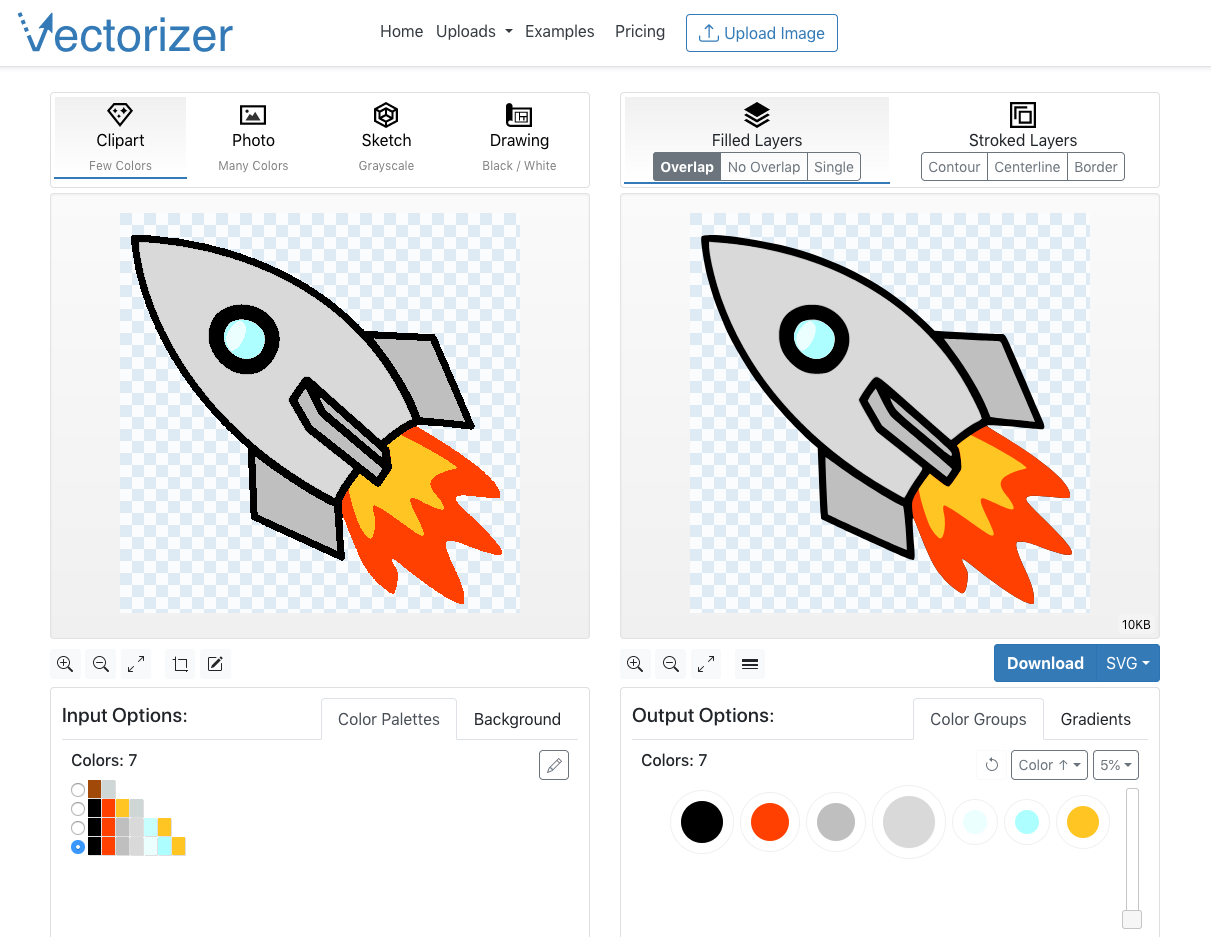
Vectorizer
Convert raster images into scalable vector graphics (SVG, EPS, DXF) without losing quality. Upload images or drop them, and the tool will convert them into vector art. Use the online vectorizer to convert images like PNGs, BMPs, and JPEGs into vector graphics. The tool works by converting pixel color information into simple geometric objects. Vector graphics are not based on pixels but on primitives such as points, lines, curves. They are easily scalable and rotatable without losing quality. Sign up for an account to use the online vectorizer. The process involves entering an email address, receiving a sign-in code by email, and then signing in with the code. The tool offers a quick start tutorial and advanced UI tutorials for users. Features: * Convert raster images to vector graphics * Easily scalable and rotatable * No loss of quality * Upload images or drop them * Works by converting pixel color information into simple geometric objects
View Vectorizer →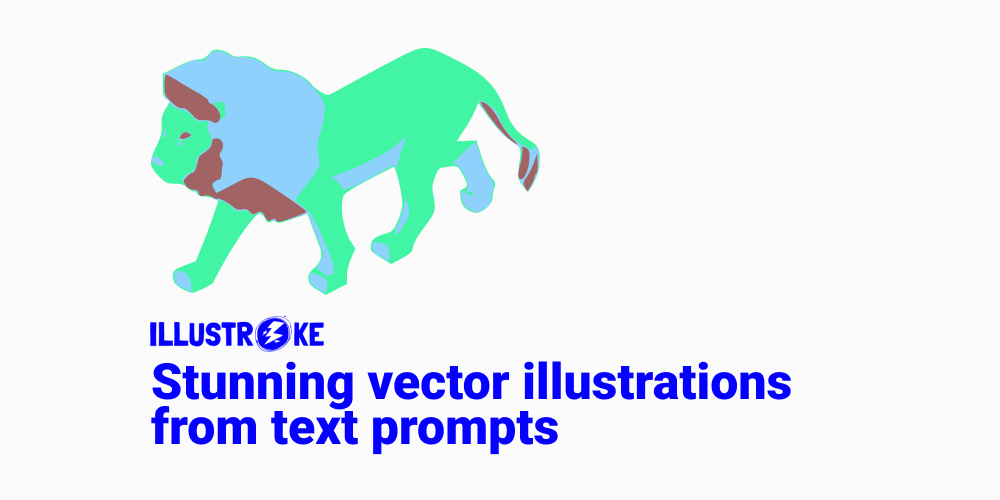
Illustroke
Illustroke is a generative AI design tool that allows users to create beautiful vector illustrations from text prompts. The tool generates images in vector format (SVG), which brings advantages during project development, such as scalability, color and shape changes, high-quality printing, and animation. The platform is simple to use and offers a pay-per-use service, with various bundles available for personal and business use. Users can generate two vector illustrations per token, with no subscription required.
View Illustroke →Feature Comparison
Vectorizer
- •Convert raster images to vector graphics
- •Easily scalable and rotatable
- •No loss of quality
- •Upload images or drop them
- •Works by converting pixel color information into simple geometric objects
Illustroke
- •Generates images in vector format (SVG)
- •Advantages during project development
- •Simple to use
- •Pay-per-use service
- •Variety of bundles available
At a glance
| Vectorizer | Illustroke | |
|---|---|---|
| Category | Image Generation | Image Generation |
| Pricing | Paid | Paid |
| Community Rating | No reviews | No reviews |
| Upvotes on Stremit | 45 | 76 |
| Website | vectorizer.io ↗ | illustroke.com ↗ |
Vectorizer vs Illustroke: Which is Better?
Choosing between Vectorizer and Illustroke depends on your specific needs. Both tools belong to the Image Generation category, making them direct competitors. Compare their pricing, features, and user reviews above to make the best choice for your workflow.
Visit the individual tool pages for more detailed information, community reviews, and feature breakdowns.
Frequently asked questions
What is the difference between Vectorizer and Illustroke?
Vectorizer: Convert raster images into scalable vector graphics (SVG, EPS, DXF) without losing quality. Upload images or drop them, and the tool will convert them into vector art. Use the online vectorizer to convert images like… Illustroke: Illustroke is a generative AI design tool that allows users to create beautiful vector illustrations from text prompts. The tool generates images in vector format (SVG), which brings advantages during project…
Is Vectorizer free?
Vectorizer is listed as Paid on Stremit. Check the tool's site for current plans.
Is Illustroke free?
Illustroke is listed as Paid on Stremit. Check the tool's site for current plans.
Are Vectorizer and Illustroke competitors?
Yes — both are Image Generation tools on Stremit, so people often compare them before choosing.