WaveSpeedAI vs AgentScreenshots — Visual checks for AI coding agents
A detailed comparison to help you choose the right AI tool for your workflow.
WaveSpeedAI
WaveSpeedAI is a platform for generating images, video, and audio with AI. It gives access to more than 1,000 image, video, audio, and LLM models through a single API key and one unified platform. Developers can integrate any model with a single API call using Node, Python, or cURL, and the site lists documentation, a quickstart, and a CLI / MCP option. Creators who do not want to write code can use WaveSpeed Desktop, and Cinema Studio lets users direct a cinematic shot from one prompt. The site claims optimized GPU clusters deliver sub-second image generation and up to 4x faster video rendering than alternatives. It also states 99.99% uptime, encryption, and private deployment options.
View WaveSpeedAI →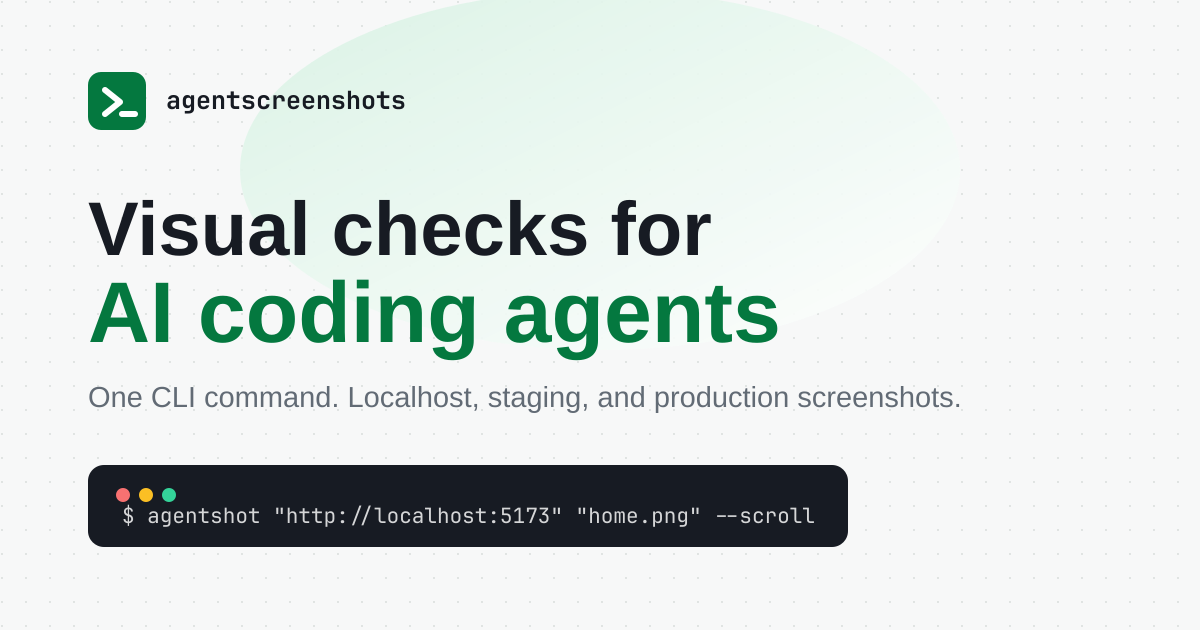
AgentScreenshots — Visual checks for AI coding agents
AgentScreenshots is a CLI tool that captures screenshots of the UI built by AI coding agents like Claude Code, Codex, and Cursor. It gives the agent precise section screenshots without opening the browser, allowing for fast and accurate feedback loops. The tool is local-first, works with localhosted websites, and uses a one CLI command. It's designed to improve the workflow of developers working with AI coding agents. AgentScreenshots is different from Browser MCPs, which require opening a browser and capturing screenshots manually. The tool provides a clean capture of exactly the component the agent is editing, in less than two seconds, without context bloat or browser windows.
View AgentScreenshots — Visual checks for AI coding agents →Feature Comparison
WaveSpeedAI
- •Access to 1,000+ image, video, audio, and LLM models
- •Single API call integration with Node, Python, or cURL
- •CLI and MCP support for developers
- •WaveSpeed Desktop app for no-code creation
- •Cinema Studio for directing shots from one prompt
- •Claimed 99.99% uptime with encryption and private deployment options
AgentScreenshots — Visual checks for AI coding agents
No features listed yet.
At a glance
| WaveSpeedAI | AgentScreenshots — Visual checks for AI coding agents | |
|---|---|---|
| Category | Image Generation | Image Generation |
| Pricing | Freemium | Paid |
| Community Rating | No reviews | No reviews |
| Upvotes on Stremit | 57 | 0 |
| Website | wavespeed.ai ↗ | agentscreenshots.com ↗ |
WaveSpeedAI vs AgentScreenshots — Visual checks for AI coding agents: Which is Better?
Choosing between WaveSpeedAI and AgentScreenshots — Visual checks for AI coding agents depends on your specific needs. Both tools belong to the Image Generation category, making them direct competitors. Compare their pricing, features, and user reviews above to make the best choice for your workflow.
Visit the individual tool pages for more detailed information, community reviews, and feature breakdowns.
Frequently asked questions
What is the difference between WaveSpeedAI and AgentScreenshots — Visual checks for AI coding agents?
WaveSpeedAI: WaveSpeedAI is a platform for generating images, video, and audio with AI. It gives access to more than 1,000 image, video, audio, and LLM models through a single API key and one unified platform. Developers can… AgentScreenshots — Visual checks for AI coding agents: AgentScreenshots is a CLI tool that captures screenshots of the UI built by AI coding agents like Claude Code, Codex, and Cursor. It gives the agent precise section screenshots without opening the browser, allowing for…
Is WaveSpeedAI free?
WaveSpeedAI is listed as Freemium on Stremit. Check the tool's site for current plans.
Is AgentScreenshots — Visual checks for AI coding agents free?
AgentScreenshots — Visual checks for AI coding agents is listed as Paid on Stremit. Check the tool's site for current plans.
Are WaveSpeedAI and AgentScreenshots — Visual checks for AI coding agents competitors?
Yes — both are Image Generation tools on Stremit, so people often compare them before choosing.