ZenCreator — Professional AI Photo & Video vs AI Clothes Change
A detailed comparison to help you choose the right AI tool for your workflow.
ZenCreator — Professional AI Photo & Video
ZenCreator is an AI image and video generator that also includes a photo editor, face swap, and lip sync tools. It creates images from prompts, turns images and text into videos, animates a single photo with an audio file, and produces virtual try-on visuals. Generated content can be published directly to social media. The tool is aimed at creators, influencers, and marketers who build AI characters and avatars for posts and ads. The site also offers a public REST API for developers and an MCP connection for AI agents such as Claude, ChatGPT, and Cursor. The site says it applies no content filters and that credits never expire. It also lists NSFW and uncensored image and video generators among its tools. According to the API description, credits are charged when a generation is accepted and refunded automatically if it fails.
View ZenCreator — Professional AI Photo & Video →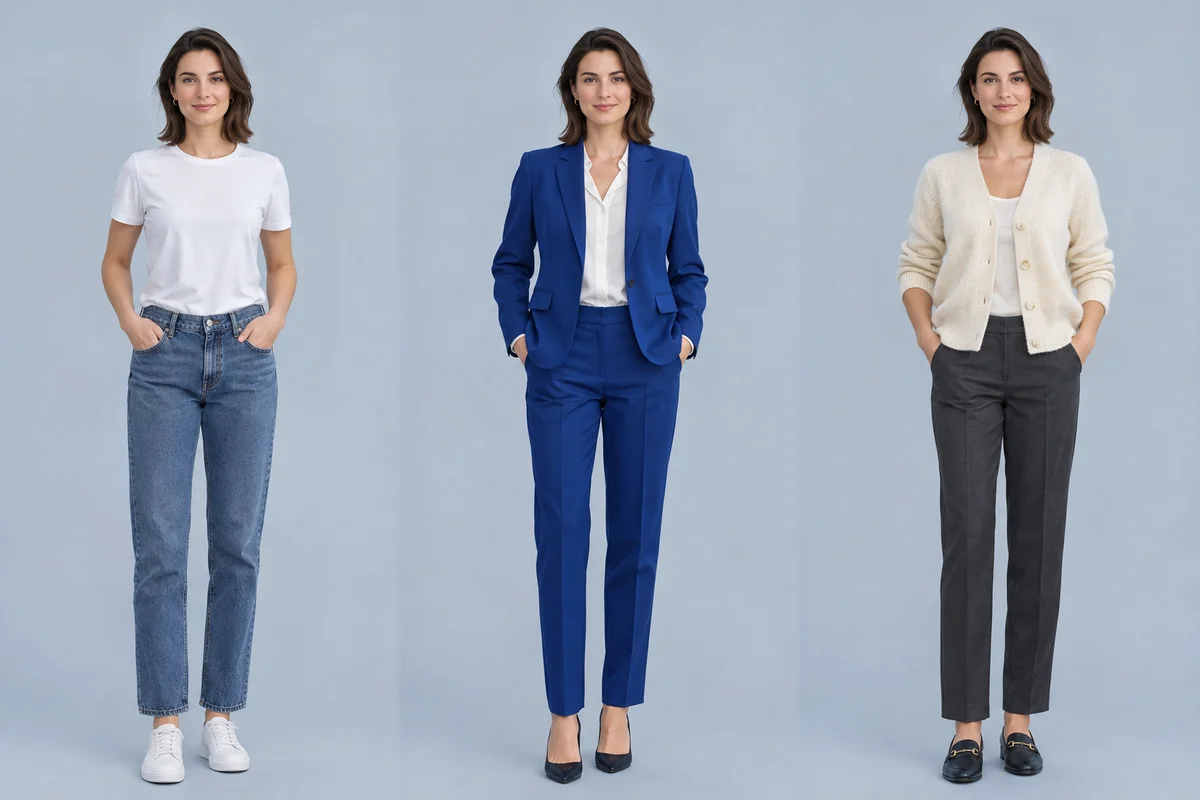
AI Clothes Change
AI Clothes Change is an online photo outfit editor. Upload a portrait, then describe the clothes, add a clothing reference, or choose a ready-made template to request a new outfit. The clothes studio shows a credit estimate before generation, and you can compare the result with your original before downloading it. The tool is aimed at people who want to try a new shirt, dress, or jacket in a photo they already have. The website names everyday outfits, workwear ideas, and content concepts as typical uses. Outputs are available at 1K or 2K resolution in several image shapes. The tool offers three ways to style a photo: a text description, a clothing reference image, or a template you can adjust. Results are shown beside the original so you can adjust the description and generate another version. The site notes that AI can alter faces, hands, or backgrounds, so each result should be checked before use.
View AI Clothes Change →Feature Comparison
ZenCreator — Professional AI Photo & Video
- •AI image generation from text prompts
- •AI video generation from images and text
- •Face swap and AI photo editing
- •Lip sync talking videos from a single photo and audio
- •AI influencer and avatar generator
- •Public REST API and MCP integration for AI agents
AI Clothes Change
No features listed yet.
At a glance
| ZenCreator — Professional AI Photo & Video | AI Clothes Change | |
|---|---|---|
| Category | Image Generation | Image Generation |
| Pricing | — | Subscription |
| Community Rating | No reviews | No reviews |
| Upvotes on Stremit | 65 | 0 |
| Website | zencreator.pro ↗ | aiclotheschange.org ↗ |
ZenCreator — Professional AI Photo & Video vs AI Clothes Change: Which is Better?
Choosing between ZenCreator — Professional AI Photo & Video and AI Clothes Change depends on your specific needs. Both tools belong to the Image Generation category, making them direct competitors. Compare their pricing, features, and user reviews above to make the best choice for your workflow.
Visit the individual tool pages for more detailed information, community reviews, and feature breakdowns.
Frequently asked questions
What is the difference between ZenCreator — Professional AI Photo & Video and AI Clothes Change?
ZenCreator — Professional AI Photo & Video: ZenCreator is an AI image and video generator that also includes a photo editor, face swap, and lip sync tools. It creates images from prompts, turns images and text into videos, animates a single photo with an audio… AI Clothes Change: AI Clothes Change is an online photo outfit editor. Upload a portrait, then describe the clothes, add a clothing reference, or choose a ready-made template to request a new outfit. The clothes studio shows a credit…
Is AI Clothes Change free?
AI Clothes Change is listed as Subscription on Stremit. Check the tool's site for current plans.
Are ZenCreator — Professional AI Photo & Video and AI Clothes Change competitors?
Yes — both are Image Generation tools on Stremit, so people often compare them before choosing.