Buffer: Social media management for everyone vs. OwlPeek
Ein ausführlicher Vergleich, der dir hilft, das richtige KI-Tool für deinen Workflow zu wählen.
Buffer: Social media management for everyone
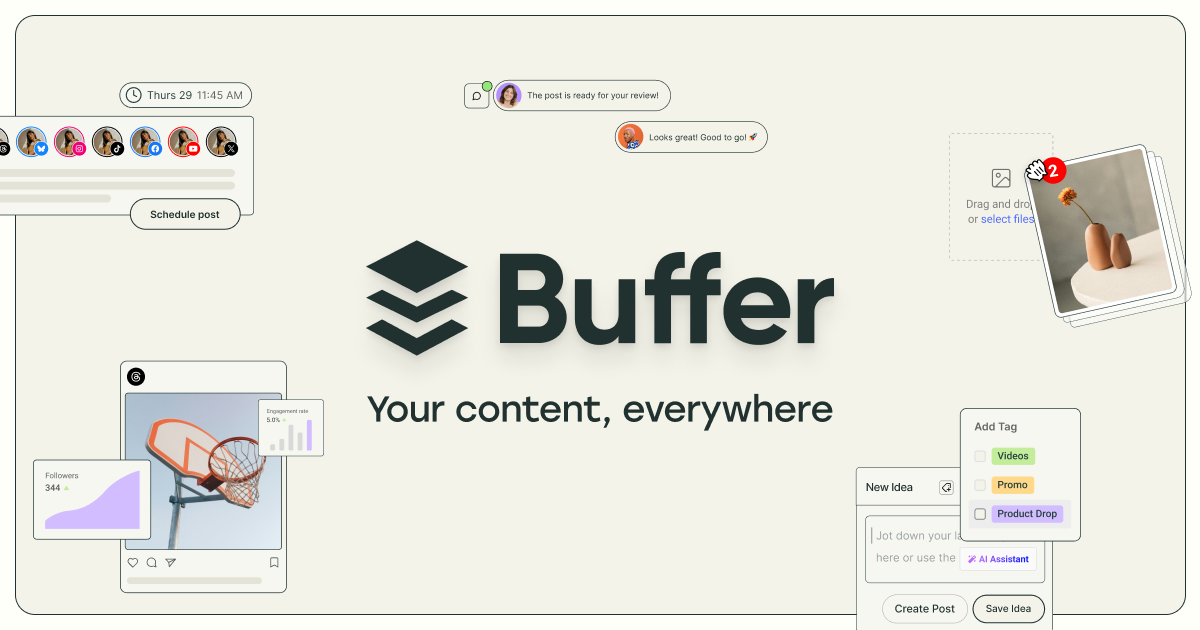
Buffer is a comprehensive social media management tool designed for creators, brands, and agencies to schedule, create, and share content consistently across multiple platforms. It integrates with nearly every major network, including Instagram, TikTok, LinkedIn, X, and more. It helps users manage content creation, organization, and repurposing using built-in AI Assistants. The platform also provides centralized tools for team collaboration, responding to comments at scale, and gaining deep performance insights. The service is highly versatile, offering integration with external AI models (like Claude or ChatGPT) via its Agents plan, allowing users to pull performance data, plan content, and queue posts directly within the workflow.
Buffer: Social media management for everyone ansehen →
OwlPeek
OwlPeek is a browser-based tool designed to view active public photo and video stories directly from TikTok profiles. Users simply enter a public TikTok username or profile URL to view the available content online. It is built for users who need simple, quick access to public social media content without the hassle of account management. The service does not require users to sign in, nor does it need a complicated setup. The platform’s key feature is its ability to view stories solely from publicly exposed content. It never asks for TikTok credentials or your password, providing a way to browse without connecting your personal account.
OwlPeek ansehen →Funktionsvergleich
Buffer: Social media management for everyone
- •Schedule content across 10+ social platforms
- •Team management, editing, and approval workflows
- •AI Assistant for content brainstorming and rewriting
- •Centralized comment response dashboard
- •In-depth analytics and performance reporting
- •API and Agent integration with external AI models
OwlPeek
- •Views active public stories
- •No TikTok sign-in required
- •Supports username or profile URL input
- •Browser-based viewing
- •No connection to user account
Auf einen Blick
| Buffer: Social media management for everyone | OwlPeek | |
|---|---|---|
| Kategorie | Social Media | Social Media |
| Preise | Freemium | Free |
| Community-Bewertung | Keine Bewertungen | Keine Bewertungen |
| Upvotes auf Stremit | 70 | 0 |
| Website | buffer.com ↗ | owlpeek.net ↗ |
Buffer: Social media management for everyone vs. OwlPeek: Was ist besser?
Ob Buffer: Social media management for everyone oder OwlPeek besser passt, hängt von deinen konkreten Anforderungen ab. Beide Tools gehören zur Kategorie Social Media und sind damit direkte Konkurrenten. Vergleiche oben Preise, Funktionen und Nutzerbewertungen, um die beste Wahl für deinen Workflow zu treffen.
Auf den einzelnen Tool-Seiten findest du ausführlichere Infos, Community-Bewertungen und Funktionsübersichten.
Häufige Fragen
What is the difference between Buffer: Social media management for everyone and OwlPeek?
Buffer: Social media management for everyone: Buffer is a comprehensive social media management tool designed for creators, brands, and agencies to schedule, create, and share content consistently across multiple platforms. It integrates with nearly every major… OwlPeek: OwlPeek is a browser-based tool designed to view active public photo and video stories directly from TikTok profiles. Users simply enter a public TikTok username or profile URL to view the available content online. It…
Is Buffer: Social media management for everyone free?
Buffer: Social media management for everyone is listed as Freemium on Stremit. Check the tool's site for current plans.
Is OwlPeek free?
OwlPeek is listed as Free on Stremit. Check the tool's site for current plans.
Are Buffer: Social media management for everyone and OwlPeek competitors?
Yes — both are Social Media tools on Stremit, so people often compare them before choosing.