Code Input vs. VibeDash.app
Ein ausführlicher Vergleich, der dir hilft, das richtige KI-Tool für deinen Workflow zu wählen.
Code Input
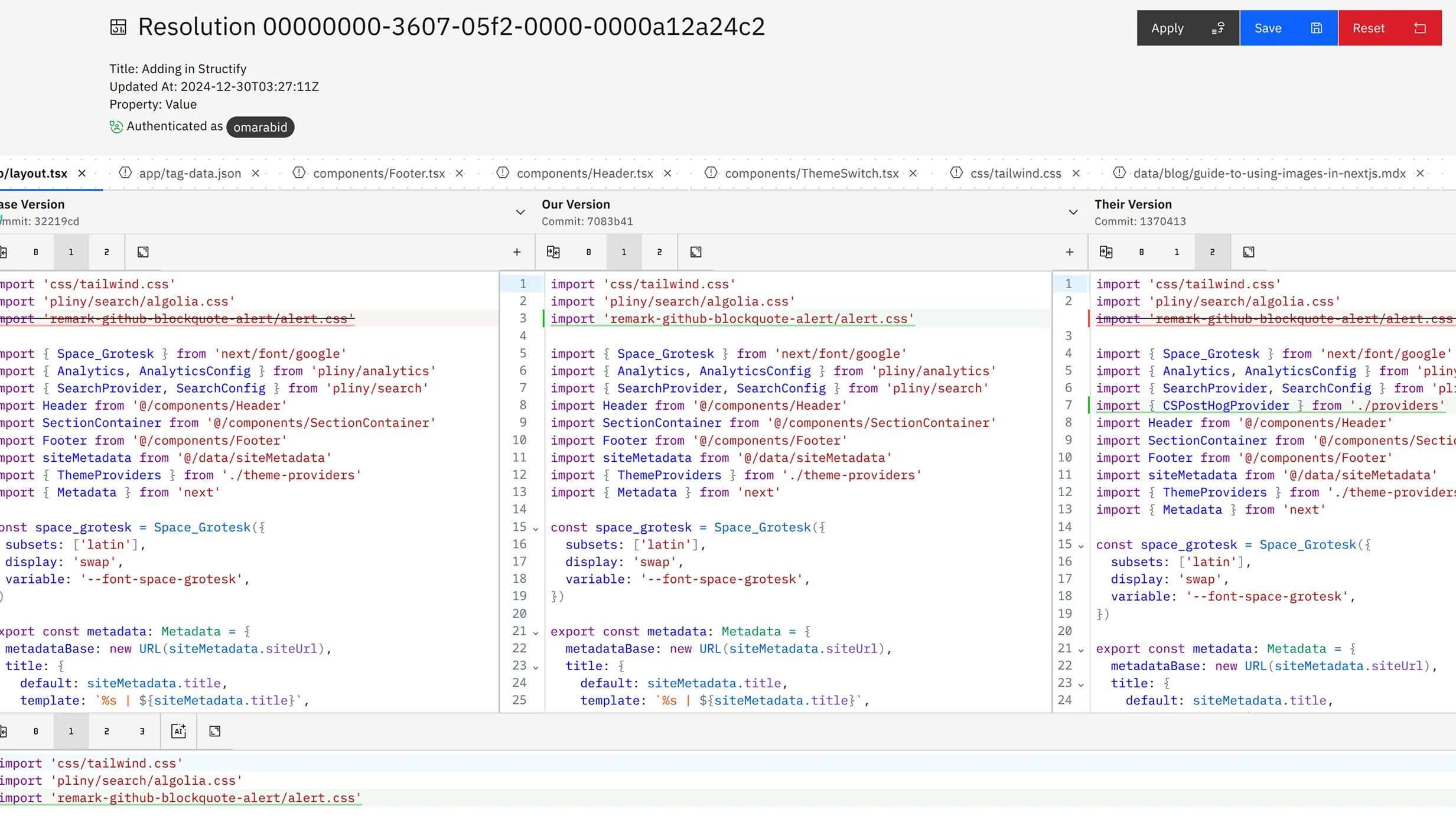
Code Input is a web-based developer productivity suite. It lets teams resolve merge conflicts in the browser using side-by-side comparison and AI-powered suggestions, and merge faster with an intelligent queue. It also manages CODEOWNERS files, automates repository tasks, and shows live engineering metrics. The platform is built for development teams that work in GitHub repositories. Users log in with GitHub and need no installation. Teams can use multiple CODEOWNERS files and define ownership within the files themselves. Code Input runs entirely in the browser and states that it never stores source code, with code processing happening in GitHub Actions runners. Its CODEOWNERS support goes beyond the standard format, adding advanced tag support and ownership querying.
Code Input ansehen →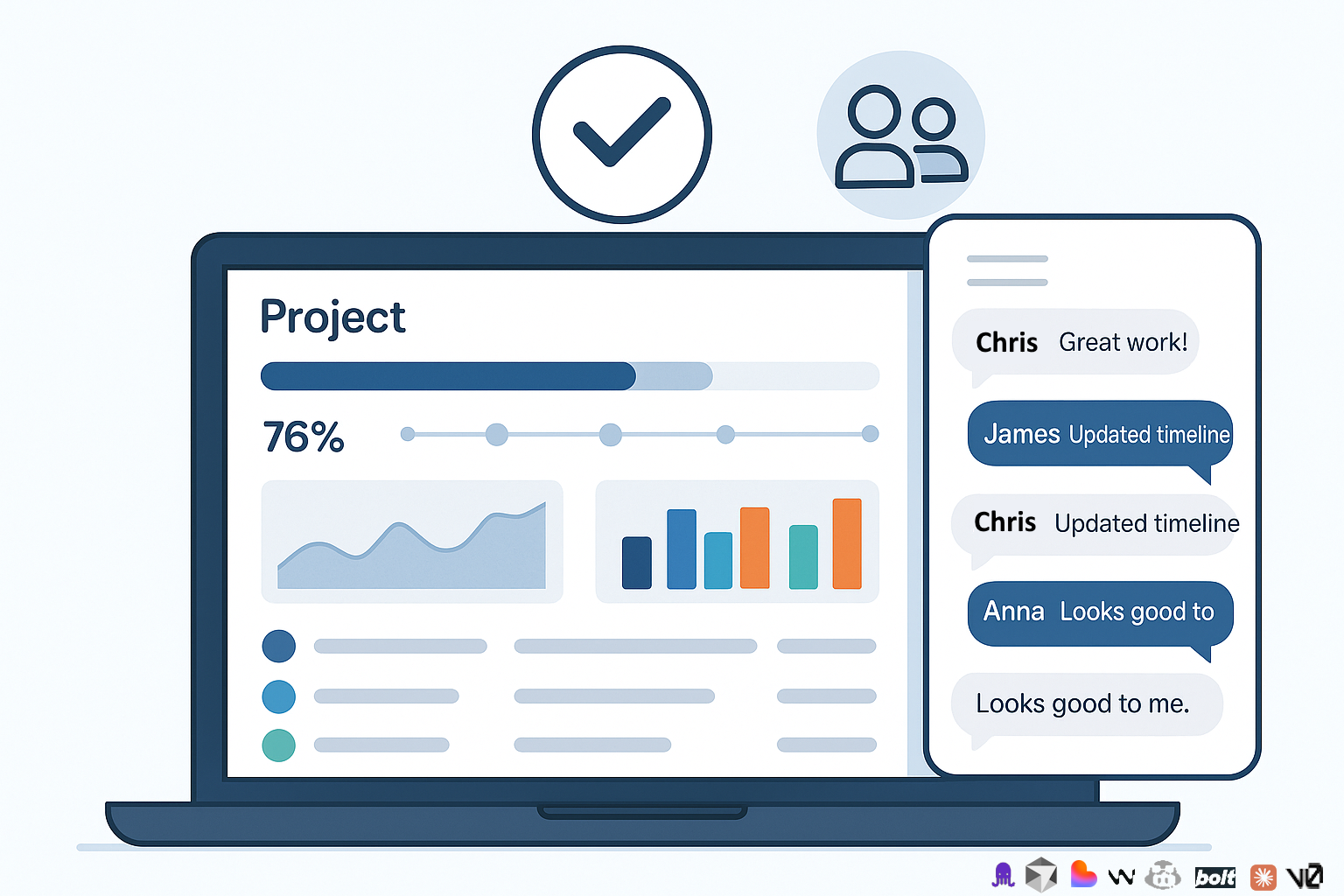
VibeDash.app
VibeDash is a home for AI-built software. It lets teams plan, ship, charge for, and verify software that AI agents build. Builders connect Claude Code, Cursor, OpenClaw, or Hermes to the platform using Skill.md and MCP. The tool is aimed at vibe coders and builders who work with AI agents and need to show clients what was built. It runs QA and security loops on that work, so builders can check results before handing them over. According to the site, the main difference is that VibeDash gives clients proof of agent work instead of promises. Its stated purpose is to prove that agents did the work they were given, with verification covering the full path from planning to billing.
VibeDash.app ansehen →Funktionsvergleich
Code Input
- •Merge conflict resolution in the browser with side-by-side comparison
- •AI-powered conflict suggestions
- •Intelligent merge queue
- •Advanced CODEOWNERS management with tag support and ownership querying
- •GitHub integration with no installation required
- •Live engineering metrics and repository task automation
VibeDash.app
- •Plan, ship, charge, and verify AI-built software
- •Connects Claude Code, Cursor, OpenClaw, and Hermes
- •Skill.md and MCP integration
- •QA and security loops
- •Shareable proof of agent work for clients
Auf einen Blick
| Code Input | VibeDash.app | |
|---|---|---|
| Kategorie | Code & Development | Code & Development |
| Preise | Free Trial | Free |
| Community-Bewertung | Keine Bewertungen | Keine Bewertungen |
| Upvotes auf Stremit | 87 | 58 |
| Website | codeinput.com ↗ | vibedash.app ↗ |
Code Input vs. VibeDash.app: Was ist besser?
Ob Code Input oder VibeDash.app besser passt, hängt von deinen konkreten Anforderungen ab. Beide Tools gehören zur Kategorie Code & Development und sind damit direkte Konkurrenten. Vergleiche oben Preise, Funktionen und Nutzerbewertungen, um die beste Wahl für deinen Workflow zu treffen.
Auf den einzelnen Tool-Seiten findest du ausführlichere Infos, Community-Bewertungen und Funktionsübersichten.
Häufige Fragen
What is the difference between Code Input and VibeDash.app?
Code Input: Code Input is a web-based developer productivity suite. It lets teams resolve merge conflicts in the browser using side-by-side comparison and AI-powered suggestions, and merge faster with an intelligent queue. It also… VibeDash.app: VibeDash is a home for AI-built software. It lets teams plan, ship, charge for, and verify software that AI agents build. Builders connect Claude Code, Cursor, OpenClaw, or Hermes to the platform using Skill.md and MCP.…
Is Code Input free?
Code Input is listed as Free Trial on Stremit. Check the tool's site for current plans.
Is VibeDash.app free?
VibeDash.app is listed as Free on Stremit. Check the tool's site for current plans.
Are Code Input and VibeDash.app competitors?
Yes — both are Code & Development tools on Stremit, so people often compare them before choosing.