GTA 6 AI Video Generator vs. Vidalgo
Ein ausführlicher Vergleich, der dir hilft, das richtige KI-Tool für deinen Workflow zu wählen.
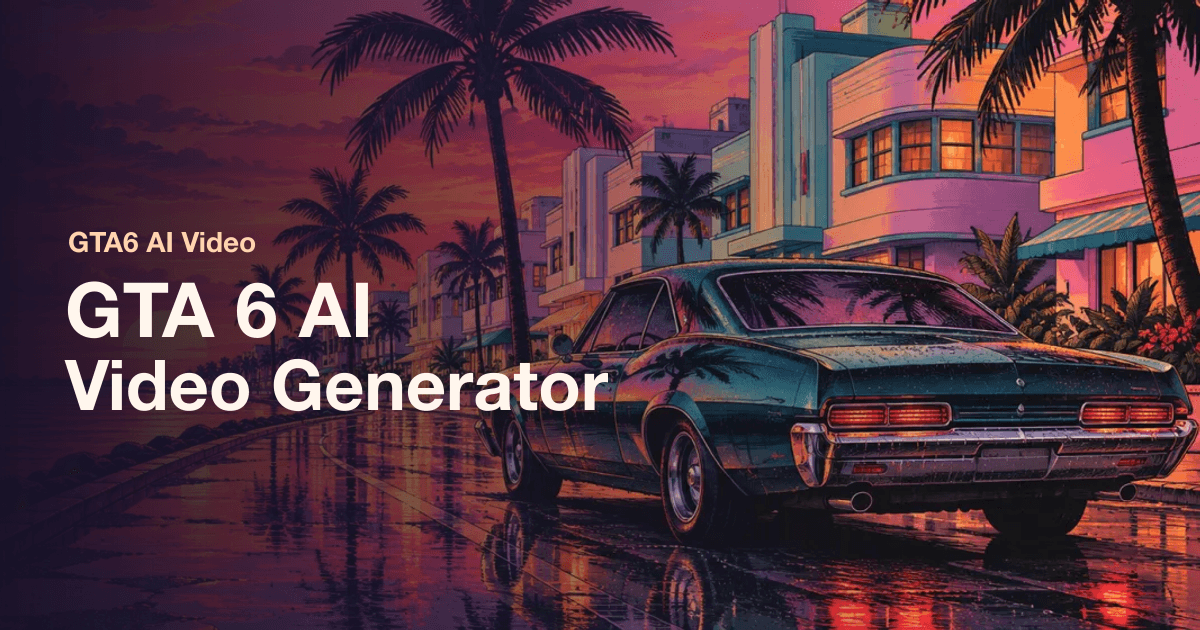
GTA 6 AI Video Generator
GTA 6 AI Video Generator creates fan-inspired videos set in GTA-style scenes. Users pick a GTA 5 or GTA 6 template from the trend library or write their own prompt, then add a photo or a reference video. The site shows a credit estimate before each generation. It is for GTA fans who want to place a photo or their own idea into a GTA-style scene without filming anything. Templates such as a highway farewell, a car wash or a police chase give a starting point, and custom ideas can begin from a written prompt, an image or a reference clip. A template loads a prepared reference and the photo roles it needs, so users know which inputs to supply. The site advises checking faces, hands and scene changes throughout the clip, and recommends a clear full-body photo with space around the limbs. Finished videos are downloaded from the account that created them.
GTA 6 AI Video Generator ansehen →Vidalgo
Vidalgo is an AI-powered platform designed for the effortless creation of stunning vertical videos optimized for platforms like TikTok, YouTube Shorts, and Instagram Reels. Users can transform simple ideas into complete videos in a single click; the AI automatically composes the script, selects images, and assembles the final product. It is designed for creators who are not professional video editors, offering an intuitive interface that makes producing professional-grade content accessible to all. The platform supports global reach, offering a wide variety of languages, and provides tools for viral optimization with AI-generated titles and hashtags. Key differentiators include unlimited testing capabilities to help find the winning content formula, and a comprehensive media selection, including access to over 30 diverse music tracks and high-quality visuals for every video.
Vidalgo ansehen →Funktionsvergleich
GTA 6 AI Video Generator
Noch keine Funktionen gelistet.
Vidalgo
- •One-click vertical video creation
- •AI composes script, selects images, and assembles video
- •Access to over 30 diverse music tracks
- •Supports global reach with multiple languages
- •Provides viral optimization titles and hashtags
- •Unlimited testing of video variations
Auf einen Blick
| GTA 6 AI Video Generator | Vidalgo | |
|---|---|---|
| Kategorie | Video Generation | Video Generation |
| Preise | Freemium | Freemium |
| Community-Bewertung | Keine Bewertungen | Keine Bewertungen |
| Upvotes auf Stremit | 0 | 234 |
| Website | gta6ai.video ↗ | vidalgo.tech ↗ |
GTA 6 AI Video Generator vs. Vidalgo: Was ist besser?
Ob GTA 6 AI Video Generator oder Vidalgo besser passt, hängt von deinen konkreten Anforderungen ab. Beide Tools gehören zur Kategorie Video Generation und sind damit direkte Konkurrenten. Vergleiche oben Preise, Funktionen und Nutzerbewertungen, um die beste Wahl für deinen Workflow zu treffen.
Auf den einzelnen Tool-Seiten findest du ausführlichere Infos, Community-Bewertungen und Funktionsübersichten.
Häufige Fragen
What is the difference between GTA 6 AI Video Generator and Vidalgo?
GTA 6 AI Video Generator: GTA 6 AI Video Generator creates fan-inspired videos set in GTA-style scenes. Users pick a GTA 5 or GTA 6 template from the trend library or write their own prompt, then add a photo or a reference video. The site shows… Vidalgo: Vidalgo is an AI-powered platform designed for the effortless creation of stunning vertical videos optimized for platforms like TikTok, YouTube Shorts, and Instagram Reels. Users can transform simple ideas into complete…
Is GTA 6 AI Video Generator free?
GTA 6 AI Video Generator is listed as Freemium on Stremit. Check the tool's site for current plans.
Is Vidalgo free?
Vidalgo is listed as Freemium on Stremit. Check the tool's site for current plans.
Are GTA 6 AI Video Generator and Vidalgo competitors?
Yes — both are Video Generation tools on Stremit, so people often compare them before choosing.