Hifun AI vs. Architecture AI for Design Visualization
Ein ausführlicher Vergleich, der dir hilft, das richtige KI-Tool für deinen Workflow zu wählen.

Hifun AI
Hifun AI is described as an all-in-one uncensored editor for images and videos. It offers robust visual tools such as object removal, enhancing quality, and upscaling resolution to help users edit projects without sacrificing quality. The platform also includes features for transforming static photos into videos and providing an interactive 'Spicy Chat' experience with a fantasy companion. It serves users looking for unrestricted, advanced creative tools for both visual media and interactive chat content.
Hifun AI ansehen →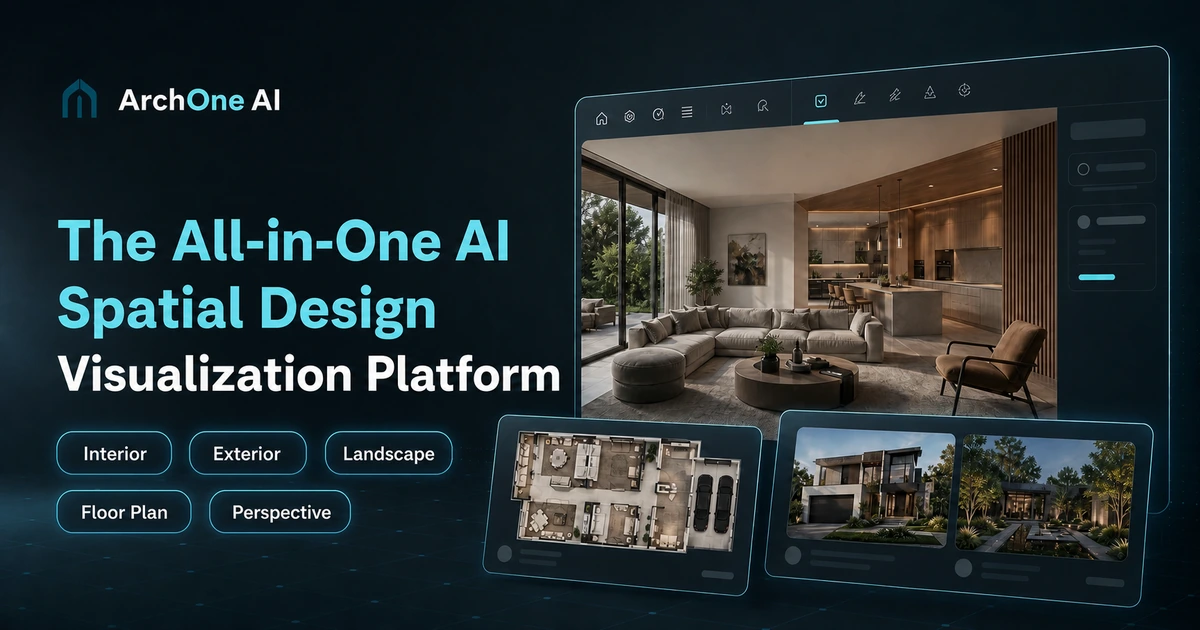
Architecture AI for Design Visualization
ArchOne AI is an all-in-one platform designed for comprehensive architectural design visualization. It allows users to explore, compare, and refine visual concepts for entire projects, spanning interiors, exteriors, landscapes, and floor plans. Users can initiate work using various inputs, including photos, sketches, renders, reference images, or detailed project descriptions. The platform features dedicated AI tools for focused tasks—such as studying exterior facades, planning curb appeal, or generating preliminary 2D/3D floor plans. All generated visual directions are brought together into the Studio, enabling architects and designers to compare and refine multiple concepts on one canvas before making a decision. It serves both professional design teams and individual homeowners, providing a structured yet creative path for visualizing complex spaces. Results support concept exploration and design communication, though they are not measured as technical deliverables like BIM files.
Architecture AI for Design Visualization ansehen →Funktionsvergleich
Hifun AI
- •Object removal
- •Quality enhancement
- •Upscale resolution
- •Photo to video conversion
- •Spicy chat companion
Architecture AI for Design Visualization
- •AI Interior/Exterior/Landscape Design Concepts
- •AI Floor Plan Generator (2D/3D concepts)
- •AI Perspective Changer for new viewpoints
- •Comparison and refinement on a single Studio canvas
- •Starts from photos, sketches, or written briefs
Auf einen Blick
| Hifun AI | Architecture AI for Design Visualization | |
|---|---|---|
| Kategorie | Design & UI | Design & UI |
| Preise | Free | Freemium |
| Community-Bewertung | Keine Bewertungen | Keine Bewertungen |
| Upvotes auf Stremit | 28 | 0 |
| Website | hifun.ai ↗ | archoneai.com ↗ |
Hifun AI vs. Architecture AI for Design Visualization: Was ist besser?
Ob Hifun AI oder Architecture AI for Design Visualization besser passt, hängt von deinen konkreten Anforderungen ab. Beide Tools gehören zur Kategorie Design & UI und sind damit direkte Konkurrenten. Vergleiche oben Preise, Funktionen und Nutzerbewertungen, um die beste Wahl für deinen Workflow zu treffen.
Auf den einzelnen Tool-Seiten findest du ausführlichere Infos, Community-Bewertungen und Funktionsübersichten.
Häufige Fragen
What is the difference between Hifun AI and Architecture AI for Design Visualization?
Hifun AI: Hifun AI is described as an all-in-one uncensored editor for images and videos. It offers robust visual tools such as object removal, enhancing quality, and upscaling resolution to help users edit projects without… Architecture AI for Design Visualization: ArchOne AI is an all-in-one platform designed for comprehensive architectural design visualization. It allows users to explore, compare, and refine visual concepts for entire projects, spanning interiors, exteriors,…
Is Hifun AI free?
Hifun AI is listed as Free on Stremit. Check the tool's site for current plans.
Is Architecture AI for Design Visualization free?
Architecture AI for Design Visualization is listed as Freemium on Stremit. Check the tool's site for current plans.
Are Hifun AI and Architecture AI for Design Visualization competitors?
Yes — both are Design & UI tools on Stremit, so people often compare them before choosing.