MakePixel vs. Animated Drawings
Ein ausführlicher Vergleich, der dir hilft, das richtige KI-Tool für deinen Workflow zu wählen.
MakePixel
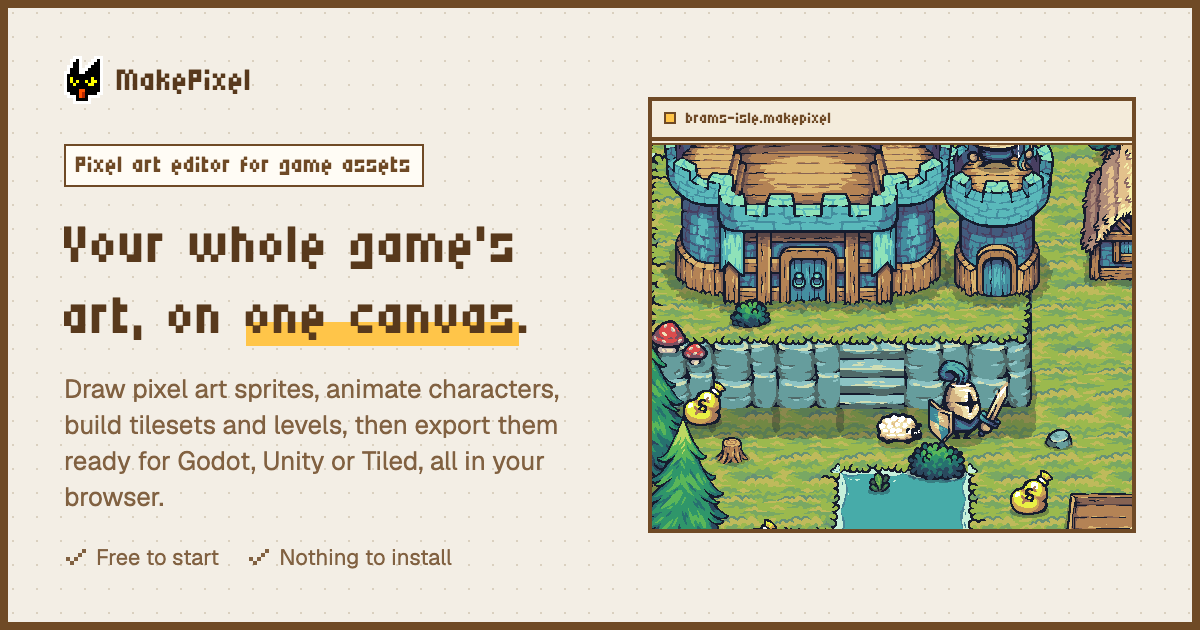
MakePixel is a pixel art editor for game assets that runs in the browser. You draw sprites, animate characters, and build tilesets and levels on one canvas, then export them ready for Godot, Unity, Tiled, or Aseprite. It can also generate pixel art from a text description at 1 credit per picture, and it includes an MCP server that lets coding agents read the canvas and pull sprites into a repository. It is aimed at people making game art who want a whole game's assets in one place. Sections, notes, and an outline keep sprites, animations, and tilesets organised, and a linked asset updates in every project when the original is edited. What sets it apart is autotiling: paint 13 tiles and MakePixel works out the full set of 47. Exports are written in the formats engines read directly, with the filter, pivot, and animation names already set. It is free to start, needs nothing installed, and works on desktop, tablet, and phone.
MakePixel ansehen →
Animated Drawings
Transform static sketches into fun animations. This tool is for artists and designers who want to bring their sketches to life. It makes animated drawings different from other animation tools by using AI to generate realistic animations. It's suitable for artists and designers who want to create engaging and dynamic visual content. What sets it apart is its focus on using AI to generate realistic animations, making it a unique tool in the animation space.
Animated Drawings ansehen →Funktionsvergleich
MakePixel
Noch keine Funktionen gelistet.
Animated Drawings
- •Transform static sketches into animations
- •Uses AI to generate realistic animations
Auf einen Blick
| MakePixel | Animated Drawings | |
|---|---|---|
| Kategorie | Design & UI | Design & UI |
| Preise | Freemium | Freemium |
| Community-Bewertung | Keine Bewertungen | Keine Bewertungen |
| Upvotes auf Stremit | 0 | 71 |
| Website | makepixel.ai ↗ | sketch.metademolab.com ↗ |
MakePixel vs. Animated Drawings: Was ist besser?
Ob MakePixel oder Animated Drawings besser passt, hängt von deinen konkreten Anforderungen ab. Beide Tools gehören zur Kategorie Design & UI und sind damit direkte Konkurrenten. Vergleiche oben Preise, Funktionen und Nutzerbewertungen, um die beste Wahl für deinen Workflow zu treffen.
Auf den einzelnen Tool-Seiten findest du ausführlichere Infos, Community-Bewertungen und Funktionsübersichten.
Häufige Fragen
What is the difference between MakePixel and Animated Drawings?
MakePixel: MakePixel is a pixel art editor for game assets that runs in the browser. You draw sprites, animate characters, and build tilesets and levels on one canvas, then export them ready for Godot, Unity, Tiled, or Aseprite.… Animated Drawings: Transform static sketches into fun animations. This tool is for artists and designers who want to bring their sketches to life. It makes animated drawings different from other animation tools by using AI to generate…
Is MakePixel free?
MakePixel is listed as Freemium on Stremit. Check the tool's site for current plans.
Is Animated Drawings free?
Animated Drawings is listed as Freemium on Stremit. Check the tool's site for current plans.
Are MakePixel and Animated Drawings competitors?
Yes — both are Design & UI tools on Stremit, so people often compare them before choosing.