Motion, the Frontier Agent for Motion Design vs. Eddie
Ein ausführlicher Vergleich, der dir hilft, das richtige KI-Tool für deinen Workflow zu wählen.
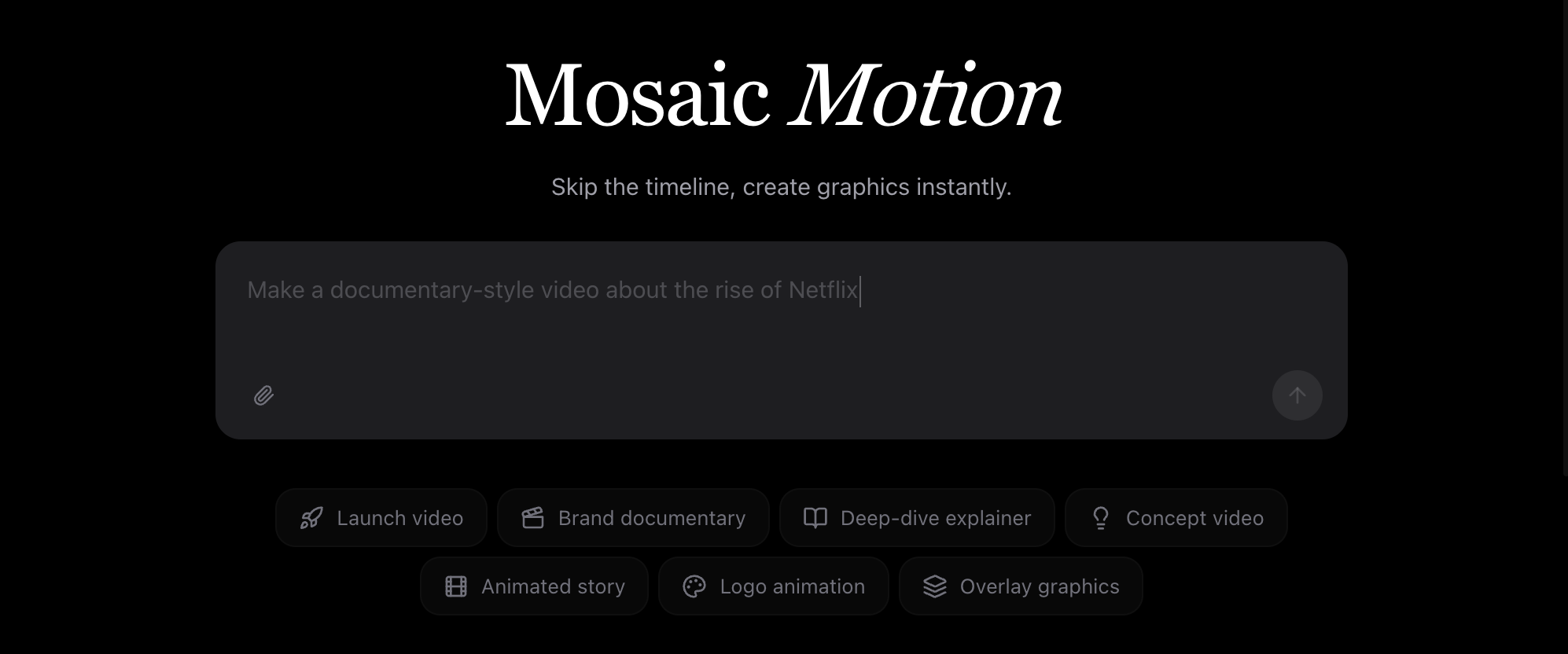
Motion, the Frontier Agent for Motion Design
Motion is a general video agent that allows users to create and edit professional videos using an idea, a written brief, or existing footage. It guides the process from initial concept to a finished video by planning the story, generating necessary shots, and incorporating sound design and music. The platform supports detailed refinement, allowing users to iterate by requesting changes in chat, annotating the preview, or adjusting layers directly in the timeline. It ensures the workflow feels collaborative, providing a smooth transition from initial cut to final polish. It integrates into professional workflows, offering plugins for sources like Google Drive and Notion, running automations on schedules, and exporting the final video directly to industry-standard editors such as Premiere Pro and After Effects.
Motion, the Frontier Agent for Motion Design ansehen →
Eddie
Eddie is an AI video editor that allows users to import interviews and create rough cuts in seconds. It connects to ChatGPT or Claude over MCP to facilitate the editing process. Users can export their edited videos to MP4, Adobe, FCP, DaVinci Resolve, and Avid. Eddie is suitable for video professionals, podcasters, documentarians, and anyone who needs to edit interviews. Its key features include rough cuts, multicam, A-roll logging, B-roll logging, speaker identification, scripted edits, and social clips. What makes Eddie different is its ability to work seamlessly with various video editing software, including Premiere Pro, DaVinci Resolve, Final Cut Pro, and Avid. It also provides enterprise-grade security and brand controls for businesses.
Eddie ansehen →Funktionsvergleich
Motion, the Frontier Agent for Motion Design
- •Create videos from a brief, footage, or reference
- •Automated story planning and shot generation
- •Plugin integration (e.g., Google Drive, Figma, Dropbox)
- •Export to professional editors (e.g., Premiere Pro, After Effects)
- •Set up content automations and social scheduling
Eddie
Noch keine Funktionen gelistet.
Auf einen Blick
| Motion, the Frontier Agent for Motion Design | Eddie | |
|---|---|---|
| Kategorie | Video Generation | Video Generation |
| Preise | — | Freemium |
| Community-Bewertung | Keine Bewertungen | Keine Bewertungen |
| Upvotes auf Stremit | 0 | 63 |
| Website | motion.so ↗ | heyeddie.ai ↗ |
Motion, the Frontier Agent for Motion Design vs. Eddie: Was ist besser?
Ob Motion, the Frontier Agent for Motion Design oder Eddie besser passt, hängt von deinen konkreten Anforderungen ab. Beide Tools gehören zur Kategorie Video Generation und sind damit direkte Konkurrenten. Vergleiche oben Preise, Funktionen und Nutzerbewertungen, um die beste Wahl für deinen Workflow zu treffen.
Auf den einzelnen Tool-Seiten findest du ausführlichere Infos, Community-Bewertungen und Funktionsübersichten.
Häufige Fragen
What is the difference between Motion, the Frontier Agent for Motion Design and Eddie?
Motion, the Frontier Agent for Motion Design: Motion is a general video agent that allows users to create and edit professional videos using an idea, a written brief, or existing footage. It guides the process from initial concept to a finished video by planning… Eddie: Eddie is an AI video editor that allows users to import interviews and create rough cuts in seconds. It connects to ChatGPT or Claude over MCP to facilitate the editing process. Users can export their edited videos to…
Is Eddie free?
Eddie is listed as Freemium on Stremit. Check the tool's site for current plans.
Are Motion, the Frontier Agent for Motion Design and Eddie competitors?
Yes — both are Video Generation tools on Stremit, so people often compare them before choosing.