Napkin vs. Hydrilla
Ein ausführlicher Vergleich, der dir hilft, das richtige KI-Tool für deinen Workflow zu wählen.
Napkin
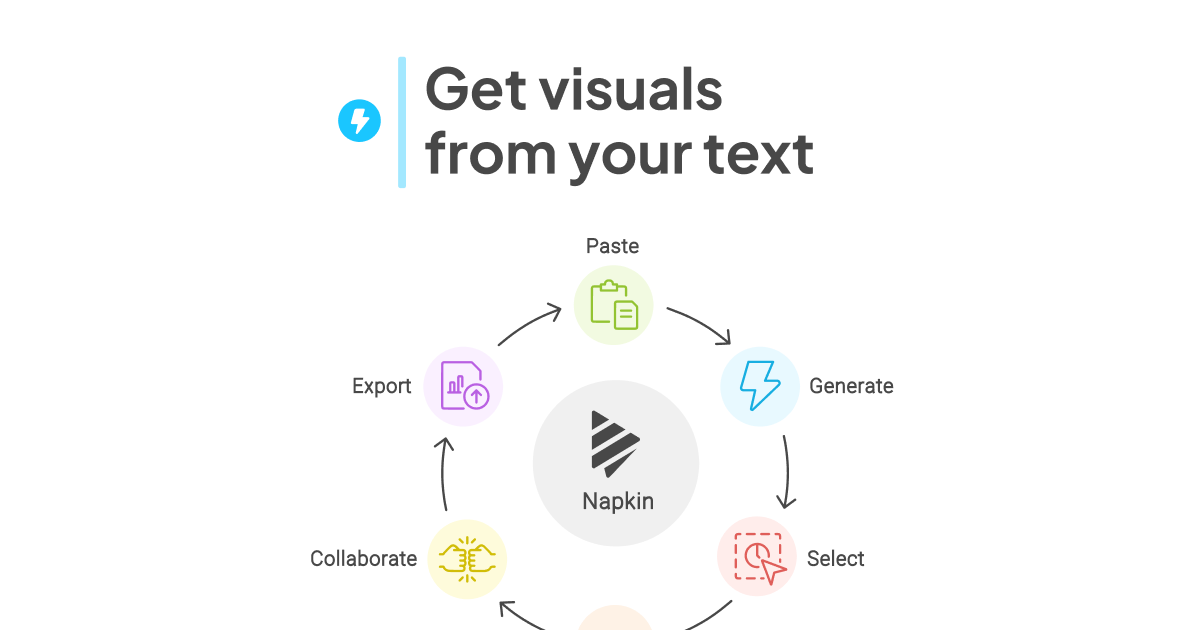
Napkin turns text into visuals. It creates presentation-ready slide decks, mind maps, flowcharts, and editable data charts from written ideas or data. It also offers an API for generating visuals at scale inside an existing workflow. Visual generation uses AI credits, with roughly one credit charged per word selected. The tool is aimed at individuals and small teams, dedicated visual creators and planners, and large teams and organizations with heavy visual needs. The free plan includes 500 AI credits per week, unlimited visual editing, file import from PPT, DOC, PDF, HTML, and MD, and unlimited PNG and PDF export. Visuals on that plan carry Napkin branding. Paid plans add more AI credits, premium AI image models, PPT and SVG export, brand styles, and removal of Napkin branding. The site says self-serve accounts may use anonymized interaction data to improve its AI, with an opt-out available, and that enterprise customer data is not used for training. Napkin states it is SOC 2 Type II compliant and ISO 27001 certified.
Napkin ansehen →
Hydrilla
Hydrilla is an AI 3D workspace that generates 3D assets from a text prompt or a single reference image. Its in-house model, BlueFox 1, produces a segmented mesh with PBR maps for base color, metalness, roughness, and normals. Generated models can be previewed and refined in the browser, then exported as GLB, FBX, OBJ, or USDZ. Hydrilla is built for creators, studios, and teams working on games, film, architecture, AR/VR, and product visualization. Its game assets are described as compatible with Unreal Engine, Unity, and other real-time pipelines. Meshes arrive split into selectable parts, so individual components can be edited without rebuilding the whole asset. Hydrilla also offers a Blender add-on, a REST API for generation, and Hydrilla Agent, which builds prop sets and scenes in Blender from a chat description.
Hydrilla ansehen →Funktionsvergleich
Napkin
- •Text-to-slide deck creation
- •Mind maps and flowcharts from text
- •Editable data charts
- •Unlimited PNG and PDF export on free plan
- •API for automated visual generation
- •SOC 2 Type II and ISO 27001 compliance
Hydrilla
Noch keine Funktionen gelistet.
Auf einen Blick
| Napkin | Hydrilla | |
|---|---|---|
| Kategorie | Design & UI | Design & UI |
| Preise | Freemium | Freemium |
| Community-Bewertung | Keine Bewertungen | Keine Bewertungen |
| Upvotes auf Stremit | 78 | 0 |
| Website | napkin.ai ↗ | hydrilla.ai ↗ |
Napkin vs. Hydrilla: Was ist besser?
Ob Napkin oder Hydrilla besser passt, hängt von deinen konkreten Anforderungen ab. Beide Tools gehören zur Kategorie Design & UI und sind damit direkte Konkurrenten. Vergleiche oben Preise, Funktionen und Nutzerbewertungen, um die beste Wahl für deinen Workflow zu treffen.
Auf den einzelnen Tool-Seiten findest du ausführlichere Infos, Community-Bewertungen und Funktionsübersichten.
Häufige Fragen
What is the difference between Napkin and Hydrilla?
Napkin: Napkin turns text into visuals. It creates presentation-ready slide decks, mind maps, flowcharts, and editable data charts from written ideas or data. It also offers an API for generating visuals at scale inside an… Hydrilla: Hydrilla is an AI 3D workspace that generates 3D assets from a text prompt or a single reference image. Its in-house model, BlueFox 1, produces a segmented mesh with PBR maps for base color, metalness, roughness, and…
Is Napkin free?
Napkin is listed as Freemium on Stremit. Check the tool's site for current plans.
Is Hydrilla free?
Hydrilla is listed as Freemium on Stremit. Check the tool's site for current plans.
Are Napkin and Hydrilla competitors?
Yes — both are Design & UI tools on Stremit, so people often compare them before choosing.