Nimbalyst vs. Busabase
Ein ausführlicher Vergleich, der dir hilft, das richtige KI-Tool für deinen Workflow zu wählen.
Nimbalyst
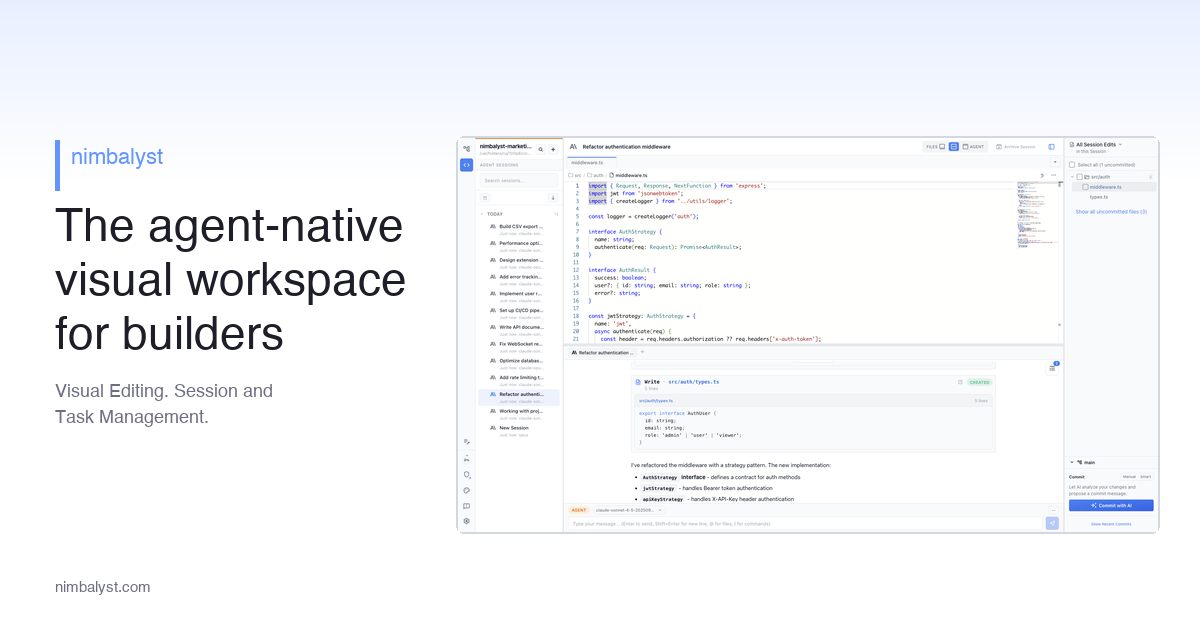
Nimbalyst is a visual workspace and wiki for coding agents such as Claude Code and Codex. The wiki is written by your agents: they organize decisions, questions, and the big picture into pages you can edit. The workspace also covers agents, tasks, docs, diagrams, and code. It is built for developers and product managers who work with agents and need to keep track of what has been decided. Teams can give each teammate's agent a shared wiki, see open questions and who made each decision, and edit the same pages together in the browser in real time. Nimbalyst is free, local, and open source. The personal wiki works as a free plugin for Claude Code, Codex, Cursor, VS Code, or any MCP agent, with no app or account needed. Wiki Teams is the paid plan for sharing a wiki with a team, and it is free during Beta.
Nimbalyst ansehen →Busabase
Busabase is an open-source (MIT) database and workspace where AI agents and people share the same data, docs, skills, and apps. Agents write what they produce into tables, docs, and apps that the team can reuse. Every change keeps its history, and writes that matter can be held for a person to review. It is built for teams that already use AI agents such as Claude Code, Codex, and Cursor, and want their work to stay in the company instead of in personal chat windows. Agents connect through Agent Skills, MCP, OpenAPI, or the CLI. Teams can run Busabase on their own machine, self-host it inside their network, or use Busabase Cloud. What sets it apart is that agent output stays as data after people leave. A workflow saved once as a skill can be run by any agent next time, and playbooks let agents follow how the team works instead of improvising.
Busabase ansehen →Funktionsvergleich
Nimbalyst
- •Wiki written by your agents from decisions, questions, and context
- •Visual workspace for agents, tasks, docs, diagrams, and code
- •Free plugin for Claude Code, Codex, Cursor, VS Code, or any MCP agent
- •Shared team wiki with real-time editing in the browser
- •Open questions and decisions, with who made them
- •Free, local, and open source
Busabase
Noch keine Funktionen gelistet.
Auf einen Blick
| Nimbalyst | Busabase | |
|---|---|---|
| Kategorie | Productivity | Productivity |
| Preise | Freemium | Free |
| Community-Bewertung | Keine Bewertungen | Keine Bewertungen |
| Upvotes auf Stremit | 24 | 0 |
| Website | nimbalyst.com ↗ | busabase.com ↗ |
Nimbalyst vs. Busabase: Was ist besser?
Ob Nimbalyst oder Busabase besser passt, hängt von deinen konkreten Anforderungen ab. Beide Tools gehören zur Kategorie Productivity und sind damit direkte Konkurrenten. Vergleiche oben Preise, Funktionen und Nutzerbewertungen, um die beste Wahl für deinen Workflow zu treffen.
Auf den einzelnen Tool-Seiten findest du ausführlichere Infos, Community-Bewertungen und Funktionsübersichten.
Häufige Fragen
What is the difference between Nimbalyst and Busabase?
Nimbalyst: Nimbalyst is a visual workspace and wiki for coding agents such as Claude Code and Codex. The wiki is written by your agents: they organize decisions, questions, and the big picture into pages you can edit. The… Busabase: Busabase is an open-source (MIT) database and workspace where AI agents and people share the same data, docs, skills, and apps. Agents write what they produce into tables, docs, and apps that the team can reuse. Every…
Is Nimbalyst free?
Nimbalyst is listed as Freemium on Stremit. Check the tool's site for current plans.
Is Busabase free?
Busabase is listed as Free on Stremit. Check the tool's site for current plans.
Are Nimbalyst and Busabase competitors?
Yes — both are Productivity tools on Stremit, so people often compare them before choosing.