Remove Video Background vs. Genjutsu AI Video Editor
Ein ausführlicher Vergleich, der dir hilft, das richtige KI-Tool für deinen Workflow zu wählen.
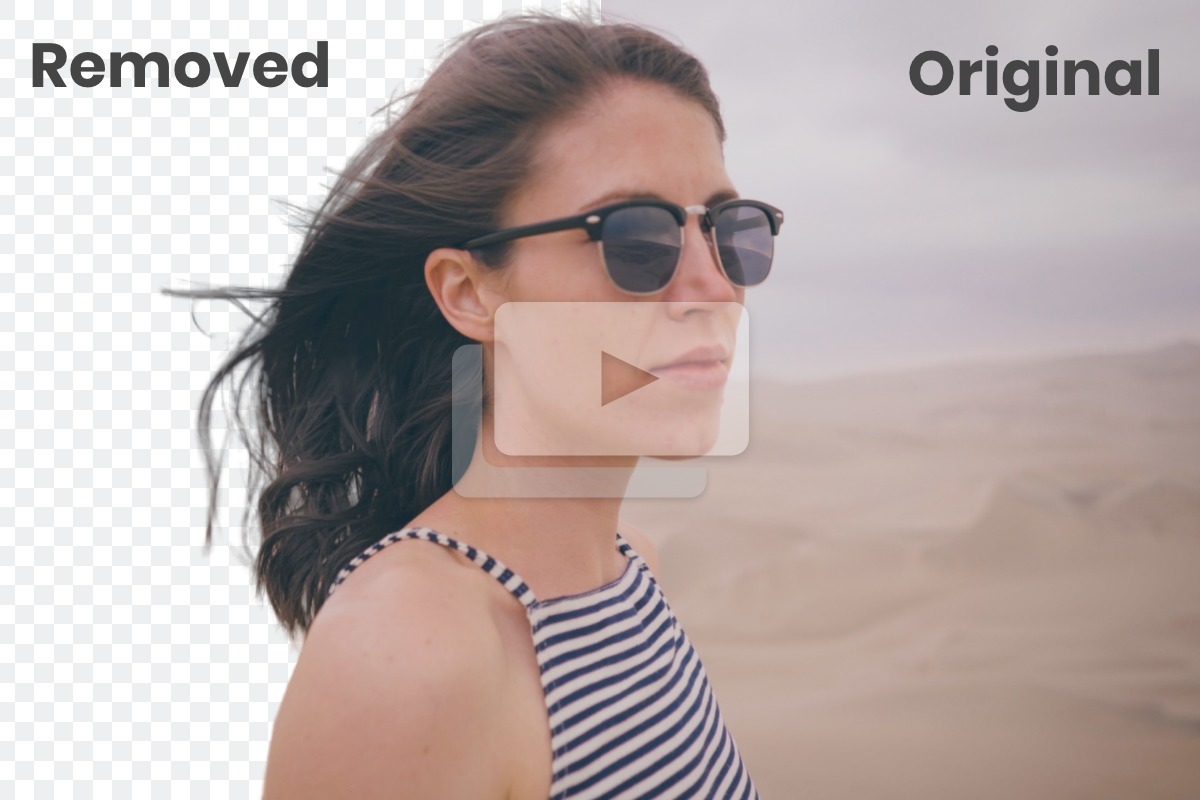
Remove Video Background
Removes the background of any video, instantly, online, and free. Useful for creating professional-quality, on-trend video content. Suitable for social media creators, teams, and individuals. Part of Canva Pro features.
Remove Video Background ansehen →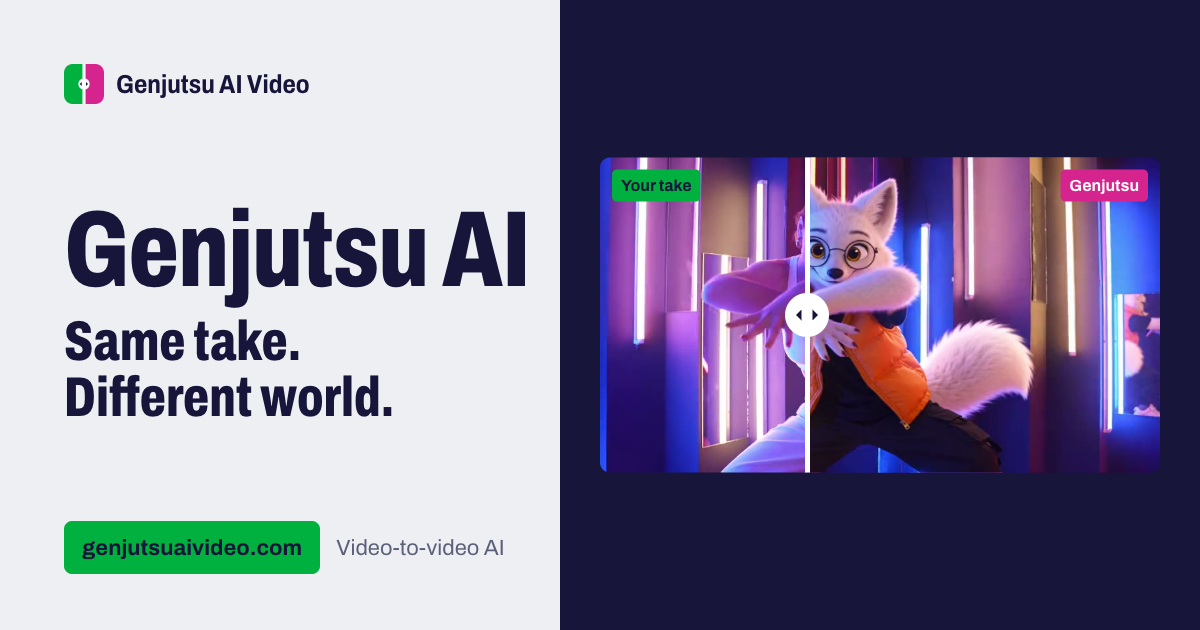
Genjutsu AI Video Editor
Genjutsu AI video editor: swap characters, outfits or scenes and keep the camera motion. Pro mode runs Higgsfield AI Genjutsu. From $4.99, no subscription.
Genjutsu AI Video Editor ansehen →Funktionsvergleich
Remove Video Background
- •Remove video backgrounds in one click
- •Available to Canva Pro, Canva Teams, Canva for Education, and Canva for Nonprofits users
- •No green screen needed
- •Instantly surface the best bits of footage with Highlights
- •Click to remove backgrounds with Magic Video
Genjutsu AI Video Editor
Noch keine Funktionen gelistet.
Auf einen Blick
| Remove Video Background | Genjutsu AI Video Editor | |
|---|---|---|
| Kategorie | Video Generation | Video Generation |
| Preise | Freemium | — |
| Community-Bewertung | Keine Bewertungen | Keine Bewertungen |
| Upvotes auf Stremit | 46 | 0 |
| Website | unscreen.com ↗ | genjutsuaivideo.com ↗ |
Remove Video Background vs. Genjutsu AI Video Editor: Was ist besser?
Ob Remove Video Background oder Genjutsu AI Video Editor besser passt, hängt von deinen konkreten Anforderungen ab. Beide Tools gehören zur Kategorie Video Generation und sind damit direkte Konkurrenten. Vergleiche oben Preise, Funktionen und Nutzerbewertungen, um die beste Wahl für deinen Workflow zu treffen.
Auf den einzelnen Tool-Seiten findest du ausführlichere Infos, Community-Bewertungen und Funktionsübersichten.
Häufige Fragen
What is the difference between Remove Video Background and Genjutsu AI Video Editor?
Remove Video Background: Removes the background of any video, instantly, online, and free. Useful for creating professional-quality, on-trend video content. Suitable for social media creators, teams, and individuals. Part of Canva Pro features. Genjutsu AI Video Editor: Genjutsu AI video editor: swap characters, outfits or scenes and keep the camera motion. Pro mode runs Higgsfield AI Genjutsu. From $4.99, no subscription.
Is Remove Video Background free?
Remove Video Background is listed as Freemium on Stremit. Check the tool's site for current plans.
Are Remove Video Background and Genjutsu AI Video Editor competitors?
Yes — both are Video Generation tools on Stremit, so people often compare them before choosing.