Revise vs. AI Writing & Speech Assistant Desktop App (MacOS/Windows/Linux)
Ein ausführlicher Vergleich, der dir hilft, das richtige KI-Tool für deinen Workflow zu wählen.
Revise
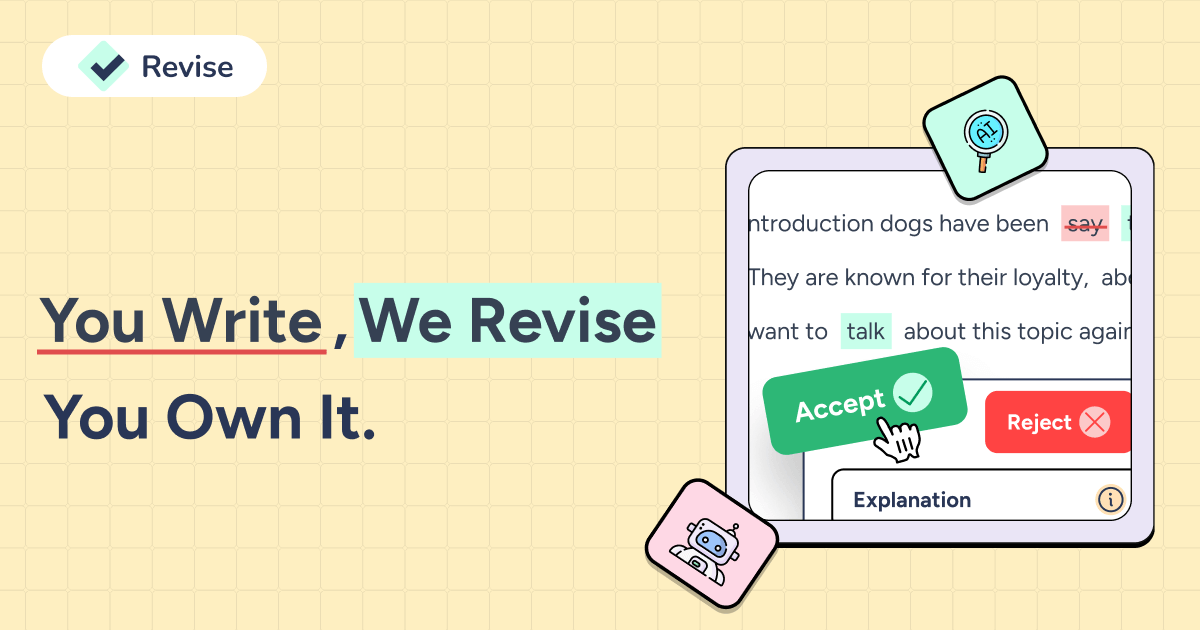
Revise AI is a comprehensive writing editor designed to polish grammar and enhance clarity while keeping the author's authentic voice and unique style intact. It operates by providing suggestions as tracked changes, allowing users to manually accept or reject every single edit to maintain complete control over the text. It is suitable for writers, authors, and anyone working on long-form content, including full manuscripts. Its core strength is ensuring that while the writing is polished, the distinctive voice and characterization of the original work are preserved, setting it apart from automated checkers. Key features include custom style rules, the ability to adjust the editing intensity from a light proofread to a deep rewrite, and powerful tools like voice-to-text conversion and in-document AI brainstorming. The service supports over 40 languages.
Revise ansehen →
AI Writing & Speech Assistant Desktop App (MacOS/Windows/Linux)
Heynds is an AI writing and speech assistant desktop app that transforms selected text into clear, polished text instantly through voice dictation and text transformations. It is designed for professionals, students, and creators who want to write faster and think clearer. The app is available on Mac, Windows, and offers features such as local dictation, online dictation, text transformations, and custom commands. Heynds prioritizes privacy and security, with no data stored and GDPR compliance.
AI Writing & Speech Assistant Desktop App (MacOS/Windows/Linux) ansehen →Funktionsvergleich
Revise
- •Accept or reject every suggested change
- •Learns user voice based on editing history
- •Supports 40+ languages and full manuscripts
- •Voice-to-text conversion
- •Adjustable editing intensity and custom rules
AI Writing & Speech Assistant Desktop App (MacOS/Windows/Linux)
Noch keine Funktionen gelistet.
Auf einen Blick
| Revise | AI Writing & Speech Assistant Desktop App (MacOS/Windows/Linux) | |
|---|---|---|
| Kategorie | Writing & Content | Writing & Content |
| Preise | Freemium | Paid |
| Community-Bewertung | Keine Bewertungen | Keine Bewertungen |
| Upvotes auf Stremit | 31 | 71 |
| Website | revise.net ↗ | heynds.com ↗ |
Revise vs. AI Writing & Speech Assistant Desktop App (MacOS/Windows/Linux): Was ist besser?
Ob Revise oder AI Writing & Speech Assistant Desktop App (MacOS/Windows/Linux) besser passt, hängt von deinen konkreten Anforderungen ab. Beide Tools gehören zur Kategorie Writing & Content und sind damit direkte Konkurrenten. Vergleiche oben Preise, Funktionen und Nutzerbewertungen, um die beste Wahl für deinen Workflow zu treffen.
Auf den einzelnen Tool-Seiten findest du ausführlichere Infos, Community-Bewertungen und Funktionsübersichten.
Häufige Fragen
What is the difference between Revise and AI Writing & Speech Assistant Desktop App (MacOS/Windows/Linux)?
Revise: Revise AI is a comprehensive writing editor designed to polish grammar and enhance clarity while keeping the author's authentic voice and unique style intact. It operates by providing suggestions as tracked changes,… AI Writing & Speech Assistant Desktop App (MacOS/Windows/Linux): Heynds is an AI writing and speech assistant desktop app that transforms selected text into clear, polished text instantly through voice dictation and text transformations. It is designed for professionals, students,…
Is Revise free?
Revise is listed as Freemium on Stremit. Check the tool's site for current plans.
Is AI Writing & Speech Assistant Desktop App (MacOS/Windows/Linux) free?
AI Writing & Speech Assistant Desktop App (MacOS/Windows/Linux) is listed as Paid on Stremit. Check the tool's site for current plans.
Are Revise and AI Writing & Speech Assistant Desktop App (MacOS/Windows/Linux) competitors?
Yes — both are Writing & Content tools on Stremit, so people often compare them before choosing.