Scenario vs. Seedream 6
Ein ausführlicher Vergleich, der dir hilft, das richtige KI-Tool für deinen Workflow zu wählen.

Scenario
Scenario is an AI tool for creative production, allowing users to generate images, videos, 3D models, and audio content faster and more efficiently. It's designed for creative teams across various industries, including film, animation, advertising, gaming, e-commerce, fashion, architecture, education, and illustration. What sets Scenario apart is its ability to build production-ready visuals with customizable workflows and agents, making it easier to collaborate and streamline content creation. Scenario also offers features such as model training on the user's own art, a workflow system that allows users to save and run processes with ease, and integration with popular tools like Blender, Maya, and Unity. The tool is accessible through a web interface and offers a free trial, with pricing information available upon request. With Scenario, users can explore a wide range of AI models, including GPT, Tripo, and OpenAI, and access over 650 models from 40+ providers. The tool is designed to be scalable, flexible, and user-friendly, making it an ideal choice for creative professionals and teams looking to enhance their content creation process.
Scenario ansehen →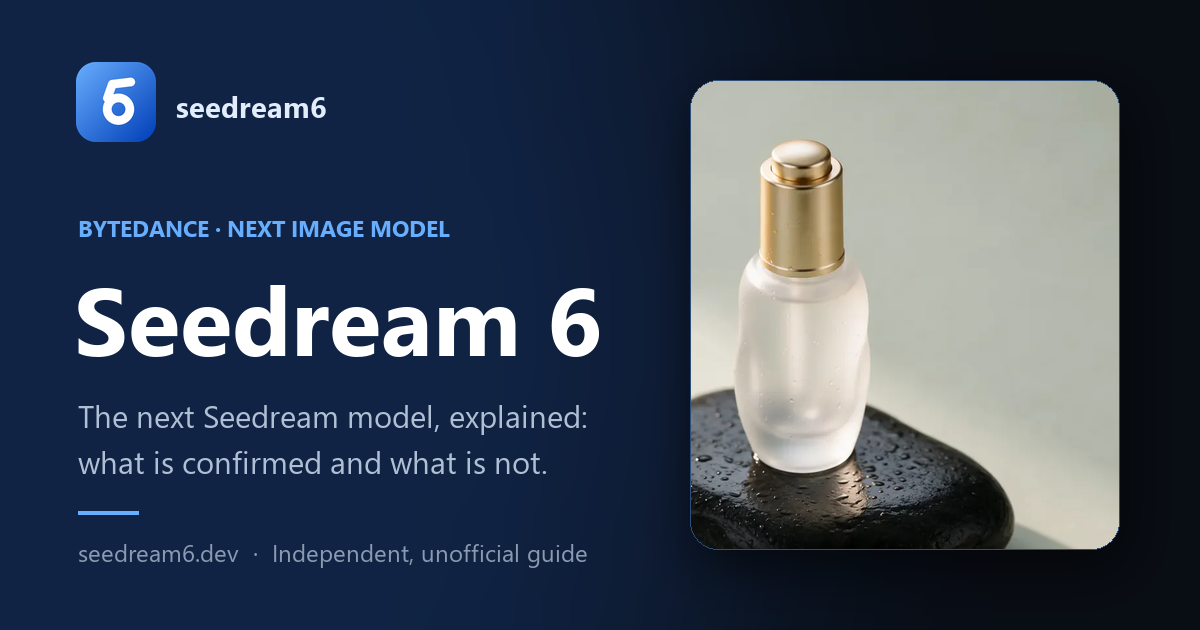
Seedream 6
Seedream 6 is ByteDance's next-generation AI model for creating and editing highly realistic images and videos. It builds on advanced capabilities from its predecessors, including 5.0 Pro, allowing users to generate professional assets such as infographics, comics, and localized campaigns. It is designed for designers, marketing professionals, and artists who require precise control over their visuals. Key features include multi-image fusion, which integrates elements from several reference photos, and editable assets that split a composition into independent layers for easy remixing. The system also offers grounded edits for local object replacement, models realistic light and skin texture, and accepts multilingual text prompts in over ten languages, making it ideal for complex commercial and cross-border design work.
Seedream 6 ansehen →Funktionsvergleich
Scenario
Noch keine Funktionen gelistet.
Seedream 6
- •Dense layout infographics for complex data visualization
- •Grounded edits for precise object swapping and recoloring
- •Editable assets with layer separation
- •Multi-source multi-image fusion from reference photos
- •Realistic modeling of light, material, and skin texture
Auf einen Blick
| Scenario | Seedream 6 | |
|---|---|---|
| Kategorie | Image Generation | Image Generation |
| Preise | Paid | Freemium |
| Community-Bewertung | Keine Bewertungen | Keine Bewertungen |
| Upvotes auf Stremit | 43 | 0 |
| Website | scenario.com ↗ | seedream6.dev ↗ |
Scenario vs. Seedream 6: Was ist besser?
Ob Scenario oder Seedream 6 besser passt, hängt von deinen konkreten Anforderungen ab. Beide Tools gehören zur Kategorie Image Generation und sind damit direkte Konkurrenten. Vergleiche oben Preise, Funktionen und Nutzerbewertungen, um die beste Wahl für deinen Workflow zu treffen.
Auf den einzelnen Tool-Seiten findest du ausführlichere Infos, Community-Bewertungen und Funktionsübersichten.
Häufige Fragen
What is the difference between Scenario and Seedream 6?
Scenario: Scenario is an AI tool for creative production, allowing users to generate images, videos, 3D models, and audio content faster and more efficiently. It's designed for creative teams across various industries, including… Seedream 6: Seedream 6 is ByteDance's next-generation AI model for creating and editing highly realistic images and videos. It builds on advanced capabilities from its predecessors, including 5.0 Pro, allowing users to generate…
Is Scenario free?
Scenario is listed as Paid on Stremit. Check the tool's site for current plans.
Is Seedream 6 free?
Seedream 6 is listed as Freemium on Stremit. Check the tool's site for current plans.
Are Scenario and Seedream 6 competitors?
Yes — both are Image Generation tools on Stremit, so people often compare them before choosing.