Talking Pet AI vs. Bad Times AI
Ein ausführlicher Vergleich, der dir hilft, das richtige KI-Tool für deinen Workflow zu wählen.
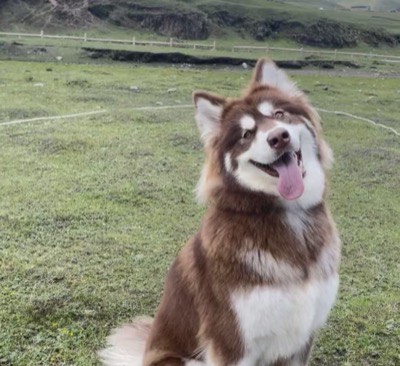
Talking Pet AI
My Talking Pet AI turns any pet photo into a custom talking video using AI lip-sync. The pet appears to deliver a message, so the owner can express feelings through their animal. The tool is aimed at pet owners who want to share a personal or playful message. The site gives examples such as an awkward apology, a secret "I love you," a thank-you, or a hilarious prank. The videos are presented as suitable for TikTok, Instagram, and YouTube, and the site references a viral talking pet trend. What sets it apart is the format: the message comes from the pet rather than the sender. The site says the tool is free to try and that new users get 1 free video on sign-up.
Talking Pet AI ansehen →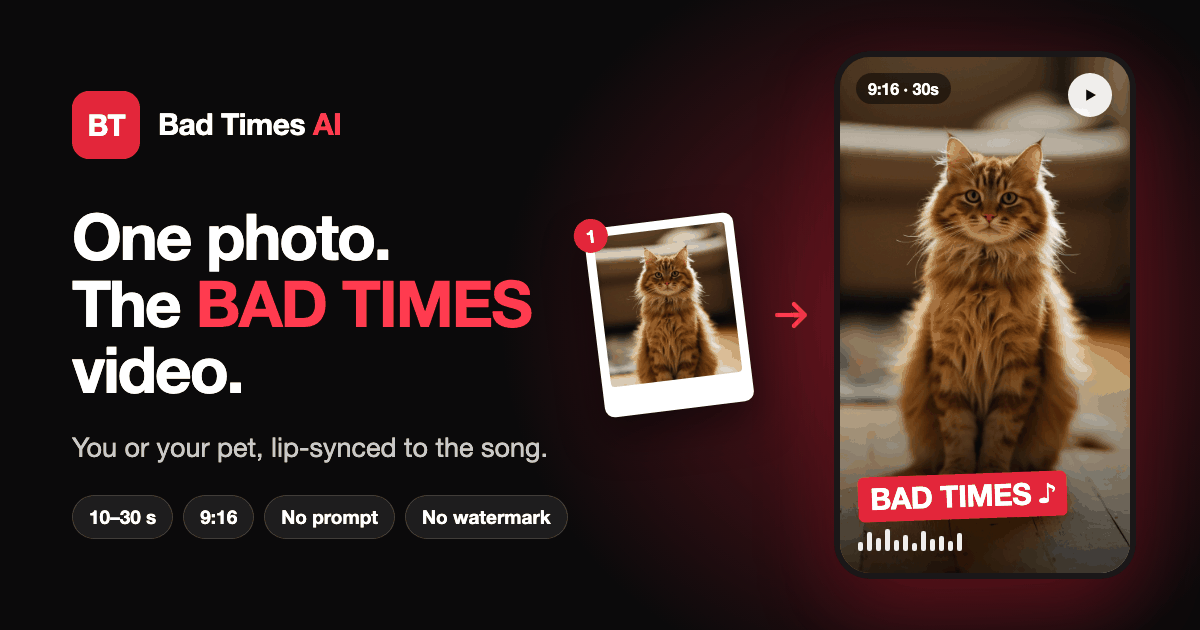
Bad Times AI
Bad Times AI turns one photo of you or your pet into the viral BAD TIMES argument video, lip-synced to Imael Angel's song. You upload a clear, front-facing photo, and the tool returns a 9:16 MP4 with the song and no watermark. No prompt is needed. It is for people who want to take part in the BAD TIMES trend without filming it themselves. A Pet version covers dogs and cats, and the site lists templates such as Hot Bad Times, Halloween, Family, Duo and Pet Halloween. Videos run 10 to 30 seconds. The video follows a depth map of the original BAD TIMES take, so the moves, handheld camera and timing match the trend, while the face, outfit and room come from your photo. No account is needed to buy one video, starting at $6.94. If a photo is not approved or a render fails, credits are returned automatically or the video is made again free.
Bad Times AI ansehen →Funktionsvergleich
Talking Pet AI
- •Turns pet photos into talking videos
- •AI lip-sync
- •Custom video messages from any pet photo
- •1 free video on sign-up
- •Suitable for TikTok, Instagram and YouTube
Bad Times AI
- •Turns one photo of a person or pet into a BAD TIMES lip-sync video
- •Outputs a 9:16 MP4 with Imael Angel's song and no watermark
- •No prompt needed; motion and timing follow the original trend
- •Pet version for dogs and cats, plus multiple trend templates
- •Videos from 10 to 30 seconds at 480p, 720p or 1080p
- •No account needed; failed or unapproved renders are credited back or remade free
Auf einen Blick
| Talking Pet AI | Bad Times AI | |
|---|---|---|
| Kategorie | Video Generation | Video Generation |
| Preise | Free Trial | Freemium |
| Community-Bewertung | Keine Bewertungen | Keine Bewertungen |
| Upvotes auf Stremit | 45 | 0 |
| Website | mytalkingpet.ai ↗ | badtimesai.com ↗ |
Talking Pet AI vs. Bad Times AI: Was ist besser?
Ob Talking Pet AI oder Bad Times AI besser passt, hängt von deinen konkreten Anforderungen ab. Beide Tools gehören zur Kategorie Video Generation und sind damit direkte Konkurrenten. Vergleiche oben Preise, Funktionen und Nutzerbewertungen, um die beste Wahl für deinen Workflow zu treffen.
Auf den einzelnen Tool-Seiten findest du ausführlichere Infos, Community-Bewertungen und Funktionsübersichten.
Häufige Fragen
What is the difference between Talking Pet AI and Bad Times AI?
Talking Pet AI: My Talking Pet AI turns any pet photo into a custom talking video using AI lip-sync. The pet appears to deliver a message, so the owner can express feelings through their animal. The tool is aimed at pet owners who want… Bad Times AI: Bad Times AI turns one photo of you or your pet into the viral BAD TIMES argument video, lip-synced to Imael Angel's song. You upload a clear, front-facing photo, and the tool returns a 9:16 MP4 with the song and no…
Is Talking Pet AI free?
Talking Pet AI is listed as Free Trial on Stremit. Check the tool's site for current plans.
Is Bad Times AI free?
Bad Times AI is listed as Freemium on Stremit. Check the tool's site for current plans.
Are Talking Pet AI and Bad Times AI competitors?
Yes — both are Video Generation tools on Stremit, so people often compare them before choosing.