AI img2img Tool vs ResLeap
Una comparación detallada para ayudarte a elegir la herramienta de IA adecuada para tu flujo de trabajo.

AI img2img Tool
The img2img AI Tool is an image-to-image editor that brings several leading models into one browser workspace. Users upload up to four images in JPEG, PNG, or WEBP format, up to 15MB each, then describe the change they want. Supported edits include style transfer, identity consistency, text edits, background removal, and upscaling. The tool is aimed at business teams and creators who handle frequent image edits. Built-in presets and templates cover portrait retouching, commercial design such as flyers and product visuals, art illustration, and human-to-anime conversion. Its main difference is that users can switch and compare models within one project, instead of moving files between separate tools. Edits can also be written in plain language, such as asking to make the background white or change a headline, and the tool applies them to the image in place.
Ver AI img2img Tool →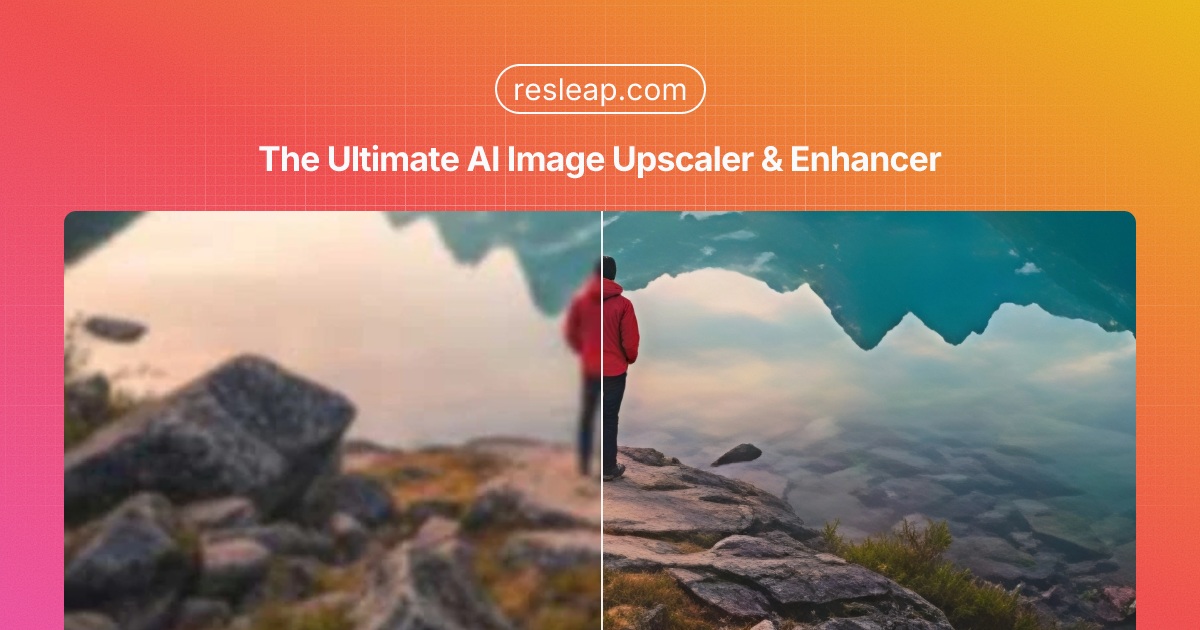
ResLeap
ResLeap is an online AI image enhancer and upscaler. It enhances, unblurs, and upscales low-resolution photos, portraits, anime, and product images. The site lists upscaling up to 8x and output up to 10K, with a maximum of 10240px. Dedicated tools cover photo restoration, portrait enhancement, deity and devotional art, food and product texture, and anime line art. The tool is aimed at people who need sharper images for large prints, e-commerce, social media, or the web. The site cites a 34 inch print size at 300 DPI and mentions posters, frames, and wall art. According to the site, credits are deducted only when an enhancement succeeds. Users can also invite friends and earn 20% of their credits, and there is a Discord community for other users.
Ver ResLeap →Comparación de funciones
AI img2img Tool
- •Upload up to 4 images (JPEG, PNG, WEBP, max 15MB each)
- •Style transfer and identity consistency
- •Plain-language text edits applied in place
- •Background removal and upscaling
- •Switch and compare multiple models in one project
- •Prompt library and industry templates
ResLeap
- •8x image upscale with stated clarity and detail
- •10K ultra resolution output (10240px max)
- •Detail Revealer for hidden details and texture
- •Portrait enhancement for facial features
- •Photo restoration for faded or old photos
- •Anime upscaling for line art and colors
De un vistazo
| AI img2img Tool | ResLeap | |
|---|---|---|
| Categoría | Image Generation | Image Generation |
| Precios | Freemium | Freemium |
| Valoración de la Comunidad | Sin reseñas | Sin reseñas |
| Votos en Stremit | 85 | 0 |
| Sitio web | img-2-img.com ↗ | resleap.com ↗ |
AI img2img Tool vs ResLeap: ¿cuál es mejor?
Elegir entre AI img2img Tool y ResLeap depende de tus necesidades concretas. Las dos herramientas pertenecen a la categoría Image Generation , así que son competidoras directas. Compara arriba sus precios, funciones y reseñas para tomar la mejor decisión para tu flujo de trabajo.
Visita la página de cada herramienta para ver información más detallada, reseñas de la comunidad y el desglose de funciones.
Preguntas frecuentes
What is the difference between AI img2img Tool and ResLeap?
AI img2img Tool: The img2img AI Tool is an image-to-image editor that brings several leading models into one browser workspace. Users upload up to four images in JPEG, PNG, or WEBP format, up to 15MB each, then describe the change they… ResLeap: ResLeap is an online AI image enhancer and upscaler. It enhances, unblurs, and upscales low-resolution photos, portraits, anime, and product images. The site lists upscaling up to 8x and output up to 10K, with a maximum…
Is AI img2img Tool free?
AI img2img Tool is listed as Freemium on Stremit. Check the tool's site for current plans.
Is ResLeap free?
ResLeap is listed as Freemium on Stremit. Check the tool's site for current plans.
Are AI img2img Tool and ResLeap competitors?
Yes — both are Image Generation tools on Stremit, so people often compare them before choosing.