CogVideo vs Janus
Una comparación detallada para ayudarte a elegir la herramienta de IA adecuada para tu flujo de trabajo.
CogVideo
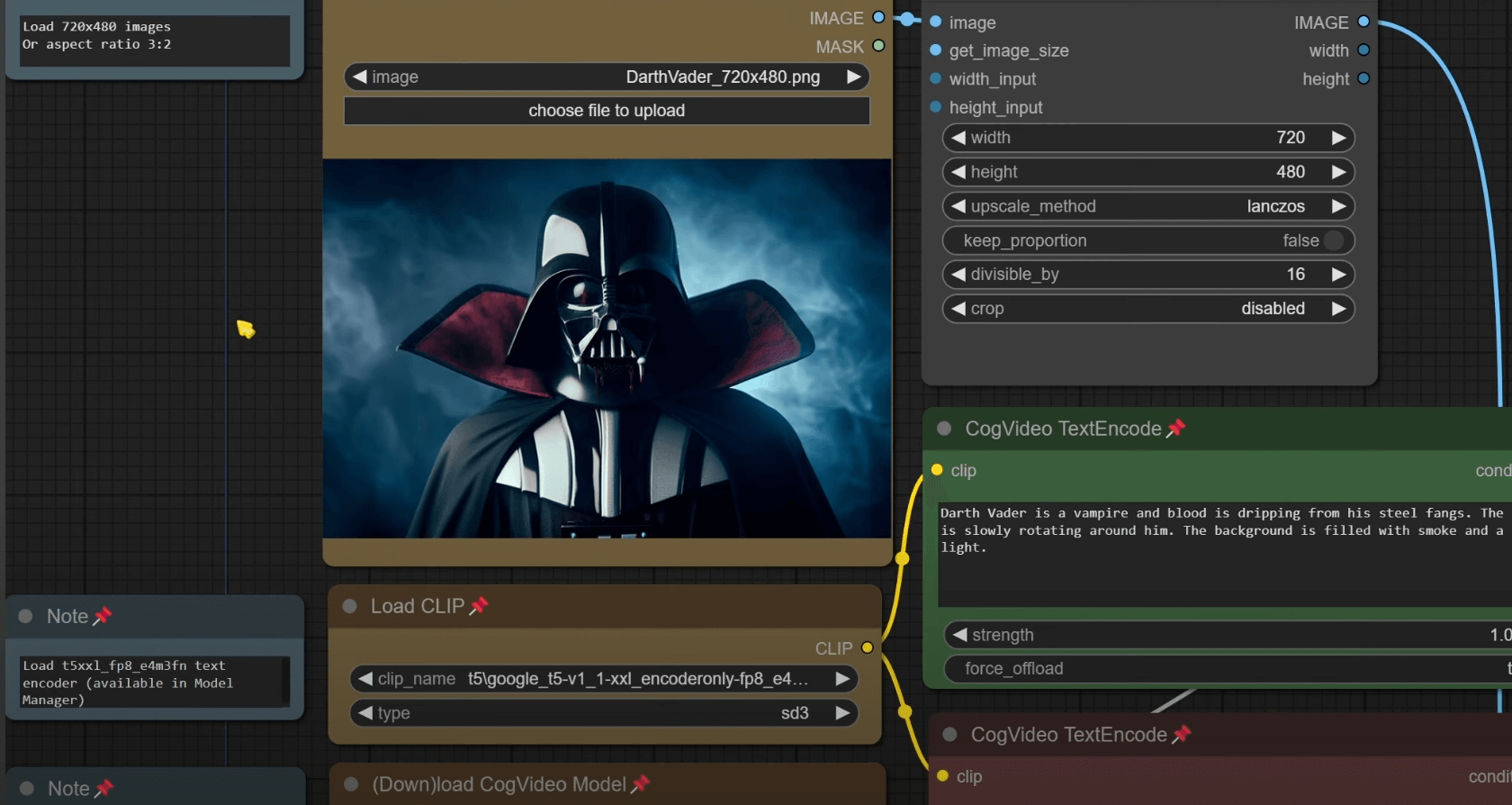
CogVideo is an AI video generator that enables users to create video content through three methods: Text-to-Video, Image-to-Video, and Video-to-Video generation. Users can turn a simple written prompt, an existing still photo, or a pre-recorded clip into a moving video directly in their web browser. It is ideal for social media creators needing continuous content, marketers creating rapid ad variations, and e-commerce sellers who want to add motion to static product photos. The platform bypasses the need for complex editing software, keyframes, or local GPU resources. The tool operates in three simple steps: describing the scene, generating the clip on the server, and downloading the finished video file. This allows users to go from an idea to a post-ready clip without leaving the browser tab.
Ver CogVideo →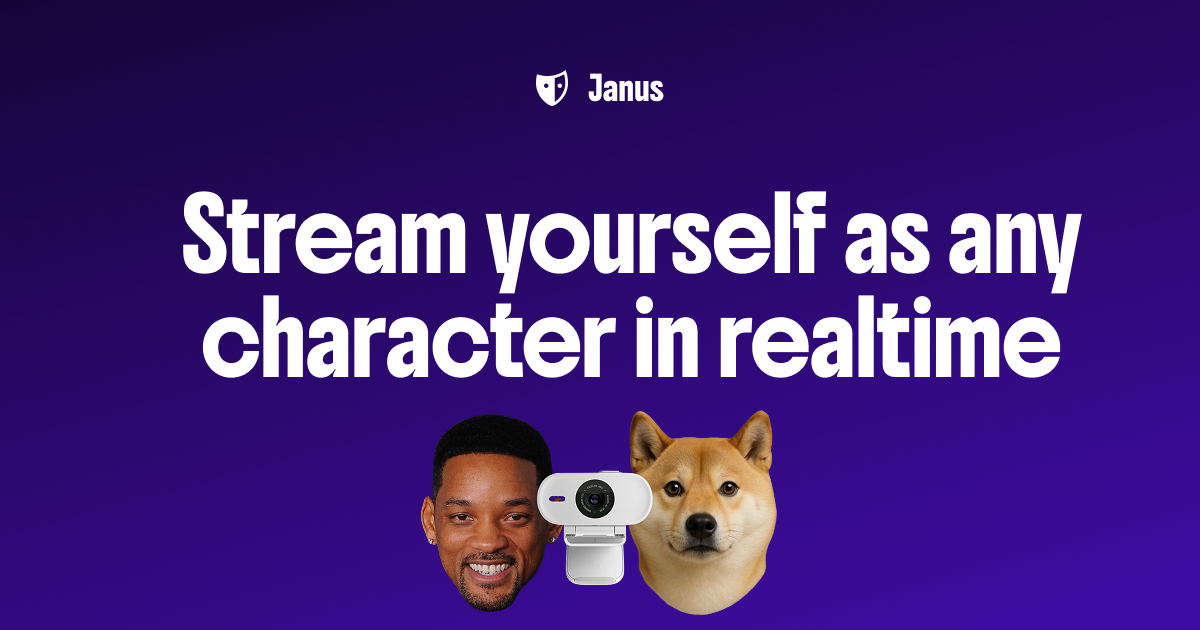
Janus
Janus turns your webcam into any character in real time. It generates a 3D avatar from a photo or prompt, renders it in your browser, and animates it with your facial expressions and movements. You can use it on Discord, Zoom, Twitch, YouTube, and other apps that support virtual cameras. It is built for streamers and creators who want to appear on camera without showing their face. Streaming is free with no time limit, and you only need a standard webcam and microphone, with no special hardware. Avatars render locally on your device, so no cloud servers are used during streaming. After creating an avatar, you can change its outfits, hairstyles, accessories, and backgrounds. The Pro plan adds green screen support, 60fps+ streaming, and removes the Janus watermark.
Ver Janus →Comparación de funciones
CogVideo
- •Text-to-Video generation from prompts
- •Image-to-Video animation of stills
- •Video-to-Video restyling of footage
- •Runs entirely in the browser (no install)
- •Built-in prompt help suggestions
- •No need for GPU or timeline editing
Janus
- •Real-time avatar driven by webcam facial tracking
- •1080p+ avatar rendering in the browser
- •Unlimited streaming on the free plan
- •Customize outfits, hairstyles, accessories, and backgrounds
- •Works with Discord, Zoom, Twitch, YouTube, and OBS
- •Pro adds green screen and 60fps+ streaming
De un vistazo
| CogVideo | Janus | |
|---|---|---|
| Categoría | Video Generation | Video Generation |
| Precios | Freemium | Freemium |
| Valoración de la Comunidad | Sin reseñas | Sin reseñas |
| Votos en Stremit | 88 | 58 |
| Sitio web | cogvideo.net ↗ | janus.cam ↗ |
CogVideo vs Janus: ¿cuál es mejor?
Elegir entre CogVideo y Janus depende de tus necesidades concretas. Las dos herramientas pertenecen a la categoría Video Generation , así que son competidoras directas. Compara arriba sus precios, funciones y reseñas para tomar la mejor decisión para tu flujo de trabajo.
Visita la página de cada herramienta para ver información más detallada, reseñas de la comunidad y el desglose de funciones.
Preguntas frecuentes
What is the difference between CogVideo and Janus?
CogVideo: CogVideo is an AI video generator that enables users to create video content through three methods: Text-to-Video, Image-to-Video, and Video-to-Video generation. Users can turn a simple written prompt, an existing still… Janus: Janus turns your webcam into any character in real time. It generates a 3D avatar from a photo or prompt, renders it in your browser, and animates it with your facial expressions and movements. You can use it on…
Is CogVideo free?
CogVideo is listed as Freemium on Stremit. Check the tool's site for current plans.
Is Janus free?
Janus is listed as Freemium on Stremit. Check the tool's site for current plans.
Are CogVideo and Janus competitors?
Yes — both are Video Generation tools on Stremit, so people often compare them before choosing.