DeckCraft vs Loom - Free screen recorder for Mac and PC
Una comparación detallada para ayudarte a elegir la herramienta de IA adecuada para tu flujo de trabajo.

DeckCraft
DeckCraft is a free, open-source presentation editor for creating, editing, animating, and presenting slide decks in the browser or on macOS, Windows, and Linux. It supports themes, layouts, charts, images, speaker notes, and PowerPoint .pptx files, making it useful for classroom projects, teaching materials, project updates, and talks.
Ver DeckCraft →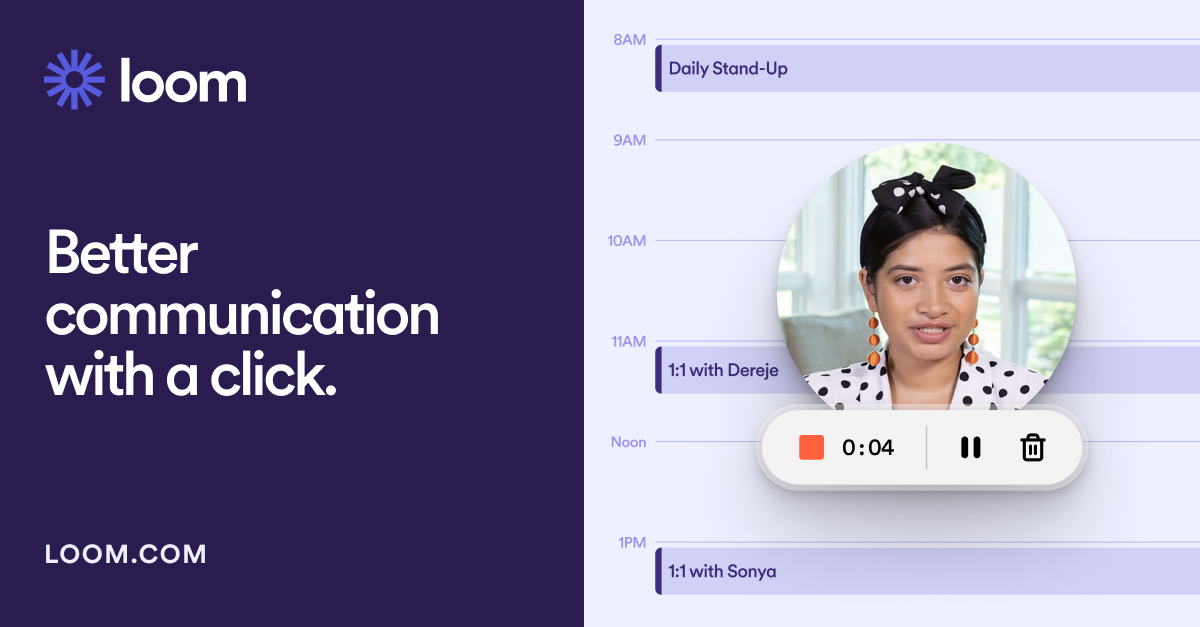
Loom - Free screen recorder for Mac and PC
Loom is a free video messaging and screen recording tool that allows users to capture and share messages using their screen, camera, or both. Its intuitive editor supports trimming, stitching clips, adding backgrounds, and overlaying text or arrows to create polished, engaging videos that can be shared asynchronously. It is designed for remote teams, sales professionals, engineering, and customer support, enabling quick collaboration and communication across timezones. Key functionalities include seamless integration with hundreds of platforms like Slack and Google Workspace, and supporting transcripts and captions in over 50 languages. The platform offers powerful features such as enterprise-grade security (SSO, SCIM) and advanced AI workflows. These AI features can automatically convert recorded Loom videos into written documentation, drafting SOPs or creating Jira tickets, saving time on manual processes.
Ver Loom - Free screen recorder for Mac and PC →Comparación de funciones
DeckCraft
Aún no hay funciones.
Loom - Free screen recorder for Mac and PC
- •Screen and camera recording
- •Intuitive video editor
- •AI documentation workflows
- •Seamless platform integrations
- •Enterprise-grade security (SSO/SCIM)
De un vistazo
| DeckCraft | Loom - Free screen recorder for Mac and PC | |
|---|---|---|
| Categoría | Productivity | Productivity |
| Precios | Free | Freemium |
| Valoración de la Comunidad | Sin reseñas | Sin reseñas |
| Votos en Stremit | 0 | 61 |
| Sitio web | deckcraft.me ↗ | loom.com ↗ |
DeckCraft vs Loom - Free screen recorder for Mac and PC: ¿cuál es mejor?
Elegir entre DeckCraft y Loom - Free screen recorder for Mac and PC depende de tus necesidades concretas. Las dos herramientas pertenecen a la categoría Productivity , así que son competidoras directas. Compara arriba sus precios, funciones y reseñas para tomar la mejor decisión para tu flujo de trabajo.
Visita la página de cada herramienta para ver información más detallada, reseñas de la comunidad y el desglose de funciones.
Preguntas frecuentes
What is the difference between DeckCraft and Loom - Free screen recorder for Mac and PC?
DeckCraft: DeckCraft is a free, open-source presentation editor for creating, editing, animating, and presenting slide decks in the browser or on macOS, Windows, and Linux. It supports themes, layouts, charts, images, speaker… Loom - Free screen recorder for Mac and PC: Loom is a free video messaging and screen recording tool that allows users to capture and share messages using their screen, camera, or both. Its intuitive editor supports trimming, stitching clips, adding backgrounds,…
Is DeckCraft free?
DeckCraft is listed as Free on Stremit. Check the tool's site for current plans.
Is Loom - Free screen recorder for Mac and PC free?
Loom - Free screen recorder for Mac and PC is listed as Freemium on Stremit. Check the tool's site for current plans.
Are DeckCraft and Loom - Free screen recorder for Mac and PC competitors?
Yes — both are Productivity tools on Stremit, so people often compare them before choosing.