Extract Data from Financial Documents with Intelligent Document Processing vs Excel AI for Data Analysis, Charts, Reports & Dashboards
Una comparación detallada para ayudarte a elegir la herramienta de IA adecuada para tu flujo de trabajo.
Extract Data from Financial Documents with Intelligent Document Processing
ParserData is an intelligent document processing tool for extracting data from financial documents. It converts PDFs into Excel, CSV, JSON, or XML files, and it can generate reports from the extracted data. The tool is aimed at teams that handle large volumes of financial paperwork and need that information in structured formats for other systems or spreadsheets. Automating these workflows through an API is a stated option, so developers can connect extraction into their own processes. The site describes a focused set of capabilities: financial document extraction, PDF conversion to several data formats, report generation, and API-based workflow automation. Its public text does not list pricing, integrations, accuracy figures, or specific supported document types, so those details should be checked directly with the vendor.
Ver Extract Data from Financial Documents with Intelligent Document Processing →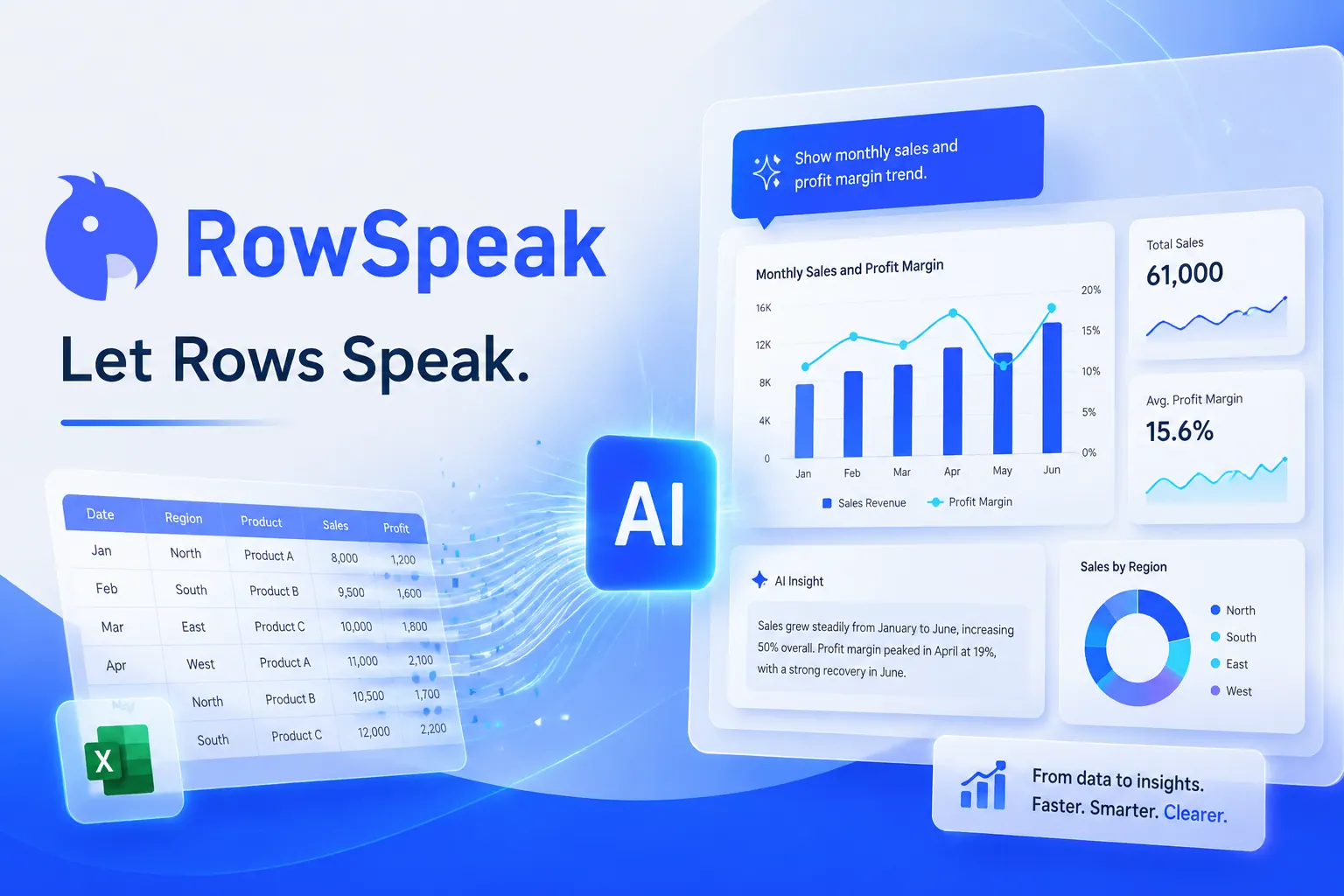
Excel AI for Data Analysis, Charts, Reports & Dashboards
Analyze messy Excel, CSV, PDF, and image tables with AI. Find trends, explain changes, create charts, dashboards, and reports you can review.
Ver Excel AI for Data Analysis, Charts, Reports & Dashboards →Comparación de funciones
Extract Data from Financial Documents with Intelligent Document Processing
- •Extracts data from financial documents
- •Converts PDFs to Excel, CSV, JSON, or XML
- •Generates reports from extracted data
- •Automates workflows via API
Excel AI for Data Analysis, Charts, Reports & Dashboards
Aún no hay funciones.
De un vistazo
| Extract Data from Financial Documents with Intelligent Document Processing | Excel AI for Data Analysis, Charts, Reports & Dashboards | |
|---|---|---|
| Categoría | Data & Analytics | Data & Analytics |
| Precios | — | — |
| Valoración de la Comunidad | Sin reseñas | Sin reseñas |
| Votos en Stremit | 81 | 79 |
| Sitio web | parserdata.com ↗ | rowspeak.ai ↗ |
Extract Data from Financial Documents with Intelligent Document Processing vs Excel AI for Data Analysis, Charts, Reports & Dashboards: ¿cuál es mejor?
Elegir entre Extract Data from Financial Documents with Intelligent Document Processing y Excel AI for Data Analysis, Charts, Reports & Dashboards depende de tus necesidades concretas. Las dos herramientas pertenecen a la categoría Data & Analytics , así que son competidoras directas. Compara arriba sus precios, funciones y reseñas para tomar la mejor decisión para tu flujo de trabajo.
Visita la página de cada herramienta para ver información más detallada, reseñas de la comunidad y el desglose de funciones.
Preguntas frecuentes
What is the difference between Extract Data from Financial Documents with Intelligent Document Processing and Excel AI for Data Analysis, Charts, Reports & Dashboards?
Extract Data from Financial Documents with Intelligent Document Processing: ParserData is an intelligent document processing tool for extracting data from financial documents. It converts PDFs into Excel, CSV, JSON, or XML files, and it can generate reports from the extracted data. The tool is… Excel AI for Data Analysis, Charts, Reports & Dashboards: Analyze messy Excel, CSV, PDF, and image tables with AI. Find trends, explain changes, create charts, dashboards, and reports you can review.
Are Extract Data from Financial Documents with Intelligent Document Processing and Excel AI for Data Analysis, Charts, Reports & Dashboards competitors?
Yes — both are Data & Analytics tools on Stremit, so people often compare them before choosing.