Katteb vs Linked Helper
Una comparación detallada para ayudarte a elegir la herramienta de IA adecuada para tu flujo de trabajo.

Katteb
Katteb is an AI tool that helps users set and achieve goals by creating a plan and automating tasks. It's designed for businesses and individuals looking to streamline their work and increase productivity. Katteb works by taking a goal and breaking it down into smaller tasks and deadlines. It then automates these tasks and tracks progress, providing a daily report to help users stay on track. The tool is ideal for users who want to automate repetitive tasks and focus on high-level strategy. It's also suitable for businesses looking to improve their operations and increase sales. What sets Katteb apart is its ability to work independently, using the user's own tools and accounts to complete tasks. It also provides detailed reports and analysis to help users understand what's working and what's not. Features include the ability to create plans, automate tasks, track progress, and receive daily reports. Pricing starts at $19 per month for a single agent, with discounts for multiple agents and landing pages.
Ver Katteb →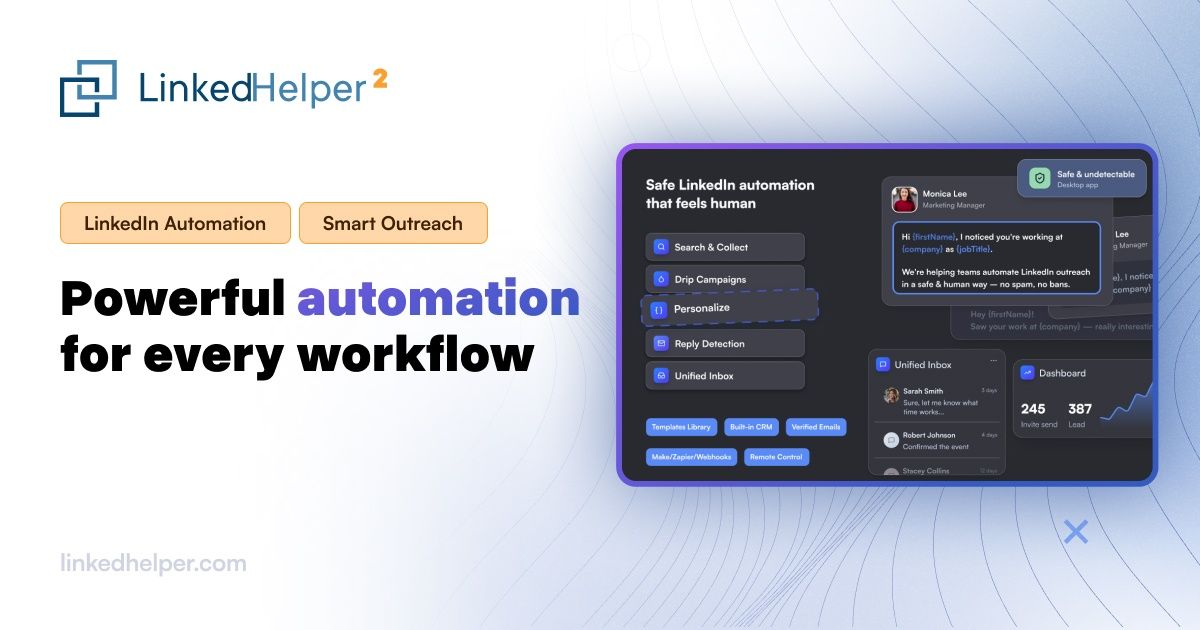
Linked Helper
Linked Helper is LinkedIn automation software that runs as a desktop app. It automates connection invites, follow-ups, profile visits and data export, and its built-in AI writes personalized messages and qualifies leads against an Ideal Customer Profile. The tool is aimed at sales and outreach teams that run lead generation on LinkedIn. Users can manage contacts in a native CRM, sort leads with custom tags, and build drip campaigns with reply detection. It works with free Basic and Premium LinkedIn accounts, and can process leads across LinkedIn, Sales Navigator, Recruiter and Talent. The site states that Linked Helper is a desktop app, not a Chrome extension, and that no code is injected into the LinkedIn page. It includes smart daily limits, rolling 24-hour caps, work hours, randomized delays, and a dedicated IP per profile. A 14-day free trial is offered.
Ver Linked Helper →Comparación de funciones
Katteb
Aún no hay funciones.
Linked Helper
- •AI-personalized connection invites and follow-up messages
- •ICP detection that filters leads before outreach
- •Built-in CRM with custom tags and advanced search
- •Drip campaigns with built-in reply detection
- •Smart daily limits, randomized delays, and dedicated IP per profile
- •Works with free Basic and Premium LinkedIn accounts
De un vistazo
| Katteb | Linked Helper | |
|---|---|---|
| Categoría | Automation | Automation |
| Precios | Paid | Free Trial |
| Valoración de la Comunidad | Sin reseñas | Sin reseñas |
| Votos en Stremit | 85 | 46 |
| Sitio web | katteb.com ↗ | linkedhelper.com ↗ |
Katteb vs Linked Helper: ¿cuál es mejor?
Elegir entre Katteb y Linked Helper depende de tus necesidades concretas. Las dos herramientas pertenecen a la categoría Automation , así que son competidoras directas. Compara arriba sus precios, funciones y reseñas para tomar la mejor decisión para tu flujo de trabajo.
Visita la página de cada herramienta para ver información más detallada, reseñas de la comunidad y el desglose de funciones.
Preguntas frecuentes
What is the difference between Katteb and Linked Helper?
Katteb: Katteb is an AI tool that helps users set and achieve goals by creating a plan and automating tasks. It's designed for businesses and individuals looking to streamline their work and increase productivity. Katteb works… Linked Helper: Linked Helper is LinkedIn automation software that runs as a desktop app. It automates connection invites, follow-ups, profile visits and data export, and its built-in AI writes personalized messages and qualifies leads…
Is Katteb free?
Katteb is listed as Paid on Stremit. Check the tool's site for current plans.
Is Linked Helper free?
Linked Helper is listed as Free Trial on Stremit. Check the tool's site for current plans.
Are Katteb and Linked Helper competitors?
Yes — both are Automation tools on Stremit, so people often compare them before choosing.