LensGo vs Munch Studio
Una comparación detallada para ayudarte a elegir la herramienta de IA adecuada para tu flujo de trabajo.
LensGo
Lovino is an AI tool for creating comprehensive visual assets, including AI images, short videos, product shots, and social media ads. Users can generate content ranging from commercial UGC video ads to cinematic video and detailed product photography using only text prompts or uploaded photos. The platform is designed for creators and businesses that need professional marketing material without the need for a physical photoshoot or film crew. It offers specialized tools, such as turning a single product photo into a creator-style video ad and Motion Control to apply dance moves to characters. It utilizes a single credit balance system across numerous advanced AI models (like Veo and Flux), and includes an AI assistant, Iris, which plans shots and selects the optimal model for the user's content needs.
Ver LensGo →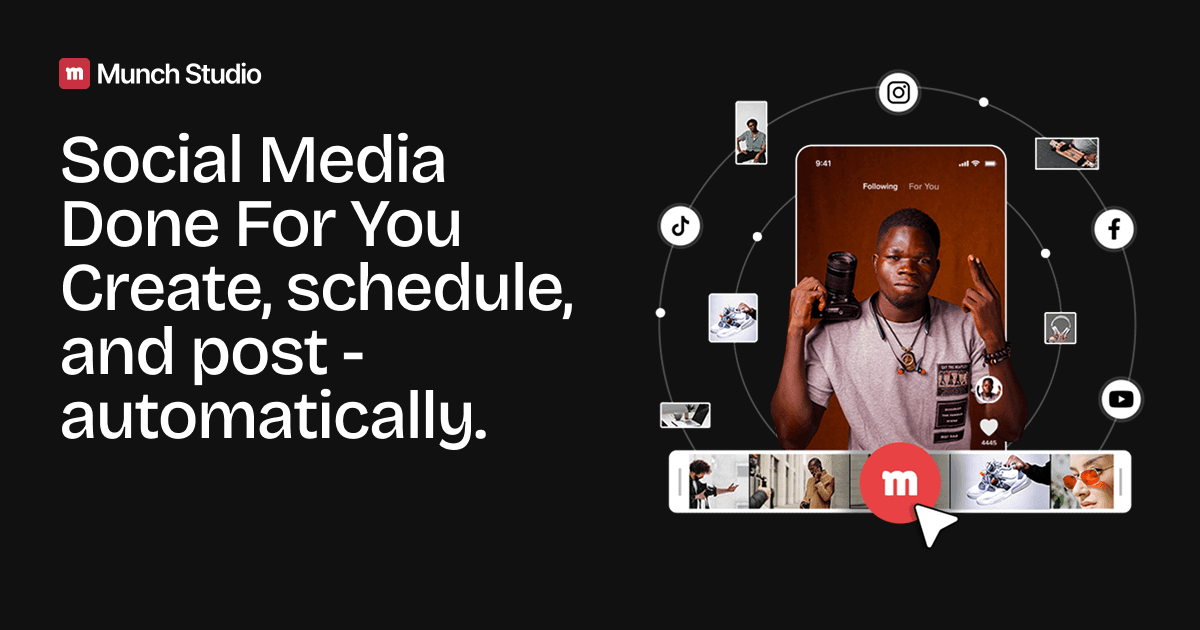
Munch Studio
Munch Studio is an AI-powered platform designed to generate and manage done-for-you social media content, handling the entire marketing presence process. Users can feed the system diverse business assets, including websites, photos, videos, and Zoom recordings, which the AI then uses to build a comprehensive, tailored content strategy. The tool supports multiple major platforms like Instagram, Facebook, and LinkedIn, allowing users to schedule and post content across all channels while monitoring real-time performance data. For agencies, it offers dedicated multi-brand plans, providing an isolated hub for managing content strategies and brand voices for multiple clients. It is for businesses needing hands-free social media marketing and for agencies managing multiple client brands. Its key differentiator is its ability to automate content creation from varied inputs, minimizing the need for technical skill while providing a complete, scalable content solution.
Ver Munch Studio →Comparación de funciones
LensGo
- •AI image and video generation from text prompts
- •Turns single product photos into UGC video ads
- •Advanced models for cinematic video creation
- •Motion Control for characters
- •AI assistance to plan shots and select models
Munch Studio
- •AI content generation from multiple sources
- •Multi-platform scheduling (Instagram, Facebook, LinkedIn)
- •Multi-brand management for agencies
- •Real-time performance monitoring
- •Custom content strategy development
De un vistazo
| LensGo | Munch Studio | |
|---|---|---|
| Categoría | Marketing & SEO | Marketing & SEO |
| Precios | Freemium | Freemium |
| Valoración de la Comunidad | Sin reseñas | Sin reseñas |
| Votos en Stremit | 57 | 58 |
| Sitio web | lensgo.ai ↗ | munchstudio.com ↗ |
LensGo vs Munch Studio: ¿cuál es mejor?
Elegir entre LensGo y Munch Studio depende de tus necesidades concretas. Las dos herramientas pertenecen a la categoría Marketing & SEO , así que son competidoras directas. Compara arriba sus precios, funciones y reseñas para tomar la mejor decisión para tu flujo de trabajo.
Visita la página de cada herramienta para ver información más detallada, reseñas de la comunidad y el desglose de funciones.
Preguntas frecuentes
What is the difference between LensGo and Munch Studio?
LensGo: Lovino is an AI tool for creating comprehensive visual assets, including AI images, short videos, product shots, and social media ads. Users can generate content ranging from commercial UGC video ads to cinematic video… Munch Studio: Munch Studio is an AI-powered platform designed to generate and manage done-for-you social media content, handling the entire marketing presence process. Users can feed the system diverse business assets, including…
Is LensGo free?
LensGo is listed as Freemium on Stremit. Check the tool's site for current plans.
Is Munch Studio free?
Munch Studio is listed as Freemium on Stremit. Check the tool's site for current plans.
Are LensGo and Munch Studio competitors?
Yes — both are Marketing & SEO tools on Stremit, so people often compare them before choosing.