Logo vs Invideo AI
Una comparación detallada para ayudarte a elegir la herramienta de IA adecuada para tu flujo de trabajo.
Logo
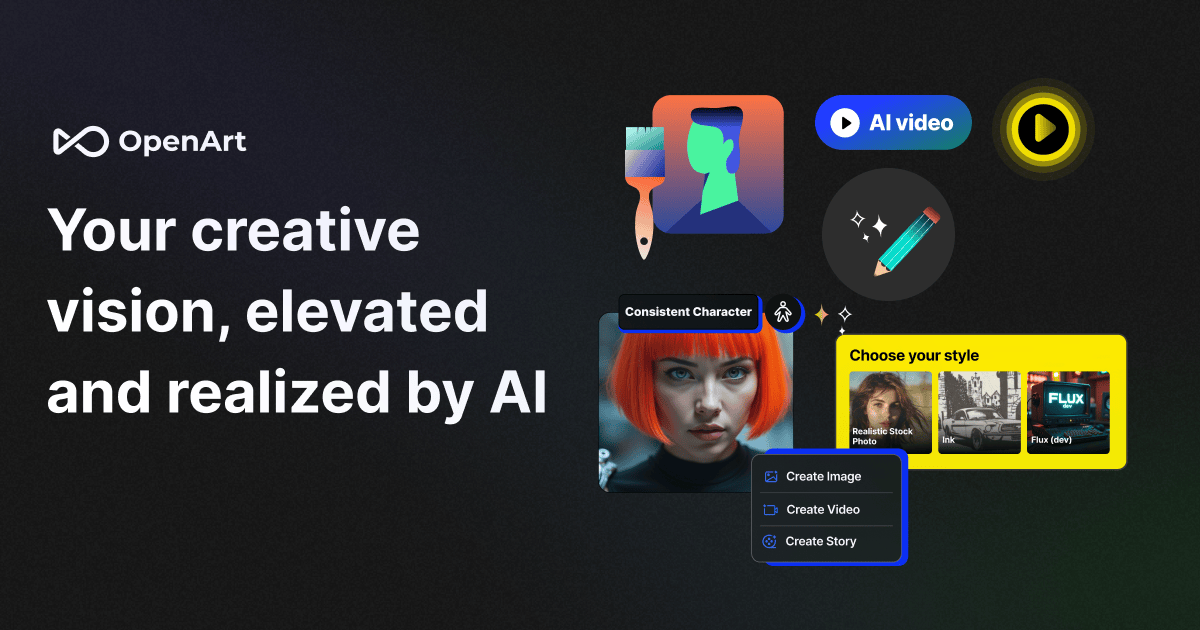
OpenArt Suite is an all-in-one AI creator studio designed to help users create varied content, including images, videos, characters, and audio, all in one place. It allows users to keep their characters, worlds, and styles consistent across multiple creations. The platform features advanced tools such as Text to Video models like Seedance 2.0, enabling video descriptions using creations, brand kits, and visual references. Users can download content using various ratios and resolutions. It is for anyone looking to generate complex content quickly, ranging from individual creators to those utilizing enterprise features. The suite is powered by leading models, including Google Veo, Kling, Nano Banana Pro, and more.
Ver Logo →
Invideo AI
Invideo allows users to create and edit videos using an agentic editor, letting AI agents handle detailed tasks like trimming, grading, and mixing. The platform supports describing edits in plain words, which the agent applies across multiple shots on a multitrack timeline. Advanced features include storyboarding tools, AI co-writing, and the ability to collaborate in real-time multiplayer mode. It is designed for serious creatives and editors who do not want to be prompt engineers. Users can create custom agents—such as a cinematographer or sound designer—or connect existing external agents (like Claude, ChatGPT, or Gemini) to perform specific actions directly on the timeline. What distinguishes Invideo is its robust agent system, which allows it to integrate multiple AI services to manage a production pipeline. Annual plans offer unlimited access to advanced image models like Nano Banana 2.1 and Ideogram 4.5 for 30 days, helping users scale content across various formats.
Ver Invideo AI →Comparación de funciones
Logo
- •Text to Video generation (Seedance 2.0)
- •Character and world consistency maintenance
- •Brand Kit management
- •Audio and image creation
- •Support for multiple visual references
Invideo AI
- •Agentic video editing with Agent Two
- •Real-time multiplayer collaboration
- •Custom agent creation
- •Integration with external AI agents (e.g., ChatGPT)
- •Storyboarding and AI co-writing
De un vistazo
| Logo | Invideo AI | |
|---|---|---|
| Categoría | Video Generation | Video Generation |
| Precios | Freemium | Paid |
| Valoración de la Comunidad | Sin reseñas | 4.0 / 5 (1 reseñas) |
| Votos en Stremit | 45 | 214 |
| Sitio web | openart.ai ↗ | invideo.io ↗ |
Logo vs Invideo AI: ¿cuál es mejor?
Elegir entre Logo y Invideo AI depende de tus necesidades concretas. Las dos herramientas pertenecen a la categoría Video Generation , así que son competidoras directas. Compara arriba sus precios, funciones y reseñas para tomar la mejor decisión para tu flujo de trabajo.
Visita la página de cada herramienta para ver información más detallada, reseñas de la comunidad y el desglose de funciones.
Preguntas frecuentes
What is the difference between Logo and Invideo AI?
Logo: OpenArt Suite is an all-in-one AI creator studio designed to help users create varied content, including images, videos, characters, and audio, all in one place. It allows users to keep their characters, worlds, and… Invideo AI: Invideo allows users to create and edit videos using an agentic editor, letting AI agents handle detailed tasks like trimming, grading, and mixing. The platform supports describing edits in plain words, which the agent…
Is Logo free?
Logo is listed as Freemium on Stremit. Check the tool's site for current plans.
Is Invideo AI free?
Invideo AI is listed as Paid on Stremit. Check the tool's site for current plans.
Are Logo and Invideo AI competitors?
Yes — both are Video Generation tools on Stremit, so people often compare them before choosing.