MakePixel vs Lovart: The World's First AI Design Agent
Una comparación detallada para ayudarte a elegir la herramienta de IA adecuada para tu flujo de trabajo.
MakePixel
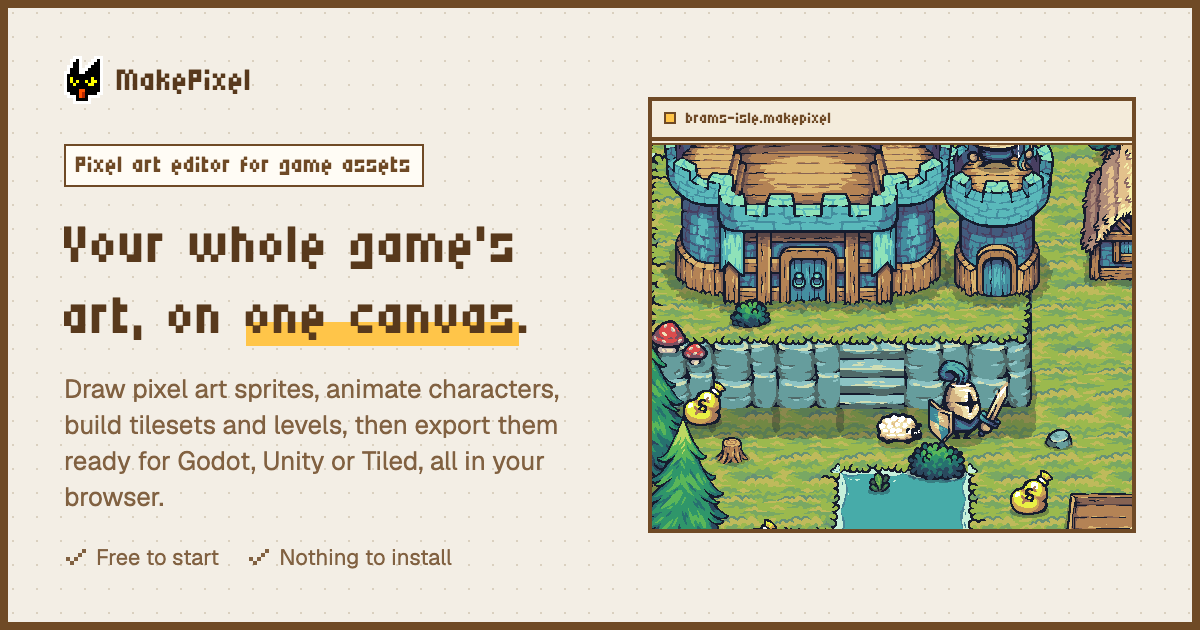
MakePixel is a pixel art editor for game assets that runs in the browser. You draw sprites, animate characters, and build tilesets and levels on one canvas, then export them ready for Godot, Unity, Tiled, or Aseprite. It can also generate pixel art from a text description at 1 credit per picture, and it includes an MCP server that lets coding agents read the canvas and pull sprites into a repository. It is aimed at people making game art who want a whole game's assets in one place. Sections, notes, and an outline keep sprites, animations, and tilesets organised, and a linked asset updates in every project when the original is edited. What sets it apart is autotiling: paint 13 tiles and MakePixel works out the full set of 47. Exports are written in the formats engines read directly, with the filter, pivot, and animation names already set. It is free to start, needs nothing installed, and works on desktop, tablet, and phone.
Ver MakePixel →
Lovart: The World's First AI Design Agent
Lovart is an AI design agent that creates design work through a single conversation. Users describe their brand, and the tool produces assets such as logos, packaging, social content, and video ads. The site says a project can run from a logo to a full marketing campaign in one conversation. The tool is aimed at creators and marketers who need brand and campaign visuals without building each asset from scratch. The site states that more than 100K creators use it. Its interface includes Projects, Skills, and Assets sections, plus quick-start prompts such as a café menu poster or a wedding poster. According to the site, the difference is that the whole process, from logo to campaign, happens in one conversational workflow rather than across separate tools. The site also mentions Clipper and Pinterest tools and a Lovart 2.0 release. Pricing is not stated on the page.
Ver Lovart: The World's First AI Design Agent →Comparación de funciones
MakePixel
Aún no hay funciones.
Lovart: The World's First AI Design Agent
- •Logo creation from a brand description
- •Packaging and social media graphics
- •Video ads for marketing campaigns
- •Full campaign creation in one conversation
- •Skills and Assets library
- •Clipper and Pinterest tools
De un vistazo
| MakePixel | Lovart: The World's First AI Design Agent | |
|---|---|---|
| Categoría | Design & UI | Design & UI |
| Precios | Freemium | — |
| Valoración de la Comunidad | Sin reseñas | Sin reseñas |
| Votos en Stremit | 0 | 58 |
| Sitio web | makepixel.ai ↗ | lovart.ai ↗ |
MakePixel vs Lovart: The World's First AI Design Agent: ¿cuál es mejor?
Elegir entre MakePixel y Lovart: The World's First AI Design Agent depende de tus necesidades concretas. Las dos herramientas pertenecen a la categoría Design & UI , así que son competidoras directas. Compara arriba sus precios, funciones y reseñas para tomar la mejor decisión para tu flujo de trabajo.
Visita la página de cada herramienta para ver información más detallada, reseñas de la comunidad y el desglose de funciones.
Preguntas frecuentes
What is the difference between MakePixel and Lovart: The World's First AI Design Agent?
MakePixel: MakePixel is a pixel art editor for game assets that runs in the browser. You draw sprites, animate characters, and build tilesets and levels on one canvas, then export them ready for Godot, Unity, Tiled, or Aseprite.… Lovart: The World's First AI Design Agent: Lovart is an AI design agent that creates design work through a single conversation. Users describe their brand, and the tool produces assets such as logos, packaging, social content, and video ads. The site says a…
Is MakePixel free?
MakePixel is listed as Freemium on Stremit. Check the tool's site for current plans.
Are MakePixel and Lovart: The World's First AI Design Agent competitors?
Yes — both are Design & UI tools on Stremit, so people often compare them before choosing.