Stripe vs Logo
Una comparación detallada para ayudarte a elegir la herramienta de IA adecuada para tu flujo de trabajo.

Stripe
Seedance 2.0 is an independent multimodal AI video studio designed to create high-quality videos using inputs from text, images, audio, and other video references. It operates on a production-oriented workflow, allowing users to move from a concept to an export-ready clip through three defined steps: setting up the prompt, tuning generation parameters, and refining the output. It is ideal for teams and professional content creators who require repeatable, consistent, and fast video production. The system is built for iterative testing, providing controls for cinematic quality, stable motion, and consistent scene direction. What sets Seedance apart is its focus on workflow efficiency. Features like consistent prompting surfaces, reference-driven motion context, and centralized audio-ready pipelines allow users to generate draft-to-decision loops rapidly, supporting real publishing destinations through advanced controls for resolution and aspect ratio.
Ver Stripe →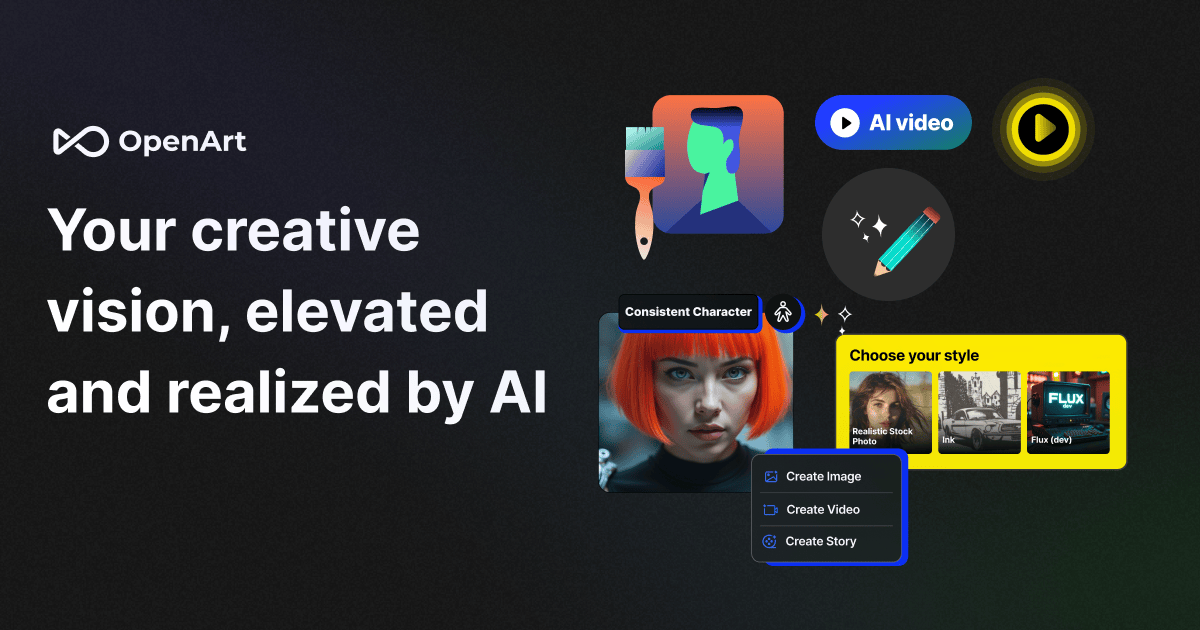
Logo
OpenArt Suite is an all-in-one AI creator studio designed to help users create varied content, including images, videos, characters, and audio, all in one place. It allows users to keep their characters, worlds, and styles consistent across multiple creations. The platform features advanced tools such as Text to Video models like Seedance 2.0, enabling video descriptions using creations, brand kits, and visual references. Users can download content using various ratios and resolutions. It is for anyone looking to generate complex content quickly, ranging from individual creators to those utilizing enterprise features. The suite is powered by leading models, including Google Veo, Kling, Nano Banana Pro, and more.
Ver Logo →Comparación de funciones
Stripe
- •Multi-modal inputs (text, image, audio)
- •Reference-driven motion context
- •Cinematic quality with stable motion
- •Production-aligned controls (res, ratio, duration)
- •Fast iteration loop for quick refinement
Logo
- •Text to Video generation (Seedance 2.0)
- •Character and world consistency maintenance
- •Brand Kit management
- •Audio and image creation
- •Support for multiple visual references
De un vistazo
| Stripe | Logo | |
|---|---|---|
| Categoría | Video Generation | Video Generation |
| Precios | Freemium | Freemium |
| Valoración de la Comunidad | Sin reseñas | Sin reseñas |
| Votos en Stremit | 70 | 45 |
| Sitio web | seedance-2.ink ↗ | openart.ai ↗ |
Stripe vs Logo: ¿cuál es mejor?
Elegir entre Stripe y Logo depende de tus necesidades concretas. Las dos herramientas pertenecen a la categoría Video Generation , así que son competidoras directas. Compara arriba sus precios, funciones y reseñas para tomar la mejor decisión para tu flujo de trabajo.
Visita la página de cada herramienta para ver información más detallada, reseñas de la comunidad y el desglose de funciones.
Preguntas frecuentes
What is the difference between Stripe and Logo?
Stripe: Seedance 2.0 is an independent multimodal AI video studio designed to create high-quality videos using inputs from text, images, audio, and other video references. It operates on a production-oriented workflow, allowing… Logo: OpenArt Suite is an all-in-one AI creator studio designed to help users create varied content, including images, videos, characters, and audio, all in one place. It allows users to keep their characters, worlds, and…
Is Stripe free?
Stripe is listed as Freemium on Stremit. Check the tool's site for current plans.
Is Logo free?
Logo is listed as Freemium on Stremit. Check the tool's site for current plans.
Are Stripe and Logo competitors?
Yes — both are Video Generation tools on Stremit, so people often compare them before choosing.