VectorMint vs Napkin
Una comparación detallada para ayudarte a elegir la herramienta de IA adecuada para tu flujo de trabajo.
VectorMint
VectorMint is an AI SVG generator that turns a text prompt or an uploaded PNG, JPG, or WebP image into editable SVG vector artwork. Users can preview the artwork, compare color and outline views, refine vector colors, and export a standard SVG file. The tool is aimed at people making icons, logo concepts, and illustrations. A single free preview is available without an account, and a paid plan unlocks SVG downloads and access to the vector code. The output consists of editable vector paths rather than an embedded bitmap, so the artwork can be scaled without losing resolution. The SVG format is standard and works across browsers, vector editors, and design layouts. Image conversion supports four, eight, or sixteen colors and can remove a connected solid background. Image tracing runs on a server-side vector converter, and source images are not sent to an AI provider.
Ver VectorMint →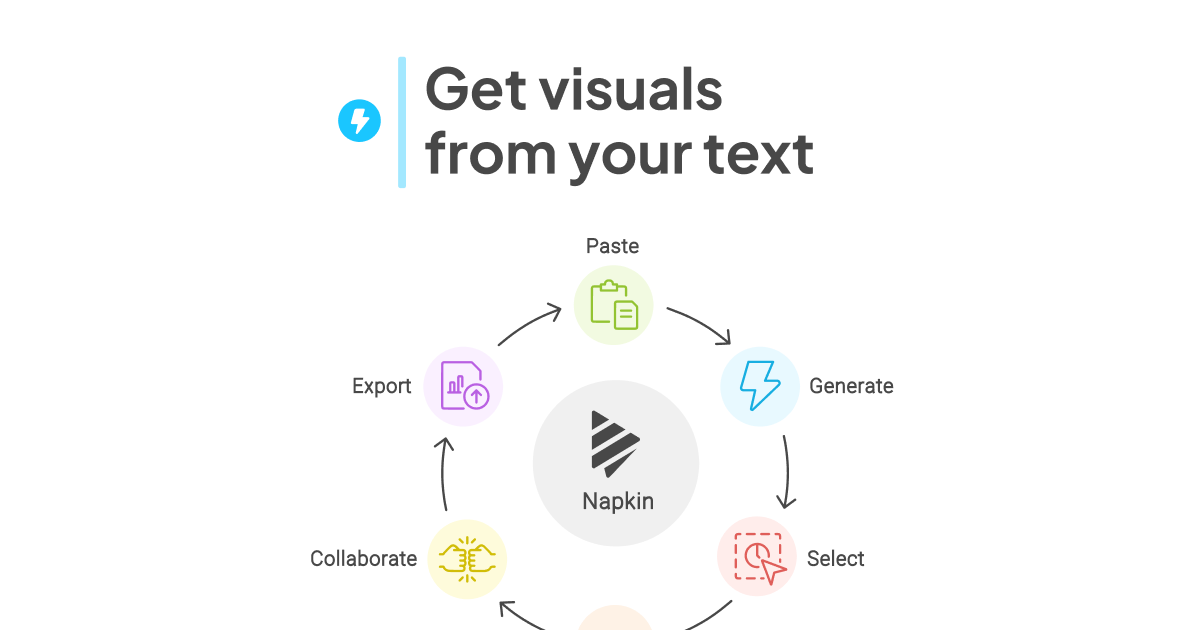
Napkin
Napkin turns text into visuals. It creates presentation-ready slide decks, mind maps, flowcharts, and editable data charts from written ideas or data. It also offers an API for generating visuals at scale inside an existing workflow. Visual generation uses AI credits, with roughly one credit charged per word selected. The tool is aimed at individuals and small teams, dedicated visual creators and planners, and large teams and organizations with heavy visual needs. The free plan includes 500 AI credits per week, unlimited visual editing, file import from PPT, DOC, PDF, HTML, and MD, and unlimited PNG and PDF export. Visuals on that plan carry Napkin branding. Paid plans add more AI credits, premium AI image models, PPT and SVG export, brand styles, and removal of Napkin branding. The site says self-serve accounts may use anonymized interaction data to improve its AI, with an opt-out available, and that enterprise customer data is not used for training. Napkin states it is SOC 2 Type II compliant and ISO 27001 certified.
Ver Napkin →Comparación de funciones
VectorMint
Aún no hay funciones.
Napkin
- •Text-to-slide deck creation
- •Mind maps and flowcharts from text
- •Editable data charts
- •Unlimited PNG and PDF export on free plan
- •API for automated visual generation
- •SOC 2 Type II and ISO 27001 compliance
De un vistazo
| VectorMint | Napkin | |
|---|---|---|
| Categoría | Design & UI | Design & UI |
| Precios | Freemium | Freemium |
| Valoración de la Comunidad | Sin reseñas | Sin reseñas |
| Votos en Stremit | 0 | 78 |
| Sitio web | aisvg-generator.com ↗ | napkin.ai ↗ |
VectorMint vs Napkin: ¿cuál es mejor?
Elegir entre VectorMint y Napkin depende de tus necesidades concretas. Las dos herramientas pertenecen a la categoría Design & UI , así que son competidoras directas. Compara arriba sus precios, funciones y reseñas para tomar la mejor decisión para tu flujo de trabajo.
Visita la página de cada herramienta para ver información más detallada, reseñas de la comunidad y el desglose de funciones.
Preguntas frecuentes
What is the difference between VectorMint and Napkin?
VectorMint: VectorMint is an AI SVG generator that turns a text prompt or an uploaded PNG, JPG, or WebP image into editable SVG vector artwork. Users can preview the artwork, compare color and outline views, refine vector colors,… Napkin: Napkin turns text into visuals. It creates presentation-ready slide decks, mind maps, flowcharts, and editable data charts from written ideas or data. It also offers an API for generating visuals at scale inside an…
Is VectorMint free?
VectorMint is listed as Freemium on Stremit. Check the tool's site for current plans.
Is Napkin free?
Napkin is listed as Freemium on Stremit. Check the tool's site for current plans.
Are VectorMint and Napkin competitors?
Yes — both are Design & UI tools on Stremit, so people often compare them before choosing.