AI Image Editor vs Napkin
Une comparaison détaillée pour vous aider à choisir le bon outil IA pour votre workflow.

AI Image Editor
AI Image Editor is an online platform that helps creators generate, transform, and enhance images from text instructions. It offers various tools for image editing, video editing, and asset optimization. The tool is suitable for professionals and individuals who need to create polished visuals quickly. It differs from other image editing tools in its easy browser-based workflow and flexible prompts. It is mainly used for creative tasks such as generating new images, editing uploaded files, making still images move, and preparing multiple asset versions for team review. The tool provides a range of image and video models, as well as image and video tools, to cater to different creative needs.
Voir AI Image Editor →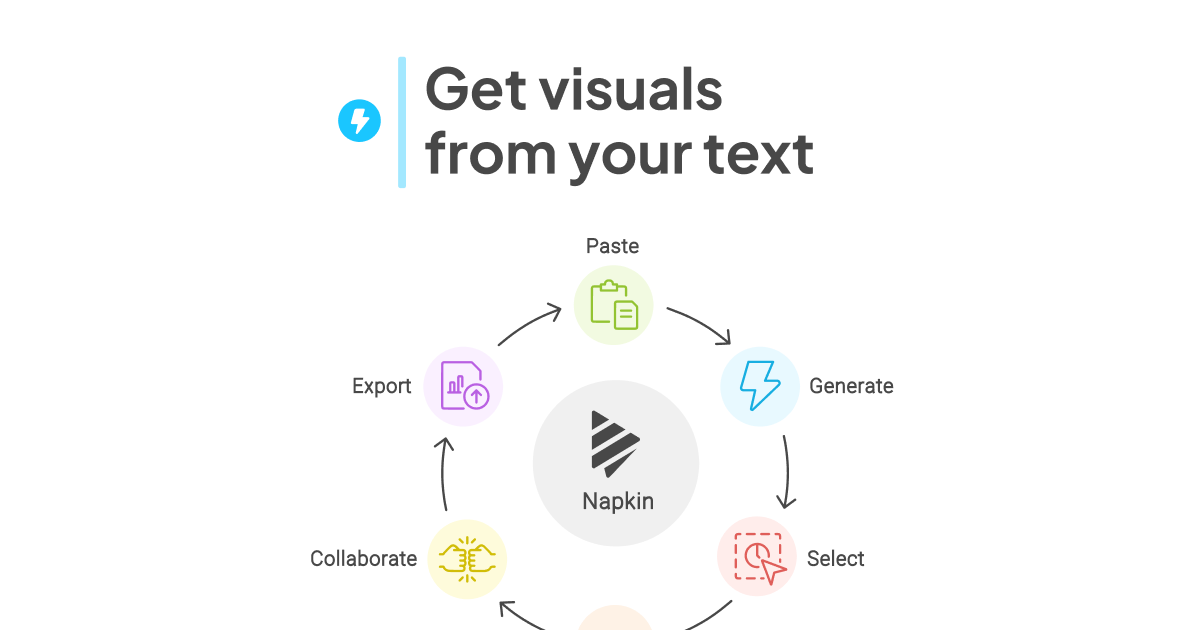
Napkin
Napkin turns text into visuals. It creates presentation-ready slide decks, mind maps, flowcharts, and editable data charts from written ideas or data. It also offers an API for generating visuals at scale inside an existing workflow. Visual generation uses AI credits, with roughly one credit charged per word selected. The tool is aimed at individuals and small teams, dedicated visual creators and planners, and large teams and organizations with heavy visual needs. The free plan includes 500 AI credits per week, unlimited visual editing, file import from PPT, DOC, PDF, HTML, and MD, and unlimited PNG and PDF export. Visuals on that plan carry Napkin branding. Paid plans add more AI credits, premium AI image models, PPT and SVG export, brand styles, and removal of Napkin branding. The site says self-serve accounts may use anonymized interaction data to improve its AI, with an opt-out available, and that enterprise customer data is not used for training. Napkin states it is SOC 2 Type II compliant and ISO 27001 certified.
Voir Napkin →Comparaison des fonctionnalités
AI Image Editor
Aucune fonctionnalité listée pour l’instant.
Napkin
- •Text-to-slide deck creation
- •Mind maps and flowcharts from text
- •Editable data charts
- •Unlimited PNG and PDF export on free plan
- •API for automated visual generation
- •SOC 2 Type II and ISO 27001 compliance
En bref
| AI Image Editor | Napkin | |
|---|---|---|
| Catégorie | Design & UI | Design & UI |
| Prix | Paid | Freemium |
| Note de la communauté | Aucun avis | Aucun avis |
| Votes positifs sur Stremit | 0 | 78 |
| Site web | ai-img-editor.com ↗ | napkin.ai ↗ |
AI Image Editor vs Napkin : lequel est le meilleur ?
Choisir entre AI Image Editor et Napkin dépend de vos besoins précis. Les deux outils appartiennent à la catégorie Design & UI , ce qui en fait des concurrents directs. Comparez leurs prix, fonctionnalités et avis ci-dessus pour faire le meilleur choix pour votre workflow.
Consultez la page de chaque outil pour des informations plus détaillées, les avis de la communauté et le détail des fonctionnalités.
Questions fréquentes
What is the difference between AI Image Editor and Napkin?
AI Image Editor: AI Image Editor is an online platform that helps creators generate, transform, and enhance images from text instructions. It offers various tools for image editing, video editing, and asset optimization. The tool is… Napkin: Napkin turns text into visuals. It creates presentation-ready slide decks, mind maps, flowcharts, and editable data charts from written ideas or data. It also offers an API for generating visuals at scale inside an…
Is AI Image Editor free?
AI Image Editor is listed as Paid on Stremit. Check the tool's site for current plans.
Is Napkin free?
Napkin is listed as Freemium on Stremit. Check the tool's site for current plans.
Are AI Image Editor and Napkin competitors?
Yes — both are Design & UI tools on Stremit, so people often compare them before choosing.