AI Photo Editor vs VisualGPT: Free AI Image & Video Generator, Editor and Design Online
Une comparaison détaillée pour vous aider à choisir le bon outil IA pour votre workflow.

AI Photo Editor
AI Photo Editor is an online editor where you describe the change and an AI image model makes it. Upload up to 5 photos or start from text, type the edit in plain words or tap an idea, and pick a model such as Nano Banana, GPT Image, Seedream or Grok. Restore and colorize old photos, remove people or objects, change outfits or hairstyles.
Voir AI Photo Editor →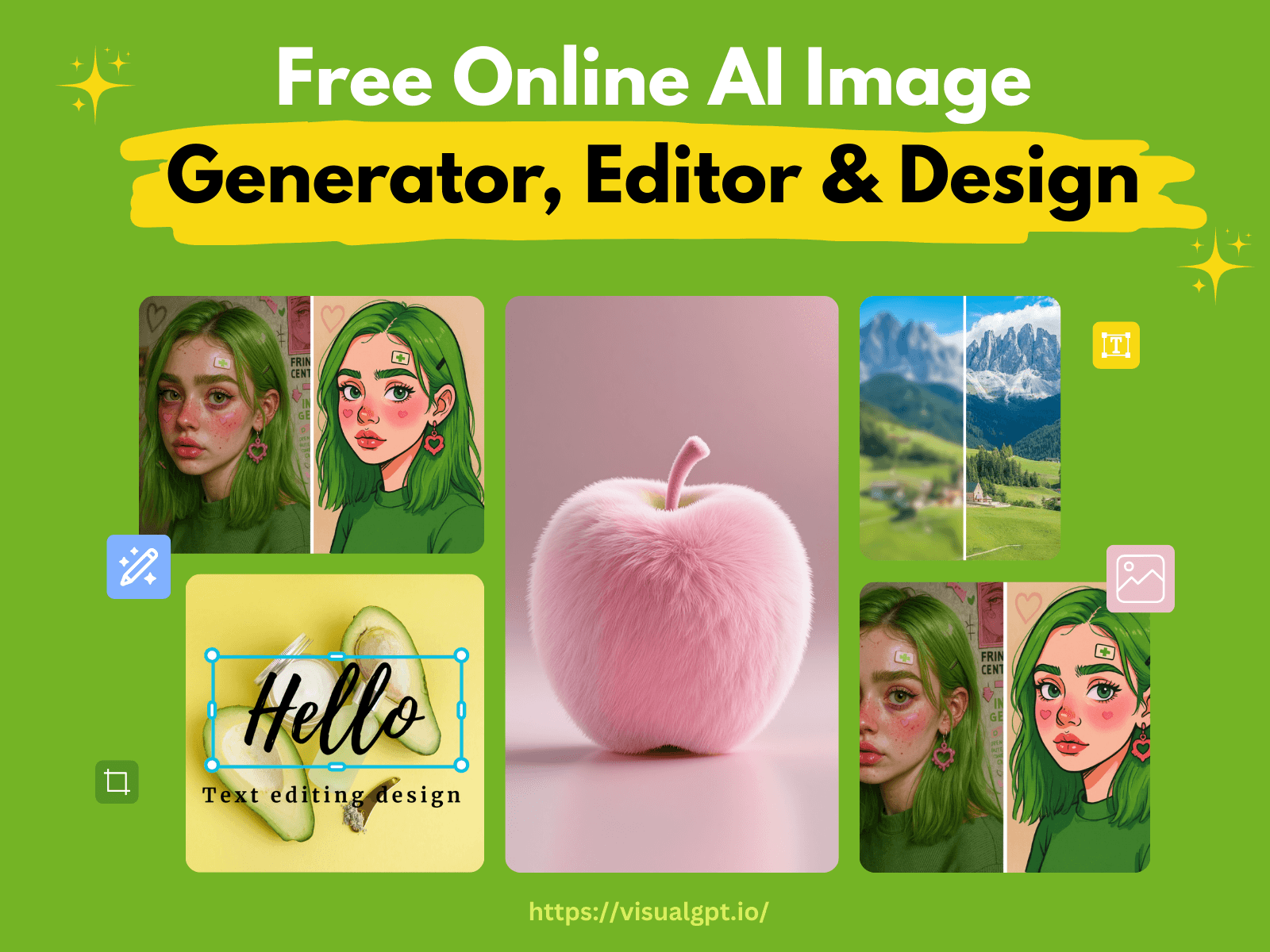
VisualGPT: Free AI Image & Video Generator, Editor and Design Online
VisualGPT is an AI creative suite for generating, editing, and enhancing images and videos. It turns ideas into product photos, AI portraits, and brand videos, with tools such as an AI image editor, AI headshot generator, virtual try-on, and Viral Studio for trending-style videos. It is built for e-commerce sellers, content creators, marketers, and design teams. Sellers can create white background shots, lifestyle scenes, and complete listing visuals for Amazon, Shopify, Etsy, and TikTok Shop. The platform gives access to 20+ AI models, including GPT Image 2, Nano Banana Pro, Seedance, Seedream, and Kling, in one place. Downloads are watermark-free, and commercial use is available with eligible paid plans or Lifetime Credits, subject to the Terms and model restrictions.
Voir VisualGPT: Free AI Image & Video Generator, Editor and Design Online →Comparaison des fonctionnalités
AI Photo Editor
Aucune fonctionnalité listée pour l’instant.
VisualGPT: Free AI Image & Video Generator, Editor and Design Online
- •Product photos and AI model try-ons
- •AI image editor and AI headshot generator
- •Static images turned into videos with lip-sync product demos
- •Access to 20+ AI models in one platform
- •Watermark-free downloads
- •Commercial use with eligible paid plans
En bref
| AI Photo Editor | VisualGPT: Free AI Image & Video Generator, Editor and Design Online | |
|---|---|---|
| Catégorie | Image Generation | Image Generation |
| Prix | Freemium | Freemium |
| Note de la communauté | Aucun avis | Aucun avis |
| Votes positifs sur Stremit | 0 | 77 |
| Site web | ai-photo-editor.net ↗ | visualgpt.io ↗ |
AI Photo Editor vs VisualGPT: Free AI Image & Video Generator, Editor and Design Online : lequel est le meilleur ?
Choisir entre AI Photo Editor et VisualGPT: Free AI Image & Video Generator, Editor and Design Online dépend de vos besoins précis. Les deux outils appartiennent à la catégorie Image Generation , ce qui en fait des concurrents directs. Comparez leurs prix, fonctionnalités et avis ci-dessus pour faire le meilleur choix pour votre workflow.
Consultez la page de chaque outil pour des informations plus détaillées, les avis de la communauté et le détail des fonctionnalités.
Questions fréquentes
What is the difference between AI Photo Editor and VisualGPT: Free AI Image & Video Generator, Editor and Design Online?
AI Photo Editor: AI Photo Editor is an online editor where you describe the change and an AI image model makes it. Upload up to 5 photos or start from text, type the edit in plain words or tap an idea, and pick a model such as Nano… VisualGPT: Free AI Image & Video Generator, Editor and Design Online: VisualGPT is an AI creative suite for generating, editing, and enhancing images and videos. It turns ideas into product photos, AI portraits, and brand videos, with tools such as an AI image editor, AI headshot…
Is AI Photo Editor free?
AI Photo Editor is listed as Freemium on Stremit. Check the tool's site for current plans.
Is VisualGPT: Free AI Image & Video Generator, Editor and Design Online free?
VisualGPT: Free AI Image & Video Generator, Editor and Design Online is listed as Freemium on Stremit. Check the tool's site for current plans.
Are AI Photo Editor and VisualGPT: Free AI Image & Video Generator, Editor and Design Online competitors?
Yes — both are Image Generation tools on Stremit, so people often compare them before choosing.