CogVideo vs Google Veo 3
Une comparaison détaillée pour vous aider à choisir le bon outil IA pour votre workflow.
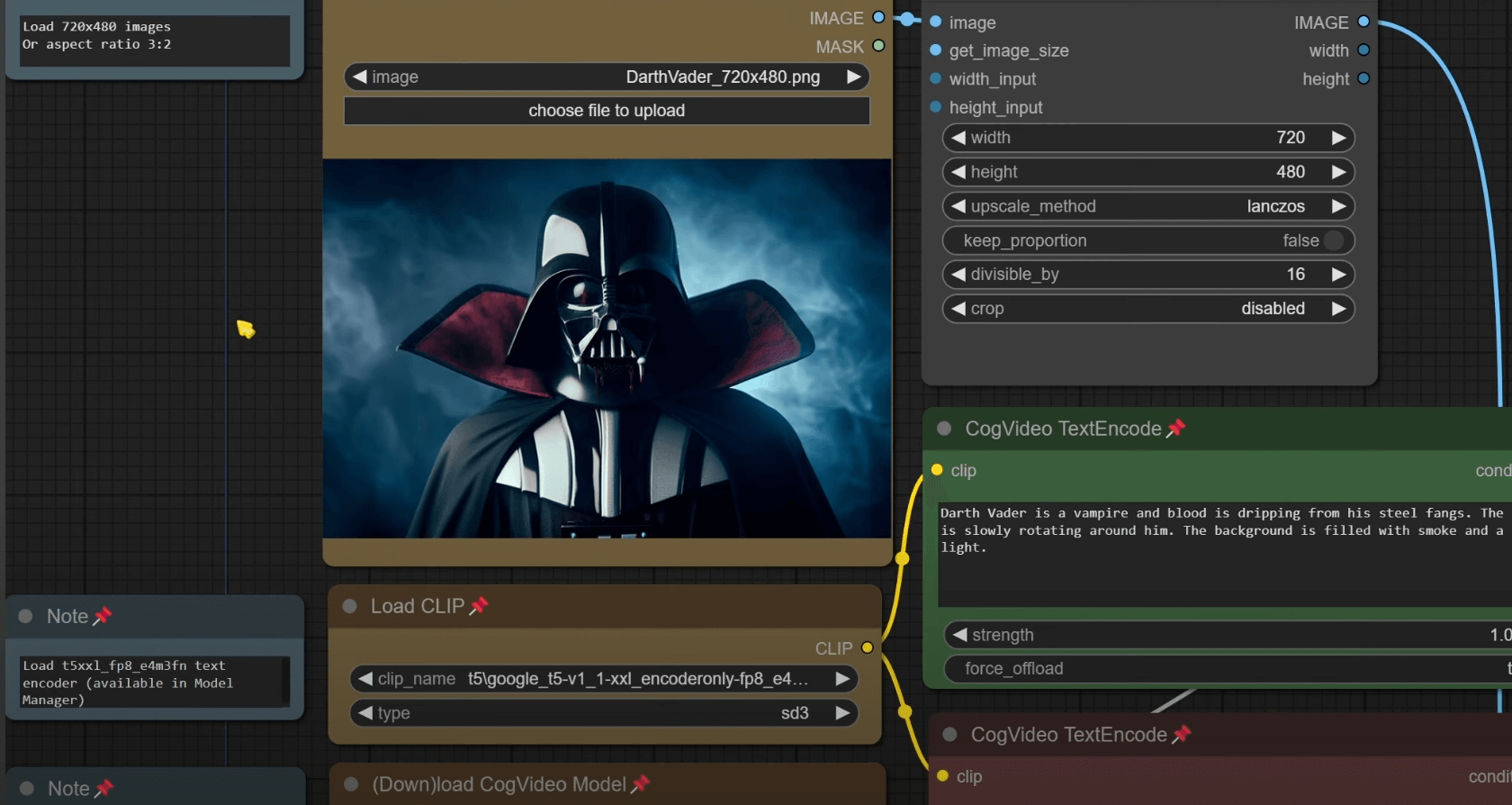
CogVideo
CogVideo is an AI video generator that enables users to create video content through three methods: Text-to-Video, Image-to-Video, and Video-to-Video generation. Users can turn a simple written prompt, an existing still photo, or a pre-recorded clip into a moving video directly in their web browser. It is ideal for social media creators needing continuous content, marketers creating rapid ad variations, and e-commerce sellers who want to add motion to static product photos. The platform bypasses the need for complex editing software, keyframes, or local GPU resources. The tool operates in three simple steps: describing the scene, generating the clip on the server, and downloading the finished video file. This allows users to go from an idea to a post-ready clip without leaving the browser tab.
Voir CogVideo →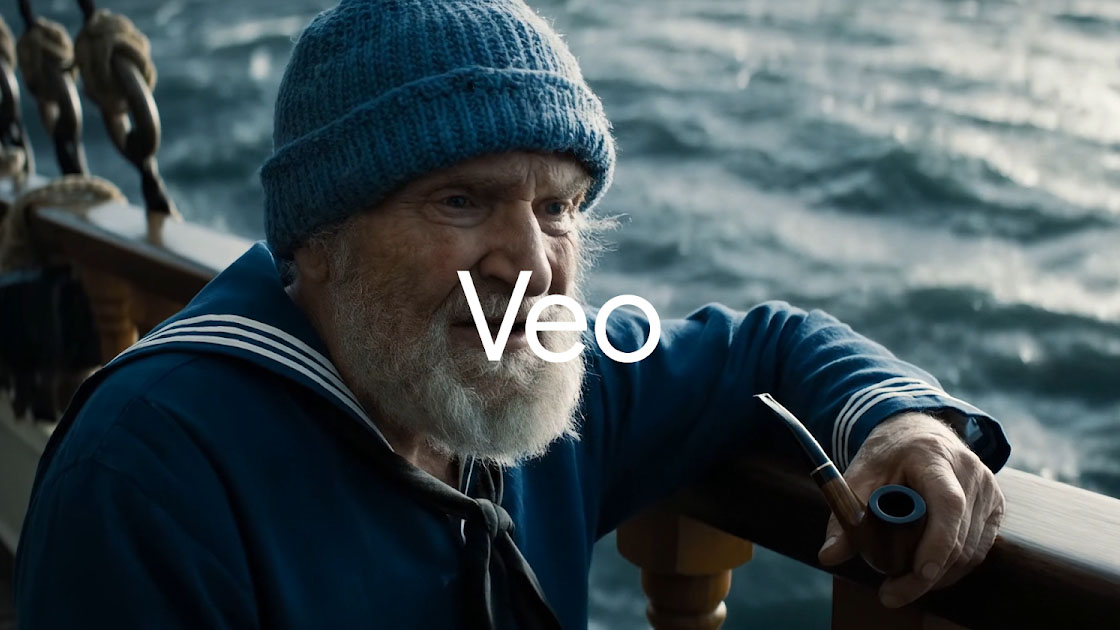
Google Veo 3
Google Veo 3 is an advanced generative model designed for creating high-quality video content directly from text prompts. Hosted within Google AI Studio, it provides developers and content creators with a streamlined platform for rapid video production, marketed as the fastest path from prompt to production. This tool enables seamless integration with the Gemini API, allowing users to build complex, video-based applications into their existing workflows. It empowers users to move beyond static images by turning narrative ideas into dynamic, professional video assets. It is ideal for filmmakers, marketers, and developers who require sophisticated, customizable video generation without needing traditional, complex rendering pipelines.
Voir Google Veo 3 →Comparaison des fonctionnalités
CogVideo
- •Text-to-Video generation from prompts
- •Image-to-Video animation of stills
- •Video-to-Video restyling of footage
- •Runs entirely in the browser (no install)
- •Built-in prompt help suggestions
- •No need for GPU or timeline editing
Google Veo 3
- •Text-to-video generation
- •Seamless integration with Gemini API
- •Optimized for production workflows
- •Access via Google AI Studio
- •Supports rapid iteration from prompts
En bref
| CogVideo | Google Veo 3 | |
|---|---|---|
| Catégorie | Video Generation | Video Generation |
| Prix | Freemium | Contact for Pricing |
| Note de la communauté | Aucun avis | Aucun avis |
| Votes positifs sur Stremit | 88 | 36 |
| Site web | cogvideo.net ↗ | aistudio.google.com ↗ |
CogVideo vs Google Veo 3 : lequel est le meilleur ?
Choisir entre CogVideo et Google Veo 3 dépend de vos besoins précis. Les deux outils appartiennent à la catégorie Video Generation , ce qui en fait des concurrents directs. Comparez leurs prix, fonctionnalités et avis ci-dessus pour faire le meilleur choix pour votre workflow.
Consultez la page de chaque outil pour des informations plus détaillées, les avis de la communauté et le détail des fonctionnalités.
Questions fréquentes
What is the difference between CogVideo and Google Veo 3?
CogVideo: CogVideo is an AI video generator that enables users to create video content through three methods: Text-to-Video, Image-to-Video, and Video-to-Video generation. Users can turn a simple written prompt, an existing still… Google Veo 3: Google Veo 3 is an advanced generative model designed for creating high-quality video content directly from text prompts. Hosted within Google AI Studio, it provides developers and content creators with a streamlined…
Is CogVideo free?
CogVideo is listed as Freemium on Stremit. Check the tool's site for current plans.
Is Google Veo 3 free?
Google Veo 3 is listed as Contact for Pricing on Stremit. Check the tool's site for current plans.
Are CogVideo and Google Veo 3 competitors?
Yes — both are Video Generation tools on Stremit, so people often compare them before choosing.