Free AI Room Designer & Interior Design AI Online vs AVCLabs AI: Enhance Your Video and Photo Quality with AI
Une comparaison détaillée pour vous aider à choisir le bon outil IA pour votre workflow.
Free AI Room Designer & Interior Design AI Online
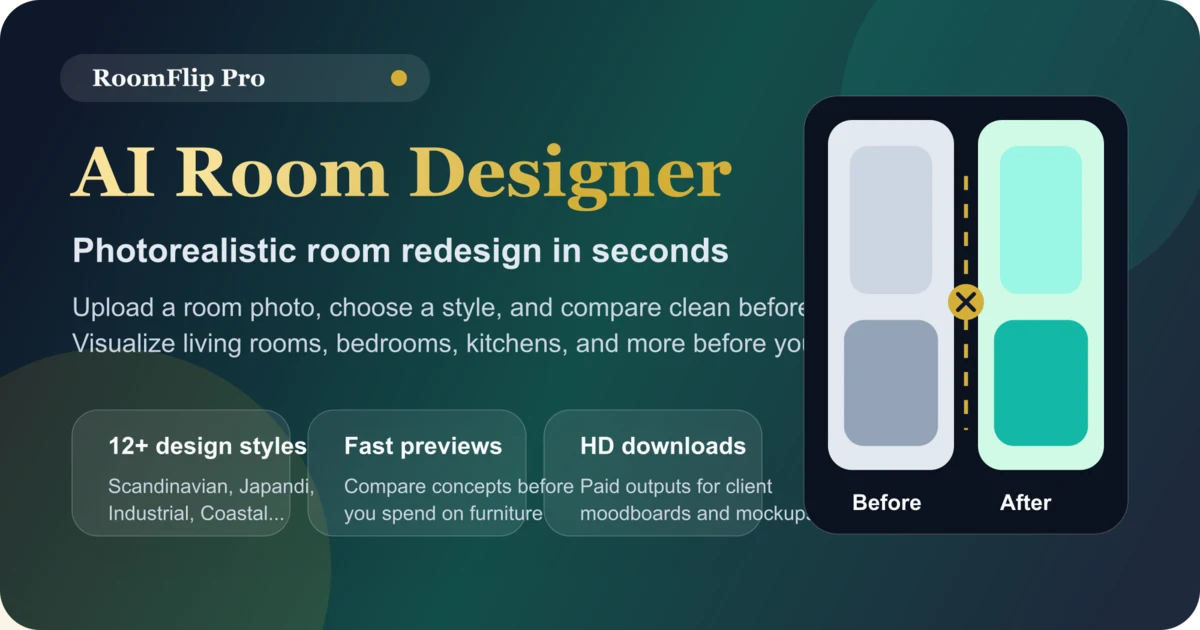
RoomFlip is an AI room design and virtual staging tool for real room photos. Users upload up to 6 photos in JPG, PNG, or WebP format, choose what to change, and compare generated design directions. A result can be refined by marking areas that need more work, and the finished room designs can be downloaded. It is built for homeowners and renters who want to test a sofa, rug, or bed before buying, and for furniture shoppers checking a style in the actual room. Airbnb and rental hosts can preview a listing image, and agents or renovation teams can show a direction to sellers, buyers, or clients. New users get 5 free credits after signing in. Each generated design is shown beside the original room, so the layout, furniture, color, and overall feel can be checked against the real space. The original stays part of the workflow. Lighting, scale, and architecture can vary between photos in the same set, so each result is reviewed separately. Paid plans are Pro at USD 9.99 per month and Max at USD 24.99 per month.
Voir Free AI Room Designer & Interior Design AI Online →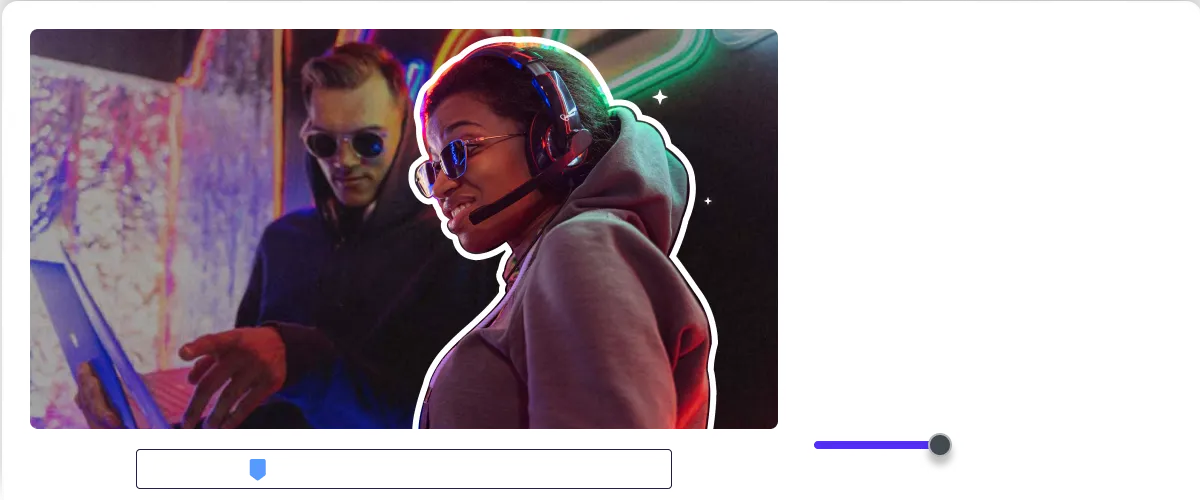
AVCLabs AI: Enhance Your Video and Photo Quality with AI
AVCLabs AI is a set of AI tools for enhancing, editing, and creating video and photo content. Its video tools upscale low-resolution footage to high definition, reduce blur, restore facial details, stabilize footage, and remove watermarks. Its photo tools improve image quality, restore old photos, colorize images, and reduce noise. The products can be used on desktop or online. The tools suit users who need to improve media quality or hide details such as faces, license plates, and objects without manual editing. Video Blur AI detects and blurs these elements automatically, and the company says it can reduce manual editing work by up to 99%. The lineup covers both video and photo editing under one brand. Users can choose between desktop software and online tools, depending on how they want to work.
Voir AVCLabs AI: Enhance Your Video and Photo Quality with AI →Comparaison des fonctionnalités
Free AI Room Designer & Interior Design AI Online
- •Upload up to 6 room photos in one set
- •Redesign rooms, rearrange furniture, or furnish empty rooms
- •Compare generated designs beside the original photo
- •Refine results by marking areas that need more work
- •Download finished room designs
- •5 free credits for new users, plus Pro and Max plans
AVCLabs AI: Enhance Your Video and Photo Quality with AI
- •Upscales low-resolution videos to HD, 4K, and 8K
- •Automatically blurs faces, objects, and license plates in video
- •Removes watermarks, logos, text, and subtitles
- •Restores old photos and adds colorization
- •Reduces noise and sharpens images
- •Available as desktop software or online tools
En bref
| Free AI Room Designer & Interior Design AI Online | AVCLabs AI: Enhance Your Video and Photo Quality with AI | |
|---|---|---|
| Catégorie | Design & UI | Design & UI |
| Prix | Freemium | Freemium |
| Note de la communauté | Aucun avis | Aucun avis |
| Votes positifs sur Stremit | 36 | 83 |
| Site web | roomflip.pro ↗ | avclabs.com ↗ |
Free AI Room Designer & Interior Design AI Online vs AVCLabs AI: Enhance Your Video and Photo Quality with AI : lequel est le meilleur ?
Choisir entre Free AI Room Designer & Interior Design AI Online et AVCLabs AI: Enhance Your Video and Photo Quality with AI dépend de vos besoins précis. Les deux outils appartiennent à la catégorie Design & UI , ce qui en fait des concurrents directs. Comparez leurs prix, fonctionnalités et avis ci-dessus pour faire le meilleur choix pour votre workflow.
Consultez la page de chaque outil pour des informations plus détaillées, les avis de la communauté et le détail des fonctionnalités.
Questions fréquentes
What is the difference between Free AI Room Designer & Interior Design AI Online and AVCLabs AI: Enhance Your Video and Photo Quality with AI?
Free AI Room Designer & Interior Design AI Online: RoomFlip is an AI room design and virtual staging tool for real room photos. Users upload up to 6 photos in JPG, PNG, or WebP format, choose what to change, and compare generated design directions. A result can be… AVCLabs AI: Enhance Your Video and Photo Quality with AI: AVCLabs AI is a set of AI tools for enhancing, editing, and creating video and photo content. Its video tools upscale low-resolution footage to high definition, reduce blur, restore facial details, stabilize footage,…
Is Free AI Room Designer & Interior Design AI Online free?
Free AI Room Designer & Interior Design AI Online is listed as Freemium on Stremit. Check the tool's site for current plans.
Is AVCLabs AI: Enhance Your Video and Photo Quality with AI free?
AVCLabs AI: Enhance Your Video and Photo Quality with AI is listed as Freemium on Stremit. Check the tool's site for current plans.
Are Free AI Room Designer & Interior Design AI Online and AVCLabs AI: Enhance Your Video and Photo Quality with AI competitors?
Yes — both are Design & UI tools on Stremit, so people often compare them before choosing.