Google AI Edge vs Abacus.AI
Une comparaison détaillée pour vous aider à choisir le bon outil IA pour votre workflow.
Google AI Edge
Google AI Edge provides an end-to-end stack for developers to deploy machine learning and generative AI models directly across mobile, web, and embedded applications. This approach ensures reduced latency, enhanced data privacy, and critical offline functionality. Developers can integrate prebuilt task APIs, such as object detection, background blur, and face landmarks, or utilize the LiteRT SDKs to run large language models (LLMs) on-device, supporting multimodality, RAG, and Function Calling. The platform supports running custom models by converting and deploying hardware-accelerated models from popular frameworks including PyTorch, TensorFlow, JAX, and Keras, optimizing performance across CPU, GPU, and NPU architectures.
Voir Google AI Edge →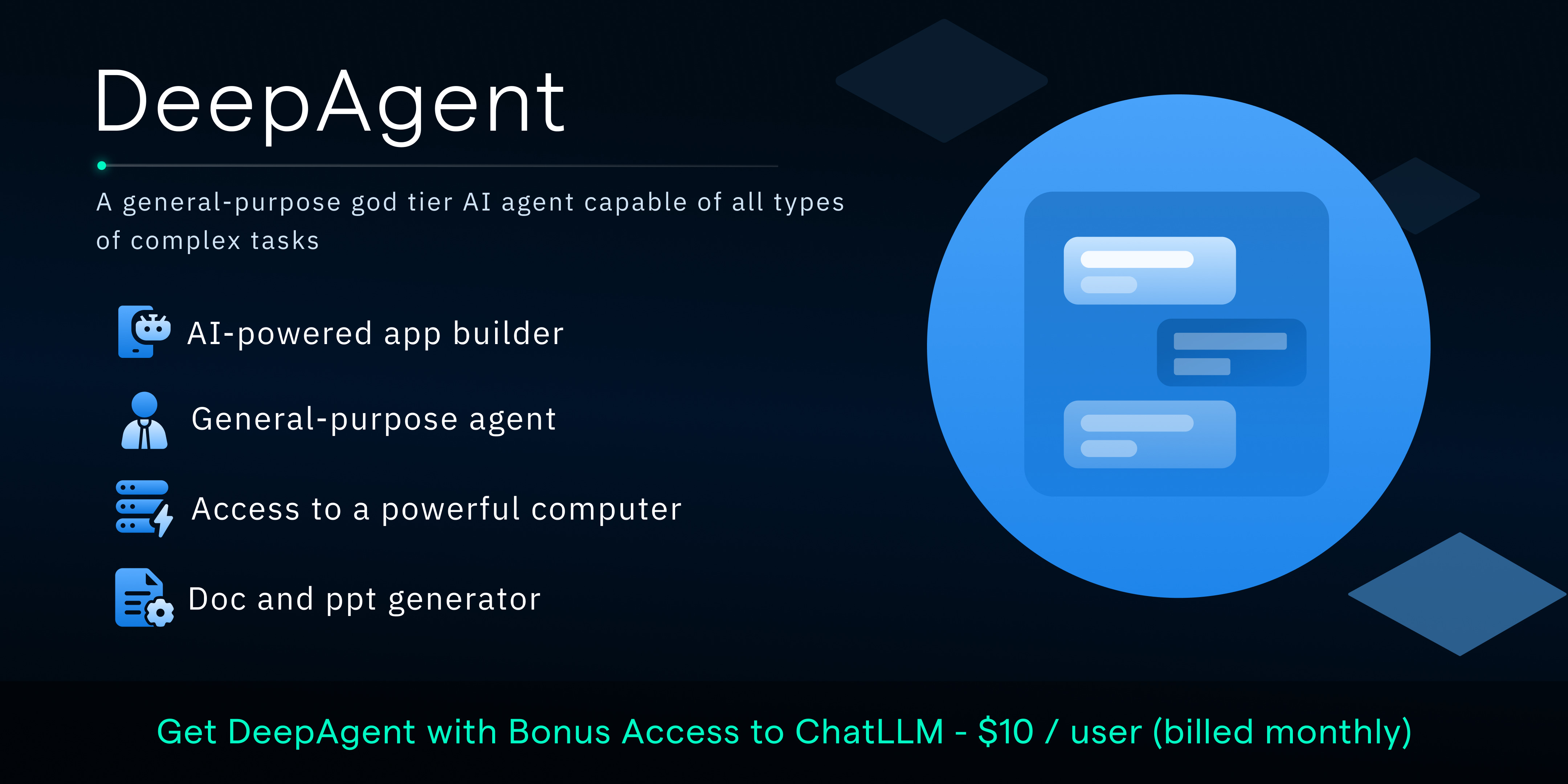
Abacus.AI
Abacus AI Agent is an advanced, general-purpose AI system capable of handling complex, end-to-end tasks. It allows users to generate a wide variety of professional assets, including full-stack mobile apps, multi-page websites, complex research reports, and marketing videos, all built on its cloud computer. It is designed for developers, marketers, and businesses needing to automate workflows and create solutions without manual coding. Its agentic nature allows it to perform deep tasks, such as parallelized financial research, running bug-free code review, or generating professional LinkedIn outreach campaigns. What sets Abacus AI apart is its versatility. It functions as a powerful hub, integrating over 100 AI models, connecting to systems like Stripe, and offering specialized capabilities ranging from invoice processing to advanced revenue analytics, making it a single point for diverse business needs.
Voir Abacus.AI →Comparaison des fonctionnalités
Google AI Edge
- •On-device LLM deployment via LiteRT-LM
- •Prebuilt APIs for common tasks
- •Support for PyTorch, TensorFlow, JAX, and Keras
- •Hardware acceleration (CPU, GPU, NPU)
- •Offline functionality
Abacus.AI
- •AI-powered app and website builder (no code)
- •Full-stack development and mobile app generation
- •Self-improving agent that autonomously fixes bugs
- •Integration with 100+ AI models and external APIs
- •Generates comprehensive reports, presentations, and videos
- •Specialized tasks like equity research and data analysis
En bref
| Google AI Edge | Abacus.AI | |
|---|---|---|
| Catégorie | Productivity | Productivity |
| Prix | Contact for Pricing | Paid |
| Note de la communauté | Aucun avis | Aucun avis |
| Votes positifs sur Stremit | 77 | 48 |
| Site web | ai.google.dev ↗ | deepagent.abacus.ai ↗ |
Google AI Edge vs Abacus.AI : lequel est le meilleur ?
Choisir entre Google AI Edge et Abacus.AI dépend de vos besoins précis. Les deux outils appartiennent à la catégorie Productivity , ce qui en fait des concurrents directs. Comparez leurs prix, fonctionnalités et avis ci-dessus pour faire le meilleur choix pour votre workflow.
Consultez la page de chaque outil pour des informations plus détaillées, les avis de la communauté et le détail des fonctionnalités.
Questions fréquentes
What is the difference between Google AI Edge and Abacus.AI?
Google AI Edge: Google AI Edge provides an end-to-end stack for developers to deploy machine learning and generative AI models directly across mobile, web, and embedded applications. This approach ensures reduced latency, enhanced data… Abacus.AI: Abacus AI Agent is an advanced, general-purpose AI system capable of handling complex, end-to-end tasks. It allows users to generate a wide variety of professional assets, including full-stack mobile apps, multi-page…
Is Google AI Edge free?
Google AI Edge is listed as Contact for Pricing on Stremit. Check the tool's site for current plans.
Is Abacus.AI free?
Abacus.AI is listed as Paid on Stremit. Check the tool's site for current plans.
Are Google AI Edge and Abacus.AI competitors?
Yes — both are Productivity tools on Stremit, so people often compare them before choosing.