GTA 6 AI Video Generator vs CogVideo
Une comparaison détaillée pour vous aider à choisir le bon outil IA pour votre workflow.
GTA 6 AI Video Generator
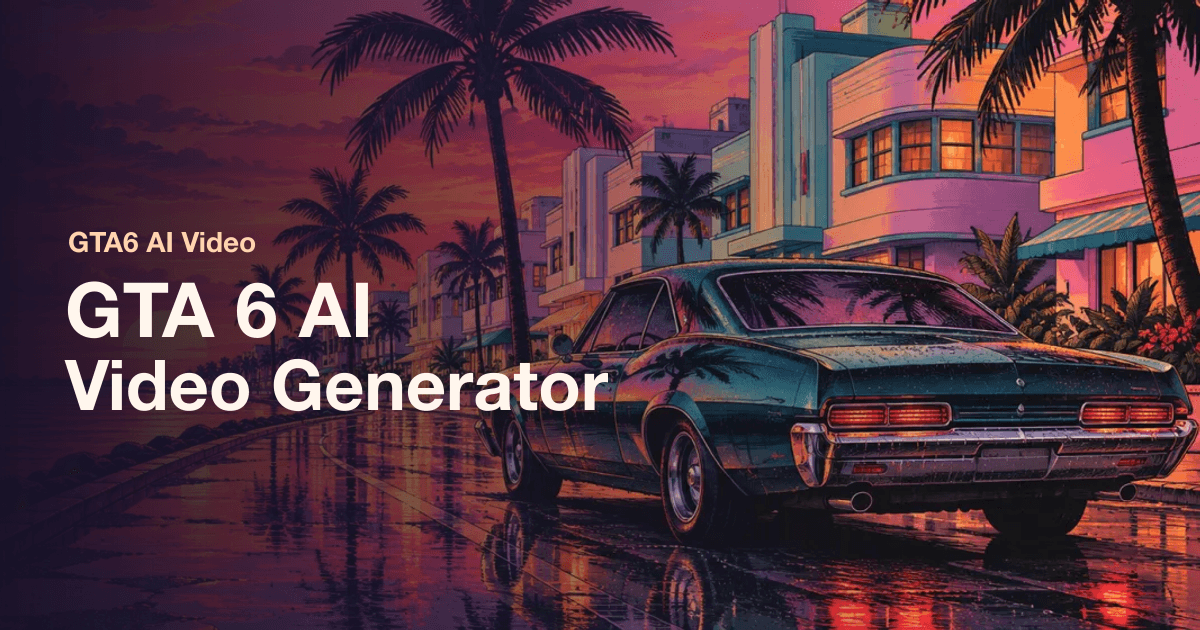
GTA 6 AI Video Generator creates fan-inspired videos set in GTA-style scenes. Users pick a GTA 5 or GTA 6 template from the trend library or write their own prompt, then add a photo or a reference video. The site shows a credit estimate before each generation. It is for GTA fans who want to place a photo or their own idea into a GTA-style scene without filming anything. Templates such as a highway farewell, a car wash or a police chase give a starting point, and custom ideas can begin from a written prompt, an image or a reference clip. A template loads a prepared reference and the photo roles it needs, so users know which inputs to supply. The site advises checking faces, hands and scene changes throughout the clip, and recommends a clear full-body photo with space around the limbs. Finished videos are downloaded from the account that created them.
Voir GTA 6 AI Video Generator →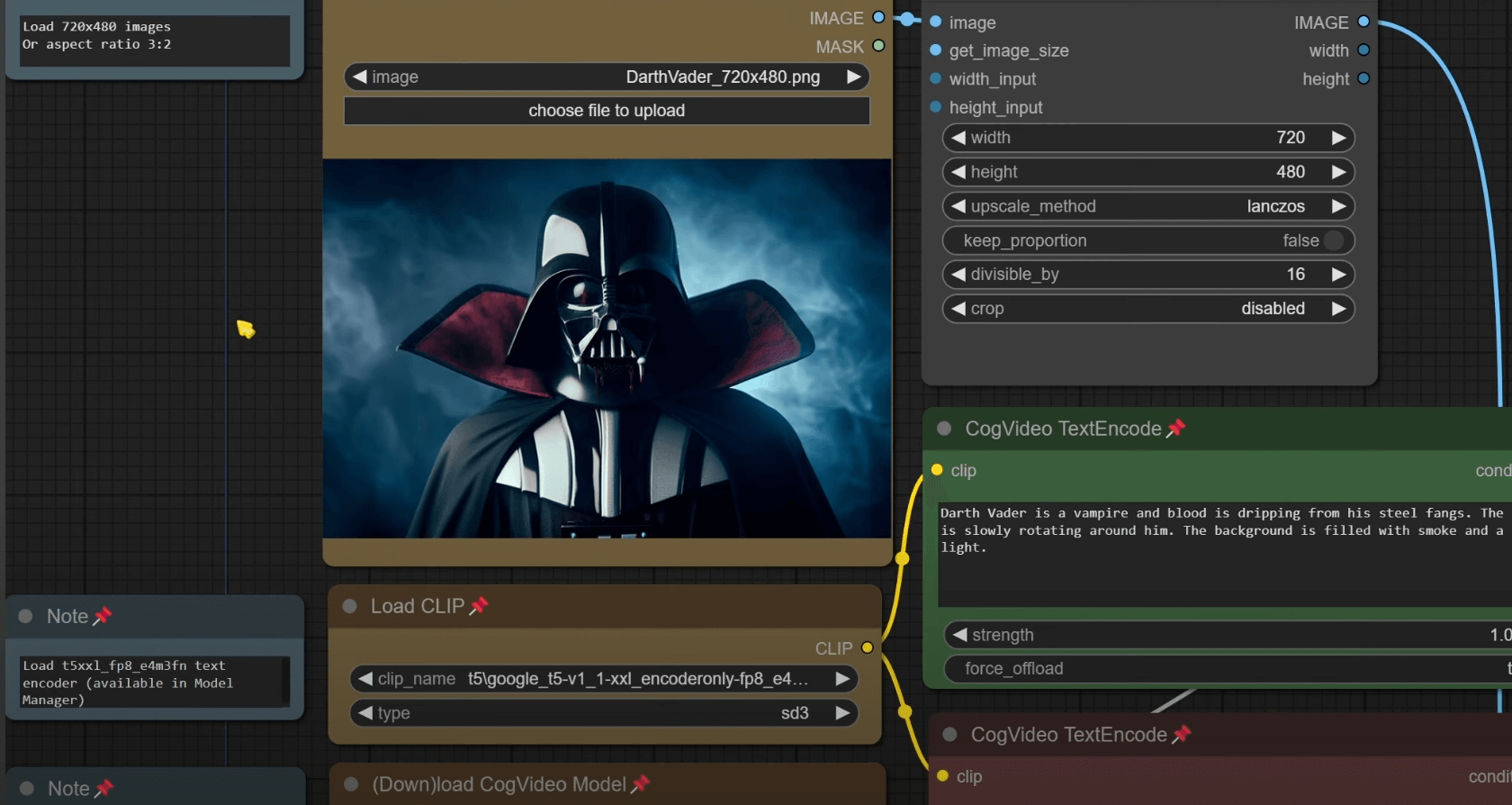
CogVideo
CogVideo is an AI video generator that enables users to create video content through three methods: Text-to-Video, Image-to-Video, and Video-to-Video generation. Users can turn a simple written prompt, an existing still photo, or a pre-recorded clip into a moving video directly in their web browser. It is ideal for social media creators needing continuous content, marketers creating rapid ad variations, and e-commerce sellers who want to add motion to static product photos. The platform bypasses the need for complex editing software, keyframes, or local GPU resources. The tool operates in three simple steps: describing the scene, generating the clip on the server, and downloading the finished video file. This allows users to go from an idea to a post-ready clip without leaving the browser tab.
Voir CogVideo →Comparaison des fonctionnalités
GTA 6 AI Video Generator
Aucune fonctionnalité listée pour l’instant.
CogVideo
- •Text-to-Video generation from prompts
- •Image-to-Video animation of stills
- •Video-to-Video restyling of footage
- •Runs entirely in the browser (no install)
- •Built-in prompt help suggestions
- •No need for GPU or timeline editing
En bref
| GTA 6 AI Video Generator | CogVideo | |
|---|---|---|
| Catégorie | Video Generation | Video Generation |
| Prix | Freemium | Freemium |
| Note de la communauté | Aucun avis | Aucun avis |
| Votes positifs sur Stremit | 0 | 88 |
| Site web | gta6ai.video ↗ | cogvideo.net ↗ |
GTA 6 AI Video Generator vs CogVideo : lequel est le meilleur ?
Choisir entre GTA 6 AI Video Generator et CogVideo dépend de vos besoins précis. Les deux outils appartiennent à la catégorie Video Generation , ce qui en fait des concurrents directs. Comparez leurs prix, fonctionnalités et avis ci-dessus pour faire le meilleur choix pour votre workflow.
Consultez la page de chaque outil pour des informations plus détaillées, les avis de la communauté et le détail des fonctionnalités.
Questions fréquentes
What is the difference between GTA 6 AI Video Generator and CogVideo?
GTA 6 AI Video Generator: GTA 6 AI Video Generator creates fan-inspired videos set in GTA-style scenes. Users pick a GTA 5 or GTA 6 template from the trend library or write their own prompt, then add a photo or a reference video. The site shows… CogVideo: CogVideo is an AI video generator that enables users to create video content through three methods: Text-to-Video, Image-to-Video, and Video-to-Video generation. Users can turn a simple written prompt, an existing still…
Is GTA 6 AI Video Generator free?
GTA 6 AI Video Generator is listed as Freemium on Stremit. Check the tool's site for current plans.
Is CogVideo free?
CogVideo is listed as Freemium on Stremit. Check the tool's site for current plans.
Are GTA 6 AI Video Generator and CogVideo competitors?
Yes — both are Video Generation tools on Stremit, so people often compare them before choosing.