Janus vs AI Trend Video
Une comparaison détaillée pour vous aider à choisir le bon outil IA pour votre workflow.
Janus
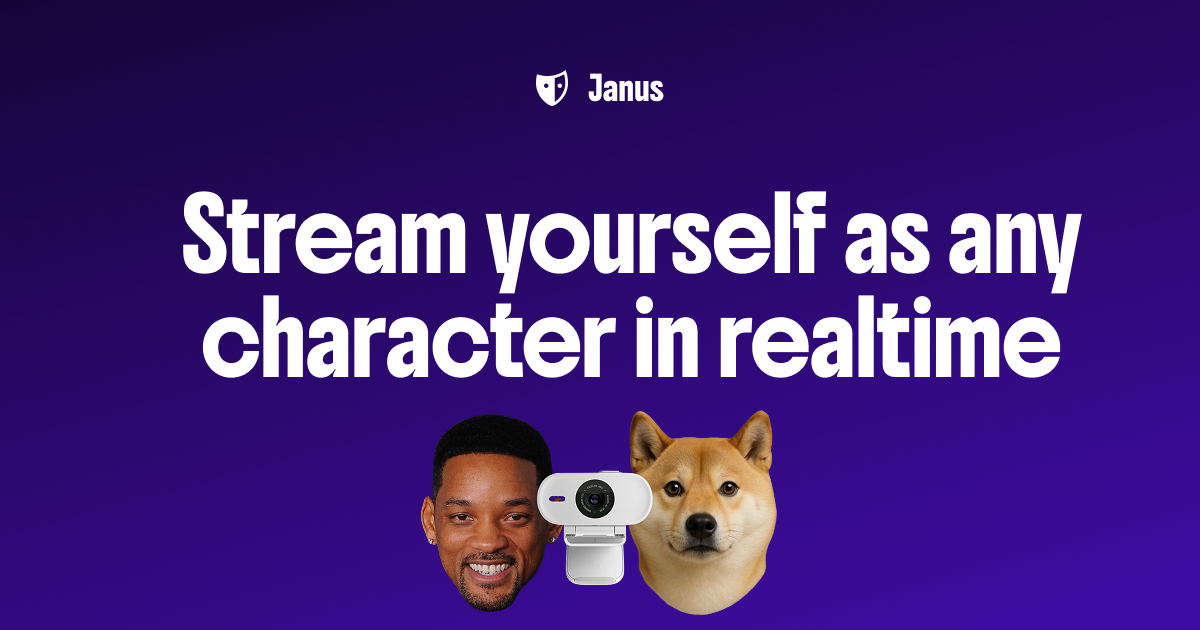
Janus turns your webcam into any character in real time. It generates a 3D avatar from a photo or prompt, renders it in your browser, and animates it with your facial expressions and movements. You can use it on Discord, Zoom, Twitch, YouTube, and other apps that support virtual cameras. It is built for streamers and creators who want to appear on camera without showing their face. Streaming is free with no time limit, and you only need a standard webcam and microphone, with no special hardware. Avatars render locally on your device, so no cloud servers are used during streaming. After creating an avatar, you can change its outfits, hairstyles, accessories, and backgrounds. The Pro plan adds green screen support, 60fps+ streaming, and removes the Janus watermark.
Voir Janus →
AI Trend Video
AI Trend Video turns one to five photos into short AI video trends, such as the Hotel Lobby rap, the NEON dance and the flying car. Pick a trend, add your photos, and the generator returns a ready-to-post MP4 in minutes. No prompt, no editing and no app are needed. Clips run between 8 and 15 seconds, depending on the template. It is built for people who want to post the AI video trends everyone is sharing, using their own photos of people, pets or cars. Each video starts at $9.99 and costs 10 credits in Standard on every plan, so the price is the same for every trend. You also get an email when your video is ready. Credits can be bought as a pack that never expires, or through a monthly subscription that saves two months on a yearly plan. A render that fails gives its credits back automatically.
Voir AI Trend Video →Comparaison des fonctionnalités
Janus
- •Real-time avatar driven by webcam facial tracking
- •1080p+ avatar rendering in the browser
- •Unlimited streaming on the free plan
- •Customize outfits, hairstyles, accessories, and backgrounds
- •Works with Discord, Zoom, Twitch, YouTube, and OBS
- •Pro adds green screen and 60fps+ streaming
AI Trend Video
Aucune fonctionnalité listée pour l’instant.
En bref
| Janus | AI Trend Video | |
|---|---|---|
| Catégorie | Video Generation | Video Generation |
| Prix | Freemium | Paid |
| Note de la communauté | Aucun avis | Aucun avis |
| Votes positifs sur Stremit | 58 | 0 |
| Site web | janus.cam ↗ | aitrendvideo.io ↗ |
Janus vs AI Trend Video : lequel est le meilleur ?
Choisir entre Janus et AI Trend Video dépend de vos besoins précis. Les deux outils appartiennent à la catégorie Video Generation , ce qui en fait des concurrents directs. Comparez leurs prix, fonctionnalités et avis ci-dessus pour faire le meilleur choix pour votre workflow.
Consultez la page de chaque outil pour des informations plus détaillées, les avis de la communauté et le détail des fonctionnalités.
Questions fréquentes
What is the difference between Janus and AI Trend Video?
Janus: Janus turns your webcam into any character in real time. It generates a 3D avatar from a photo or prompt, renders it in your browser, and animates it with your facial expressions and movements. You can use it on… AI Trend Video: AI Trend Video turns one to five photos into short AI video trends, such as the Hotel Lobby rap, the NEON dance and the flying car. Pick a trend, add your photos, and the generator returns a ready-to-post MP4 in…
Is Janus free?
Janus is listed as Freemium on Stremit. Check the tool's site for current plans.
Is AI Trend Video free?
AI Trend Video is listed as Paid on Stremit. Check the tool's site for current plans.
Are Janus and AI Trend Video competitors?
Yes — both are Video Generation tools on Stremit, so people often compare them before choosing.