Remove Video Background vs VideoAny
Une comparaison détaillée pour vous aider à choisir le bon outil IA pour votre workflow.
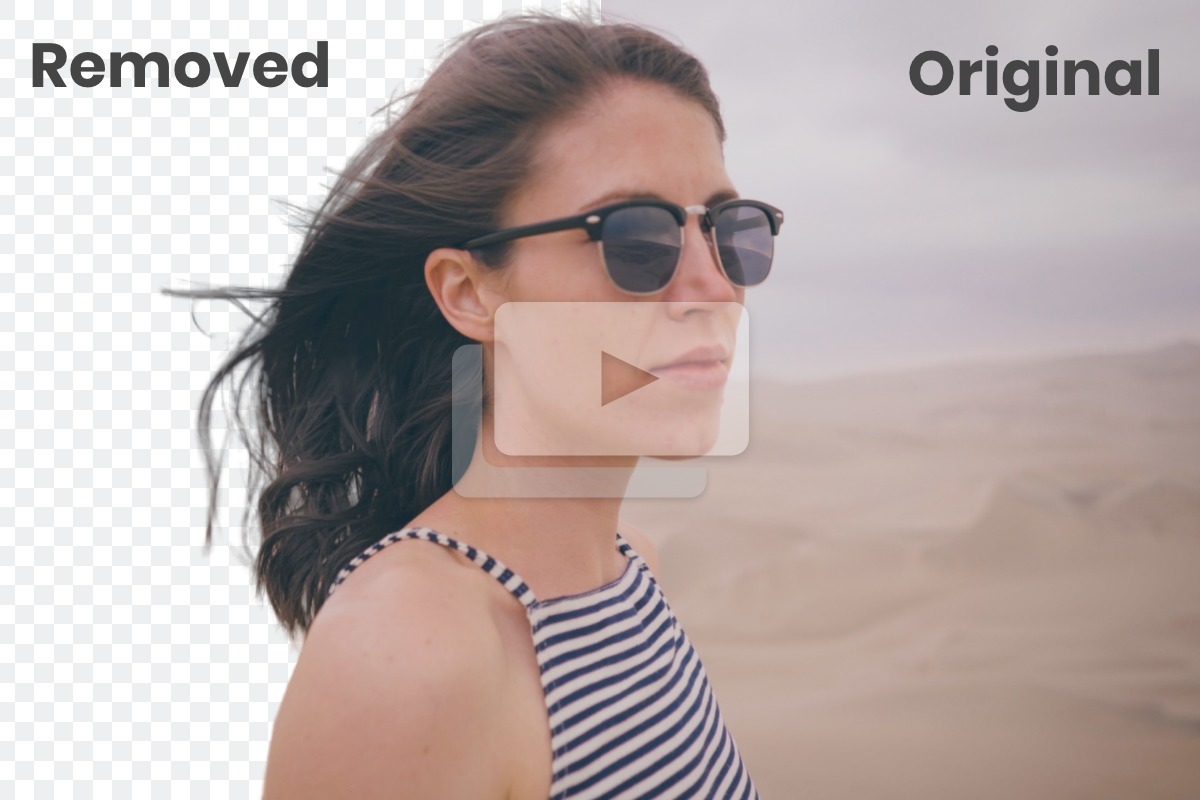
Remove Video Background
Removes the background of any video, instantly, online, and free. Useful for creating professional-quality, on-trend video content. Suitable for social media creators, teams, and individuals. Part of Canva Pro features.
Voir Remove Video Background →
VideoAny
VideoAny is a video-first AI studio providing an end-to-end platform for creating content. It integrates AI video, AI image, and AI audio generation tools, allowing users to convert text or images into high-definition video, generate assets, and produce music or voice effects all in one place. It is designed for creators, teams, and brands needing to develop promotional content for social media, advertising, and storytelling. The platform supports diverse workflows, including virtual try-ons with the AI Clothes Changer and advanced models for fluid image-to-video motion. The studio provides creative freedom with a free, uncensored AI generator and advanced features like Face Swap. While a free tier is available for personal and non-commercial use, paid plans offer access to higher resolution, batch processing, and broader commercial usage rights.
Voir VideoAny →Comparaison des fonctionnalités
Remove Video Background
- •Remove video backgrounds in one click
- •Available to Canva Pro, Canva Teams, Canva for Education, and Canva for Nonprofits users
- •No green screen needed
- •Instantly surface the best bits of footage with Highlights
- •Click to remove backgrounds with Magic Video
VideoAny
- •Text or image to AI video generator
- •High-fidelity AI image creation and upscaling
- •Text-to-music, voice cloning, and SFX generation
- •AI Clothes Changer for virtual try-on
- •Face Swap functionality
En bref
| Remove Video Background | VideoAny | |
|---|---|---|
| Catégorie | Video Generation | Video Generation |
| Prix | Freemium | Freemium |
| Note de la communauté | Aucun avis | Aucun avis |
| Votes positifs sur Stremit | 46 | 65 |
| Site web | unscreen.com ↗ | videoany.io ↗ |
Remove Video Background vs VideoAny : lequel est le meilleur ?
Choisir entre Remove Video Background et VideoAny dépend de vos besoins précis. Les deux outils appartiennent à la catégorie Video Generation , ce qui en fait des concurrents directs. Comparez leurs prix, fonctionnalités et avis ci-dessus pour faire le meilleur choix pour votre workflow.
Consultez la page de chaque outil pour des informations plus détaillées, les avis de la communauté et le détail des fonctionnalités.
Questions fréquentes
What is the difference between Remove Video Background and VideoAny?
Remove Video Background: Removes the background of any video, instantly, online, and free. Useful for creating professional-quality, on-trend video content. Suitable for social media creators, teams, and individuals. Part of Canva Pro features. VideoAny: VideoAny is a video-first AI studio providing an end-to-end platform for creating content. It integrates AI video, AI image, and AI audio generation tools, allowing users to convert text or images into high-definition…
Is Remove Video Background free?
Remove Video Background is listed as Freemium on Stremit. Check the tool's site for current plans.
Is VideoAny free?
VideoAny is listed as Freemium on Stremit. Check the tool's site for current plans.
Are Remove Video Background and VideoAny competitors?
Yes — both are Video Generation tools on Stremit, so people often compare them before choosing.