Remove Video Background vs Voor AI:AI Video & Image Generator
Une comparaison détaillée pour vous aider à choisir le bon outil IA pour votre workflow.
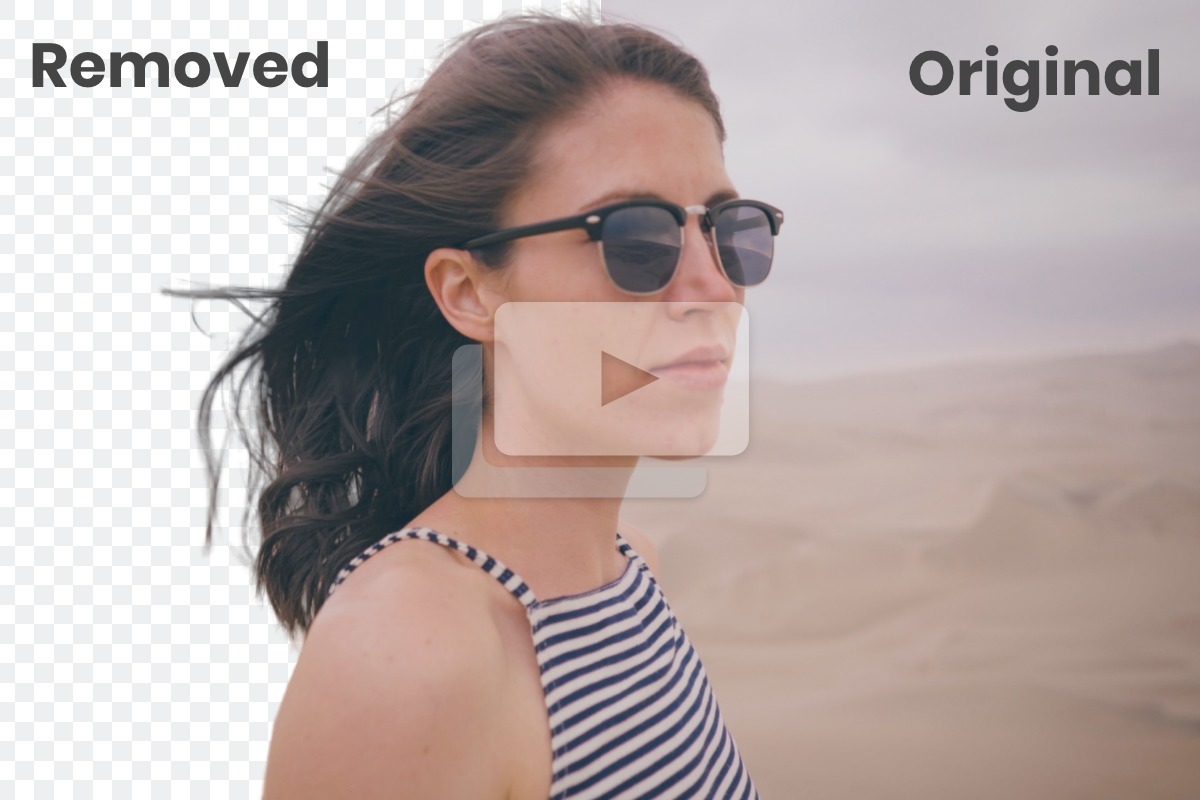
Remove Video Background
Removes the background of any video, instantly, online, and free. Useful for creating professional-quality, on-trend video content. Suitable for social media creators, teams, and individuals. Part of Canva Pro features.
Voir Remove Video Background →
Voor AI:AI Video & Image Generator
Voor AI is a browser-based tool for creating AI videos, images, and audio from text, images, or video. It supports text to video, image to video, and video to video in one workflow, along with templates and creative workflows. Image tools include text to image, image to image, a background remover, and an image upscaler, and audio tools include text to speech and music generation. The tool is aimed at people who want to make short videos, ads, and social content without moving between separate products. Users can start from templates or community presets, and the site includes an AI Video Extender for extending existing clips. Voor AI uses shared credits that can be bought in packs. Credit packs start at $9.99 with no subscription, and the site states that credits never expire.
Voir Voor AI:AI Video & Image Generator →Comparaison des fonctionnalités
Remove Video Background
- •Remove video backgrounds in one click
- •Available to Canva Pro, Canva Teams, Canva for Education, and Canva for Nonprofits users
- •No green screen needed
- •Instantly surface the best bits of footage with Highlights
- •Click to remove backgrounds with Magic Video
Voor AI:AI Video & Image Generator
- •Text to video, image to video, and video to video in one workflow
- •Text to image, image to image, and image upscaler
- •Background remover for images
- •Text to speech and music generation
- •Templates, presets, and AI Video Extender
- •Shared credits in packs from $9.99, no subscription, credits never expire
En bref
| Remove Video Background | Voor AI:AI Video & Image Generator | |
|---|---|---|
| Catégorie | Video Generation | Video Generation |
| Prix | Freemium | Paid |
| Note de la communauté | Aucun avis | Aucun avis |
| Votes positifs sur Stremit | 46 | 83 |
| Site web | unscreen.com ↗ | voor.ai ↗ |
Remove Video Background vs Voor AI:AI Video & Image Generator : lequel est le meilleur ?
Choisir entre Remove Video Background et Voor AI:AI Video & Image Generator dépend de vos besoins précis. Les deux outils appartiennent à la catégorie Video Generation , ce qui en fait des concurrents directs. Comparez leurs prix, fonctionnalités et avis ci-dessus pour faire le meilleur choix pour votre workflow.
Consultez la page de chaque outil pour des informations plus détaillées, les avis de la communauté et le détail des fonctionnalités.
Questions fréquentes
What is the difference between Remove Video Background and Voor AI:AI Video & Image Generator?
Remove Video Background: Removes the background of any video, instantly, online, and free. Useful for creating professional-quality, on-trend video content. Suitable for social media creators, teams, and individuals. Part of Canva Pro features. Voor AI:AI Video & Image Generator: Voor AI is a browser-based tool for creating AI videos, images, and audio from text, images, or video. It supports text to video, image to video, and video to video in one workflow, along with templates and creative…
Is Remove Video Background free?
Remove Video Background is listed as Freemium on Stremit. Check the tool's site for current plans.
Is Voor AI:AI Video & Image Generator free?
Voor AI:AI Video & Image Generator is listed as Paid on Stremit. Check the tool's site for current plans.
Are Remove Video Background and Voor AI:AI Video & Image Generator competitors?
Yes — both are Video Generation tools on Stremit, so people often compare them before choosing.