









LinkedIn Profile Optimizer
Rewrite your LinkedIn to attract recruiters, clients, and opportunities
このStremについて
Paste your current LinkedIn headline and About section. Get a completely rewritten profile that positions you as an expert, ranks in search, and converts profile visitors into opportunities.
入力する項目
- Your current LinkedIn headline e.g. Software Developer at TechCorp | Python | React
- Your current About section Paste your current About section here. If you do not have one, describe your background and what you want to be known for.
- What do you want your profile to achieve?
- Target role or audience e.g. Senior Product Manager roles at startups, or: Attract e-commerce brands who need automation consulting
得られるもの
A written response you can copy
Questions about LinkedIn Profile Optimizer
What does LinkedIn Profile Optimizer do?
Paste your current LinkedIn headline and About section. Get a completely rewritten profile that positions you as an expert, ranks in search, and converts profile visitors into opportunities. It returns a written response you can copy.
What do I need to give LinkedIn Profile Optimizer?
LinkedIn Profile Optimizer asks for: Your current LinkedIn headline, Your current About section, What do you want your profile to achieve?, Target role or audience. Fill those in on Stremit and press Run.
Is LinkedIn Profile Optimizer free to run?
Running it uses AI tokens from your Stremit account. A free account includes AI usage that resets every week; Pro plans include much more.
Can I customise LinkedIn Profile Optimizer?
Yes. Signed-in members can fork LinkedIn Profile Optimizer into their own copy and edit its prompt, inputs and settings.
More Strems for Career
 Freelance Proposal Writer
A client-ready project proposal in 60 seconds
 Freelance Rate Calculator
Your ideal hourly and project rates with negotiation strategy
 Skills Gap Analyzer
A ranked learning plan to bridge the gap to your target role
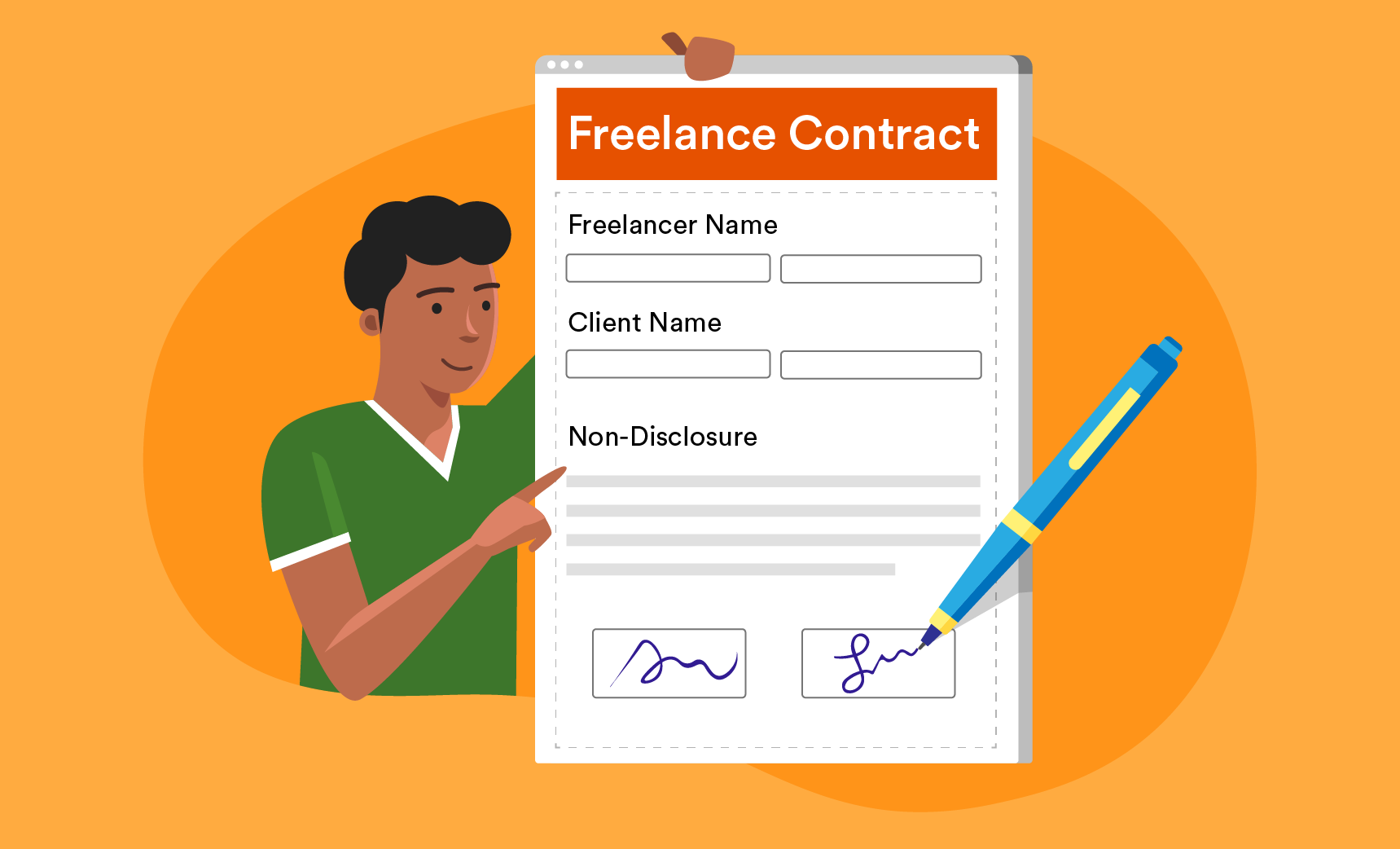 Contract Clause Explainer
Plain-English explanation of any contract clause
 Interview Question Preparer
15 likely interview questions with strong answer frameworks