Cursor vs Speechify: Free Text to Speech Reader
ワークフローに最適なAIツールを選ぶための詳しい比較。

Cursor
Cursor is an AI-powered coding agent that helps developers build ambitious software. It turns ideas into code, accelerates development, and provides AI-powered coding assistance features. Cursor is suitable for developers who want to make decisions while focusing on strategy, not coding. It's a tool for agentic development. Cursor works autonomously, runs in parallel, and uses its own computers to build, test, and demo features end to end for users to review. It collaborates with teams in Slack and reviews PRs in GitHub. Cursor has a wide range of features, including AI Coding Agent, Agents, Cloud Agents, Agent Grok, CLI, and more. It also provides features for building landing pages, mission control, and dashboard. Cursor is designed to make development more efficient, fast, and productive. It's a tool for developers who want to focus on strategy and decision-making while leaving the coding to the AI.
Cursorを見る →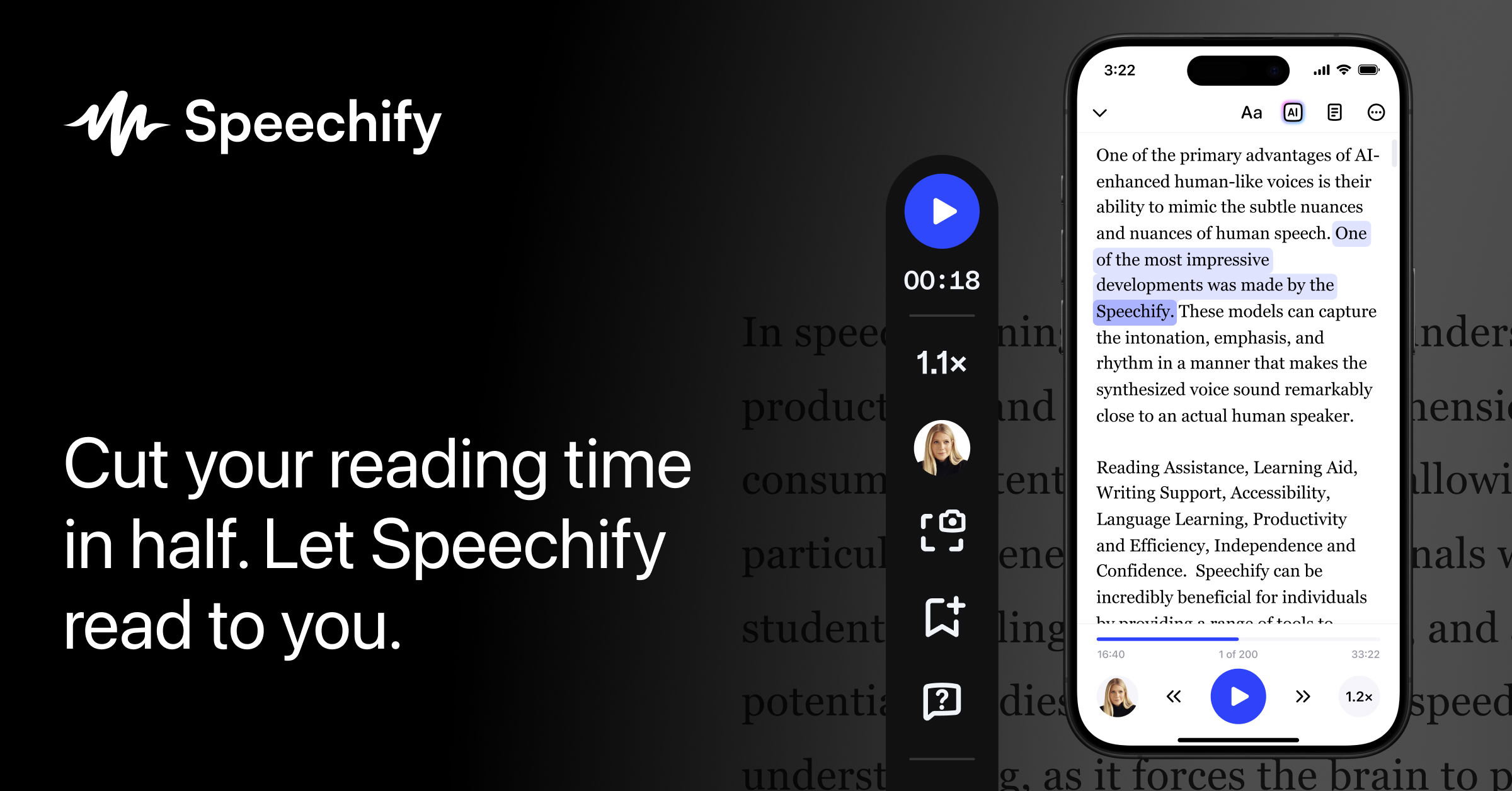
Speechify: Free Text to Speech Reader
Speechify reads anything aloud to you, including books, PDFs, and web pages, with natural voices. It's a text-to-speech and voice typing AI assistant that helps you read, write, and get answers. Speechify is for anyone who wants to access information without visually reading it, such as people with vision loss or reading difficulties. It's also useful for professionals who need to work through documents and emails by listening and dictating responses. What makes Speechify different is its ability to understand context and respond accordingly, making it feel like having a personal assistant. It also offers features like voice typing, summarization, and quiz-making, making it a versatile tool for different tasks.
Speechify: Free Text to Speech Readerを見る →ひと目で比較
| Cursor | Speechify: Free Text to Speech Reader | |
|---|---|---|
| カテゴリ | Writing & Content | Writing & Content |
| 料金 | Free Trial | Free Trial |
| コミュニティの評価 | レビューなし | レビューなし |
| Stremitでの投票数 | 80 | 51 |
| Webサイト | cursor.com ↗ | speechify.com ↗ |
Cursor vs Speechify: Free Text to Speech Reader:どちらが優れている?
CursorとSpeechify: Free Text to Speech Readerのどちらを選ぶかは、あなたのニーズ次第です。 どちらのツールも Writing & Content カテゴリに属する直接の競合です。上で料金、機能、ユーザーレビューを比較して、ワークフローに最適なものを選びましょう。
詳しい情報、コミュニティのレビュー、機能の内訳は、各ツールのページをご覧ください。
よくある質問
What is the difference between Cursor and Speechify: Free Text to Speech Reader?
Cursor: Cursor is an AI-powered coding agent that helps developers build ambitious software. It turns ideas into code, accelerates development, and provides AI-powered coding assistance features. Cursor is suitable for… Speechify: Free Text to Speech Reader: Speechify reads anything aloud to you, including books, PDFs, and web pages, with natural voices. It's a text-to-speech and voice typing AI assistant that helps you read, write, and get answers. Speechify is for anyone…
Is Cursor free?
Cursor is listed as Free Trial on Stremit. Check the tool's site for current plans.
Is Speechify: Free Text to Speech Reader free?
Speechify: Free Text to Speech Reader is listed as Free Trial on Stremit. Check the tool's site for current plans.
Are Cursor and Speechify: Free Text to Speech Reader competitors?
Yes — both are Writing & Content tools on Stremit, so people often compare them before choosing.