Eddie vs Motion, the Frontier Agent for Motion Design
ワークフローに最適なAIツールを選ぶための詳しい比較。

Eddie
Eddie is an AI video editor that allows users to import interviews and create rough cuts in seconds. It connects to ChatGPT or Claude over MCP to facilitate the editing process. Users can export their edited videos to MP4, Adobe, FCP, DaVinci Resolve, and Avid. Eddie is suitable for video professionals, podcasters, documentarians, and anyone who needs to edit interviews. Its key features include rough cuts, multicam, A-roll logging, B-roll logging, speaker identification, scripted edits, and social clips. What makes Eddie different is its ability to work seamlessly with various video editing software, including Premiere Pro, DaVinci Resolve, Final Cut Pro, and Avid. It also provides enterprise-grade security and brand controls for businesses.
Eddieを見る →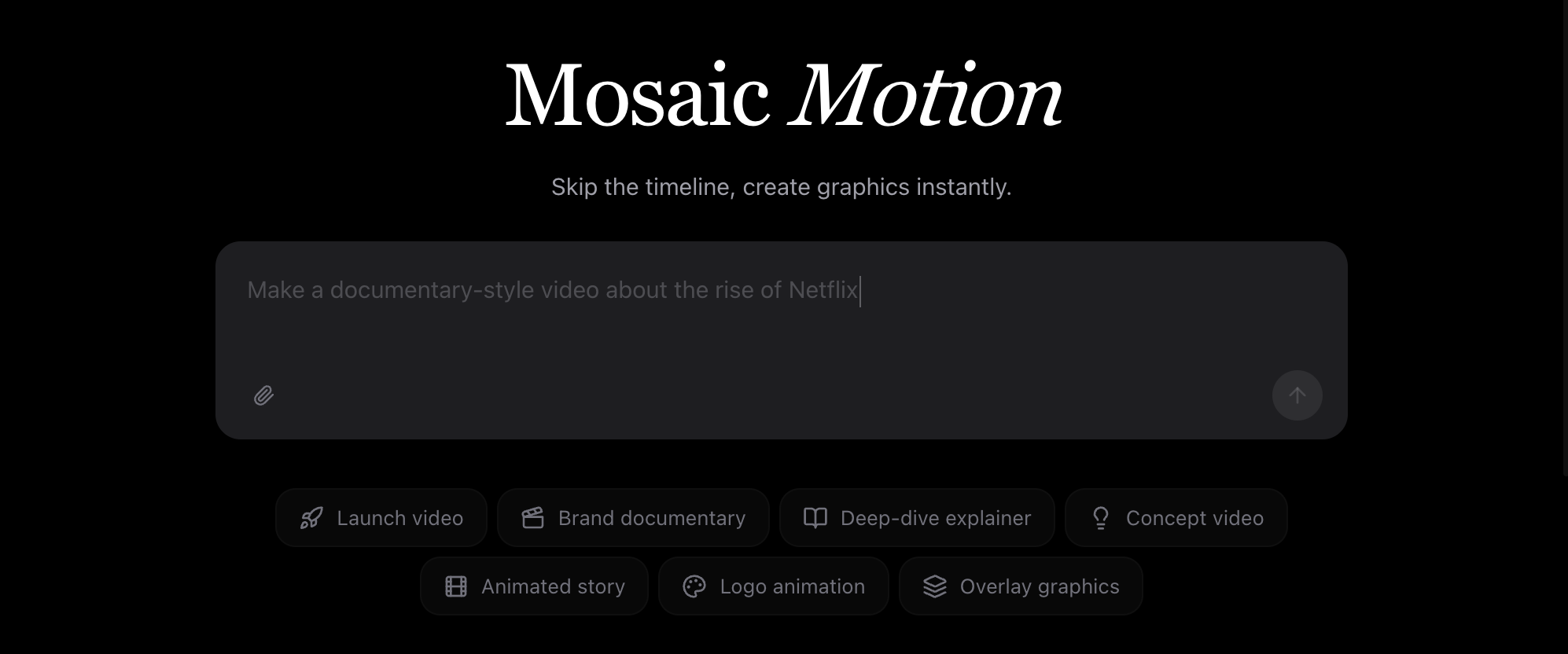
Motion, the Frontier Agent for Motion Design
Motion is a general video agent that allows users to create and edit professional videos using an idea, a written brief, or existing footage. It guides the process from initial concept to a finished video by planning the story, generating necessary shots, and incorporating sound design and music. The platform supports detailed refinement, allowing users to iterate by requesting changes in chat, annotating the preview, or adjusting layers directly in the timeline. It ensures the workflow feels collaborative, providing a smooth transition from initial cut to final polish. It integrates into professional workflows, offering plugins for sources like Google Drive and Notion, running automations on schedules, and exporting the final video directly to industry-standard editors such as Premiere Pro and After Effects.
Motion, the Frontier Agent for Motion Designを見る →機能の比較
Eddie
まだ機能は掲載されていません。
Motion, the Frontier Agent for Motion Design
- •Create videos from a brief, footage, or reference
- •Automated story planning and shot generation
- •Plugin integration (e.g., Google Drive, Figma, Dropbox)
- •Export to professional editors (e.g., Premiere Pro, After Effects)
- •Set up content automations and social scheduling
ひと目で比較
| Eddie | Motion, the Frontier Agent for Motion Design | |
|---|---|---|
| カテゴリ | Video Generation | Video Generation |
| 料金 | Freemium | — |
| コミュニティの評価 | レビューなし | レビューなし |
| Stremitでの投票数 | 63 | 0 |
| Webサイト | heyeddie.ai ↗ | motion.so ↗ |
Eddie vs Motion, the Frontier Agent for Motion Design:どちらが優れている?
EddieとMotion, the Frontier Agent for Motion Designのどちらを選ぶかは、あなたのニーズ次第です。 どちらのツールも Video Generation カテゴリに属する直接の競合です。上で料金、機能、ユーザーレビューを比較して、ワークフローに最適なものを選びましょう。
詳しい情報、コミュニティのレビュー、機能の内訳は、各ツールのページをご覧ください。
よくある質問
What is the difference between Eddie and Motion, the Frontier Agent for Motion Design?
Eddie: Eddie is an AI video editor that allows users to import interviews and create rough cuts in seconds. It connects to ChatGPT or Claude over MCP to facilitate the editing process. Users can export their edited videos to… Motion, the Frontier Agent for Motion Design: Motion is a general video agent that allows users to create and edit professional videos using an idea, a written brief, or existing footage. It guides the process from initial concept to a finished video by planning…
Is Eddie free?
Eddie is listed as Freemium on Stremit. Check the tool's site for current plans.
Are Eddie and Motion, the Frontier Agent for Motion Design competitors?
Yes — both are Video Generation tools on Stremit, so people often compare them before choosing.