FontGenerator vs Napkin
ワークフローに最適なAIツールを選ぶための詳しい比較。
FontGenerator
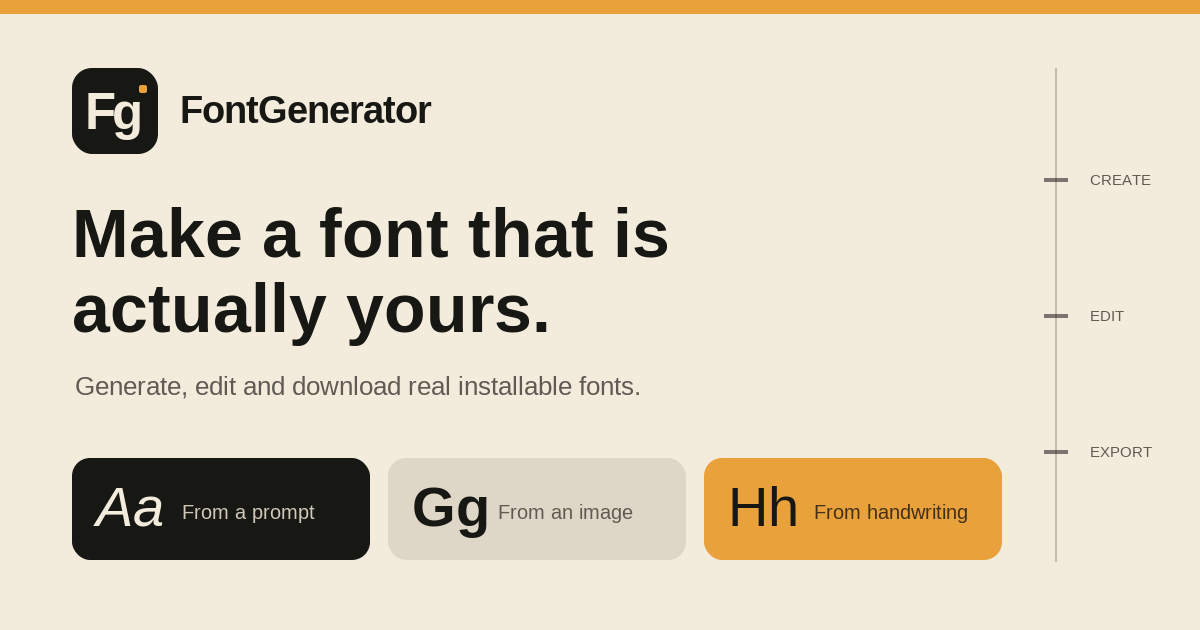
FontGenerator creates installable fonts from a text description, a reference image, or a handwriting sample. You can test, edit, and export the result as TTF, OTF, WOFF, or WOFF2 files. Individual letters can be redrawn and spacing adjusted in Studio before download. The tool is aimed at designers and teams making custom type for print, brand, and web projects. It also works for people who want their own handwriting as a font: you write the alphabet on screen with a finger, stylus, or mouse, and no printer is needed. Each checked version includes a character coverage report, a specimen image, and a CSS snippet for web use. The preview loads the compiled font file, so the result you inspect is the file you receive. Fonts support 58 languages, but joined script, blackletter, monospace, and stencil styles do not come out reliably yet and are better started from the library.
FontGeneratorを見る →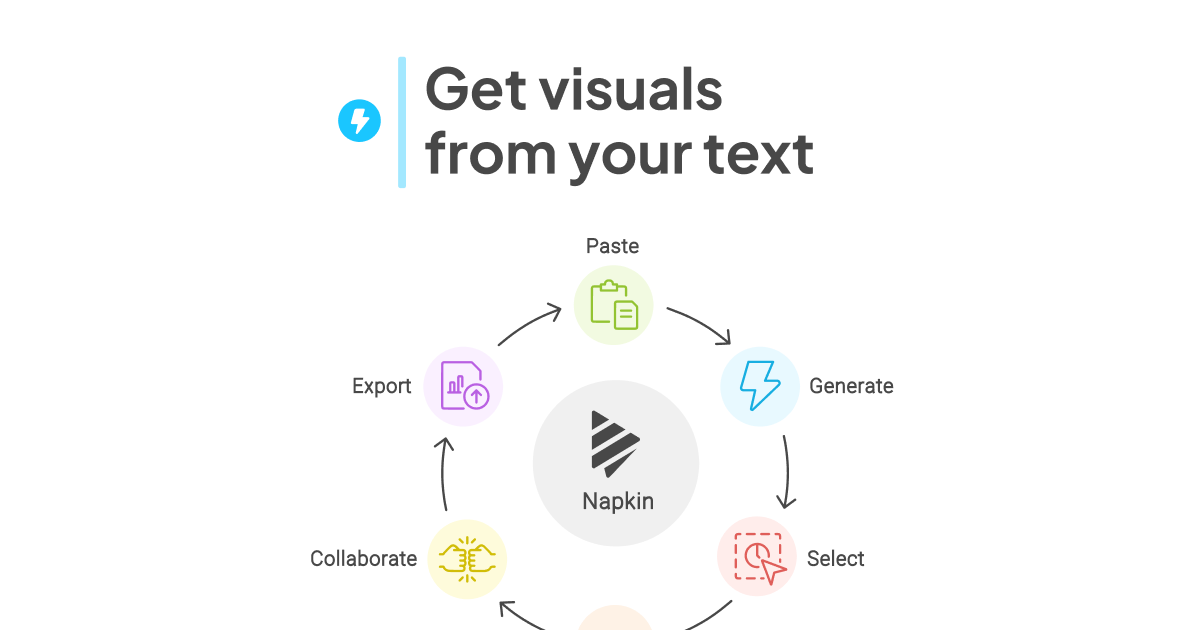
Napkin
Napkin turns text into visuals. It creates presentation-ready slide decks, mind maps, flowcharts, and editable data charts from written ideas or data. It also offers an API for generating visuals at scale inside an existing workflow. Visual generation uses AI credits, with roughly one credit charged per word selected. The tool is aimed at individuals and small teams, dedicated visual creators and planners, and large teams and organizations with heavy visual needs. The free plan includes 500 AI credits per week, unlimited visual editing, file import from PPT, DOC, PDF, HTML, and MD, and unlimited PNG and PDF export. Visuals on that plan carry Napkin branding. Paid plans add more AI credits, premium AI image models, PPT and SVG export, brand styles, and removal of Napkin branding. The site says self-serve accounts may use anonymized interaction data to improve its AI, with an opt-out available, and that enterprise customer data is not used for training. Napkin states it is SOC 2 Type II compliant and ISO 27001 certified.
Napkinを見る →機能の比較
FontGenerator
まだ機能は掲載されていません。
Napkin
- •Text-to-slide deck creation
- •Mind maps and flowcharts from text
- •Editable data charts
- •Unlimited PNG and PDF export on free plan
- •API for automated visual generation
- •SOC 2 Type II and ISO 27001 compliance
ひと目で比較
| FontGenerator | Napkin | |
|---|---|---|
| カテゴリ | Design & UI | Design & UI |
| 料金 | Freemium | Freemium |
| コミュニティの評価 | レビューなし | レビューなし |
| Stremitでの投票数 | 0 | 78 |
| Webサイト | fontgenerator.tools ↗ | napkin.ai ↗ |
FontGenerator vs Napkin:どちらが優れている?
FontGeneratorとNapkinのどちらを選ぶかは、あなたのニーズ次第です。 どちらのツールも Design & UI カテゴリに属する直接の競合です。上で料金、機能、ユーザーレビューを比較して、ワークフローに最適なものを選びましょう。
詳しい情報、コミュニティのレビュー、機能の内訳は、各ツールのページをご覧ください。
よくある質問
What is the difference between FontGenerator and Napkin?
FontGenerator: FontGenerator creates installable fonts from a text description, a reference image, or a handwriting sample. You can test, edit, and export the result as TTF, OTF, WOFF, or WOFF2 files. Individual letters can be redrawn… Napkin: Napkin turns text into visuals. It creates presentation-ready slide decks, mind maps, flowcharts, and editable data charts from written ideas or data. It also offers an API for generating visuals at scale inside an…
Is FontGenerator free?
FontGenerator is listed as Freemium on Stremit. Check the tool's site for current plans.
Is Napkin free?
Napkin is listed as Freemium on Stremit. Check the tool's site for current plans.
Are FontGenerator and Napkin competitors?
Yes — both are Design & UI tools on Stremit, so people often compare them before choosing.