MakePixel vs AI Image Combiner: Merge Two Photos in One Frame Free
ワークフローに最適なAIツールを選ぶための詳しい比較。
MakePixel
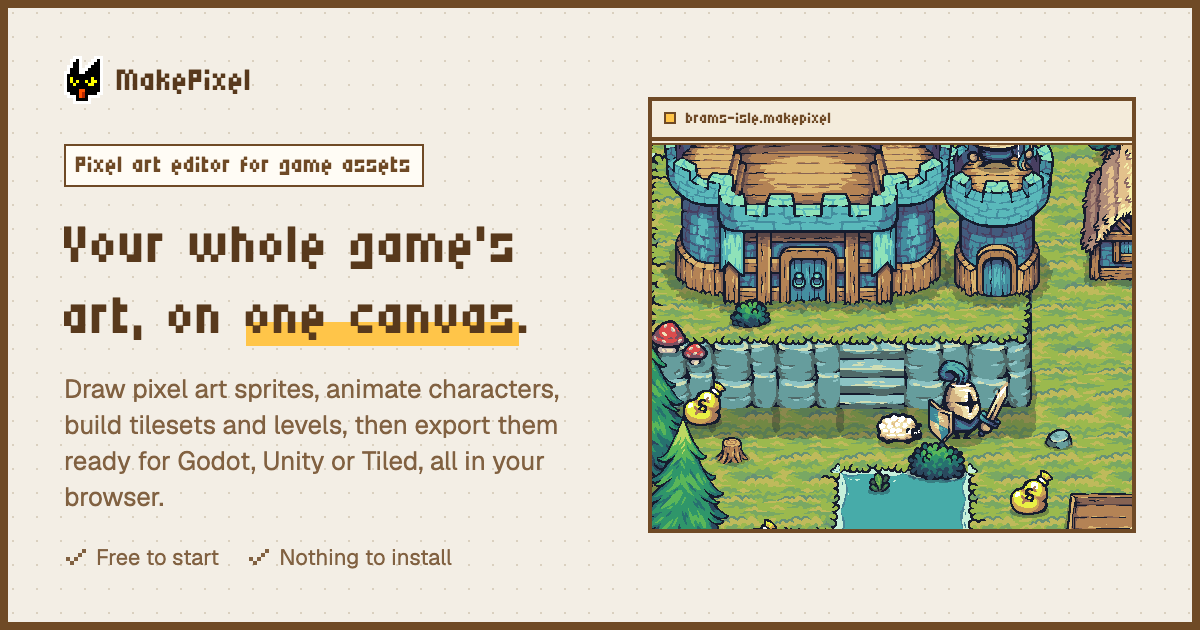
MakePixel is a pixel art editor for game assets that runs in the browser. You draw sprites, animate characters, and build tilesets and levels on one canvas, then export them ready for Godot, Unity, Tiled, or Aseprite. It can also generate pixel art from a text description at 1 credit per picture, and it includes an MCP server that lets coding agents read the canvas and pull sprites into a repository. It is aimed at people making game art who want a whole game's assets in one place. Sections, notes, and an outline keep sprites, animations, and tilesets organised, and a linked asset updates in every project when the original is edited. What sets it apart is autotiling: paint 13 tiles and MakePixel works out the full set of 47. Exports are written in the formats engines read directly, with the filter, pivot, and animation names already set. It is free to start, needs nothing installed, and works on desktop, tablet, and phone.
MakePixelを見る →
AI Image Combiner: Merge Two Photos in One Frame Free
This AI Image Combiner allows users to merge two or more photos into a single frame using advanced AI composition technology. The tool automatically analyzes semantic content, blending images while maintaining visual consistency in lighting, depth, and texture, without requiring manual editing. It handles combining photos side-by-side, or intelligently merging subjects from different shots. It is suitable for creating diverse content, ranging from personal memories and couple photos to professional e-commerce product photography. Users can combine up to nine images and utilizes multiple modes, including AI Style Transfer, for blending image styles to mimic artistic works or modern art. What sets it apart is its sophisticated control, allowing users to provide custom prompts to instruct the AI. This prompt-driven feature enables total creative control, letting you guide the generation to include specific creative styles, atmospheres, or even place subjects in fantasy worlds.
AI Image Combiner: Merge Two Photos in One Frame Freeを見る →機能の比較
MakePixel
まだ機能は掲載されていません。
AI Image Combiner: Merge Two Photos in One Frame Free
- •Merge up to 9 images
- •AI Image Style Blender
- •AI Style Transfer technology
- •Custom prompt generation
- •Automatic lighting and depth adjustment
ひと目で比較
| MakePixel | AI Image Combiner: Merge Two Photos in One Frame Free | |
|---|---|---|
| カテゴリ | Design & UI | Design & UI |
| 料金 | Freemium | Free |
| コミュニティの評価 | レビューなし | レビューなし |
| Stremitでの投票数 | 0 | 51 |
| Webサイト | makepixel.ai ↗ | imagecombinerai.com ↗ |
MakePixel vs AI Image Combiner: Merge Two Photos in One Frame Free:どちらが優れている?
MakePixelとAI Image Combiner: Merge Two Photos in One Frame Freeのどちらを選ぶかは、あなたのニーズ次第です。 どちらのツールも Design & UI カテゴリに属する直接の競合です。上で料金、機能、ユーザーレビューを比較して、ワークフローに最適なものを選びましょう。
詳しい情報、コミュニティのレビュー、機能の内訳は、各ツールのページをご覧ください。
よくある質問
What is the difference between MakePixel and AI Image Combiner: Merge Two Photos in One Frame Free?
MakePixel: MakePixel is a pixel art editor for game assets that runs in the browser. You draw sprites, animate characters, and build tilesets and levels on one canvas, then export them ready for Godot, Unity, Tiled, or Aseprite.… AI Image Combiner: Merge Two Photos in One Frame Free: This AI Image Combiner allows users to merge two or more photos into a single frame using advanced AI composition technology. The tool automatically analyzes semantic content, blending images while maintaining visual…
Is MakePixel free?
MakePixel is listed as Freemium on Stremit. Check the tool's site for current plans.
Is AI Image Combiner: Merge Two Photos in One Frame Free free?
AI Image Combiner: Merge Two Photos in One Frame Free is listed as Free on Stremit. Check the tool's site for current plans.
Are MakePixel and AI Image Combiner: Merge Two Photos in One Frame Free competitors?
Yes — both are Design & UI tools on Stremit, so people often compare them before choosing.