Opal - Visual Editor vs Quash
ワークフローに最適なAIツールを選ぶための詳しい比較。
Opal - Visual Editor
Opal is a visual editor that allows users to build, edit, and share mini-AI applications. It facilitates the creation of custom workflows using only natural language, simplifying the process of building AI solutions. It is intended for users who need to automate tasks and build functional AI apps without requiring advanced coding knowledge. As the platform transitions, Opal's custom workflows are migrating to skills within Gemini. While active workflows will cease running after November 17, 2026, all workflow files remain stored and accessible in your Google Drive.
Opal - Visual Editorを見る →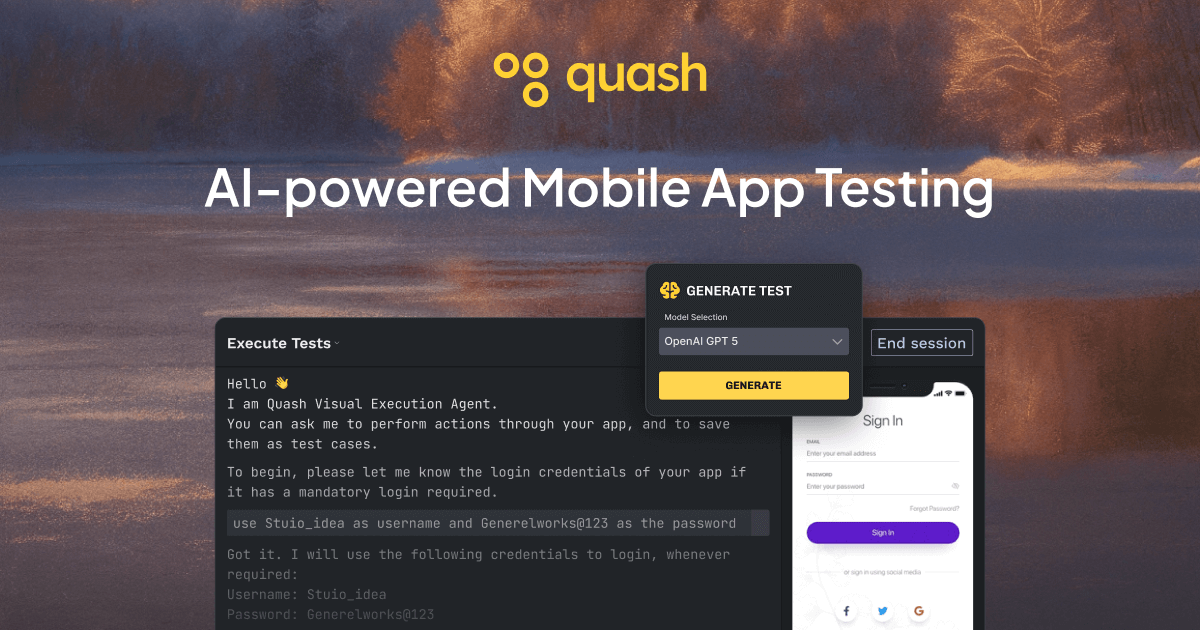
Quash
Quash is an AI-powered platform providing mobile, web, and API testing automation for modern development teams. It allows users to generate comprehensive, end-to-end test cases simply by describing expected user behavior in plain language. This intent is then translated into reliable, executable tests that validate everything from UI flows to backend integrations across real devices. It is designed for QA teams and mobile development companies that need to maintain high release velocity and ship with confidence, without the manual drag of traditional QA processes. By moving testing into one single workflow, Quash minimizes brittle scripts and selector maintenance. The platform includes "Mahoraga," an intelligent layer that centralizes the entire testing process—allowing users to create, run, debug, and organize tests all within one conversation. It enhances efficiency by coordinating runs, retries, and complex checks using Runbooks, and connects deeply with existing tools like Jira and Slack.
Quashを見る →機能の比較
Opal - Visual Editor
- •Visual workflow editor
- •Natural language input
- •Build mini-AI apps
- •Store files in Google Drive
- •Transitioning to Gemini skills
Quash
- •Generates tests from plain language product intent
- •Runs tests on real Android, iOS, and browser devices
- •Utilizes Runbooks to coordinate tests and schedules
- •Validates UI behavior and backend APIs simultaneously
- •Centralized workflow via the Mahoraga interface
- •Integrates with tools like Jira, Slack, and Figma
ひと目で比較
| Opal - Visual Editor | Quash | |
|---|---|---|
| カテゴリ | Automation | Automation |
| 料金 | Free | — |
| コミュニティの評価 | レビューなし | レビューなし |
| Stremitでの投票数 | 84 | 89 |
| Webサイト | opal.withgoogle.com ↗ | quashbugs.com ↗ |
Opal - Visual Editor vs Quash:どちらが優れている?
Opal - Visual EditorとQuashのどちらを選ぶかは、あなたのニーズ次第です。 どちらのツールも Automation カテゴリに属する直接の競合です。上で料金、機能、ユーザーレビューを比較して、ワークフローに最適なものを選びましょう。
詳しい情報、コミュニティのレビュー、機能の内訳は、各ツールのページをご覧ください。
よくある質問
What is the difference between Opal - Visual Editor and Quash?
Opal - Visual Editor: Opal is a visual editor that allows users to build, edit, and share mini-AI applications. It facilitates the creation of custom workflows using only natural language, simplifying the process of building AI solutions. It… Quash: Quash is an AI-powered platform providing mobile, web, and API testing automation for modern development teams. It allows users to generate comprehensive, end-to-end test cases simply by describing expected user…
Is Opal - Visual Editor free?
Opal - Visual Editor is listed as Free on Stremit. Check the tool's site for current plans.
Are Opal - Visual Editor and Quash competitors?
Yes — both are Automation tools on Stremit, so people often compare them before choosing.