Retouchia: AI Image Editor vs Prompt2CAD — From Idea to Parametric CAD with AI
ワークフローに最適なAIツールを選ぶための詳しい比較。

Retouchia: AI Image Editor
Retouchia is a free, AI-powered image editor designed to transform everyday photos into polished and consistent visuals. It handles complex edits instantly, allowing users to remove backgrounds, erase objects, upscale images to 4K quality, and enhance overall photo clarity. Users can also restore old photographs, colorize scenes, or preview changes like hairstyles and outfits. It is ideal for content creators, shop owners, and designers who require professional, studio-quality results without the steep learning curves or prohibitive costs of traditional editing software. Whether improving product listings, polishing social media posts, or archiving family memories, the tool processes your requests via simple text instructions. Its standout feature is delivering enterprise-grade, high-resolution output for everyone, without locking quality behind a paywall. The platform also emphasizes privacy, automatically deleting uploaded images after one hour.
Retouchia: AI Image Editorを見る →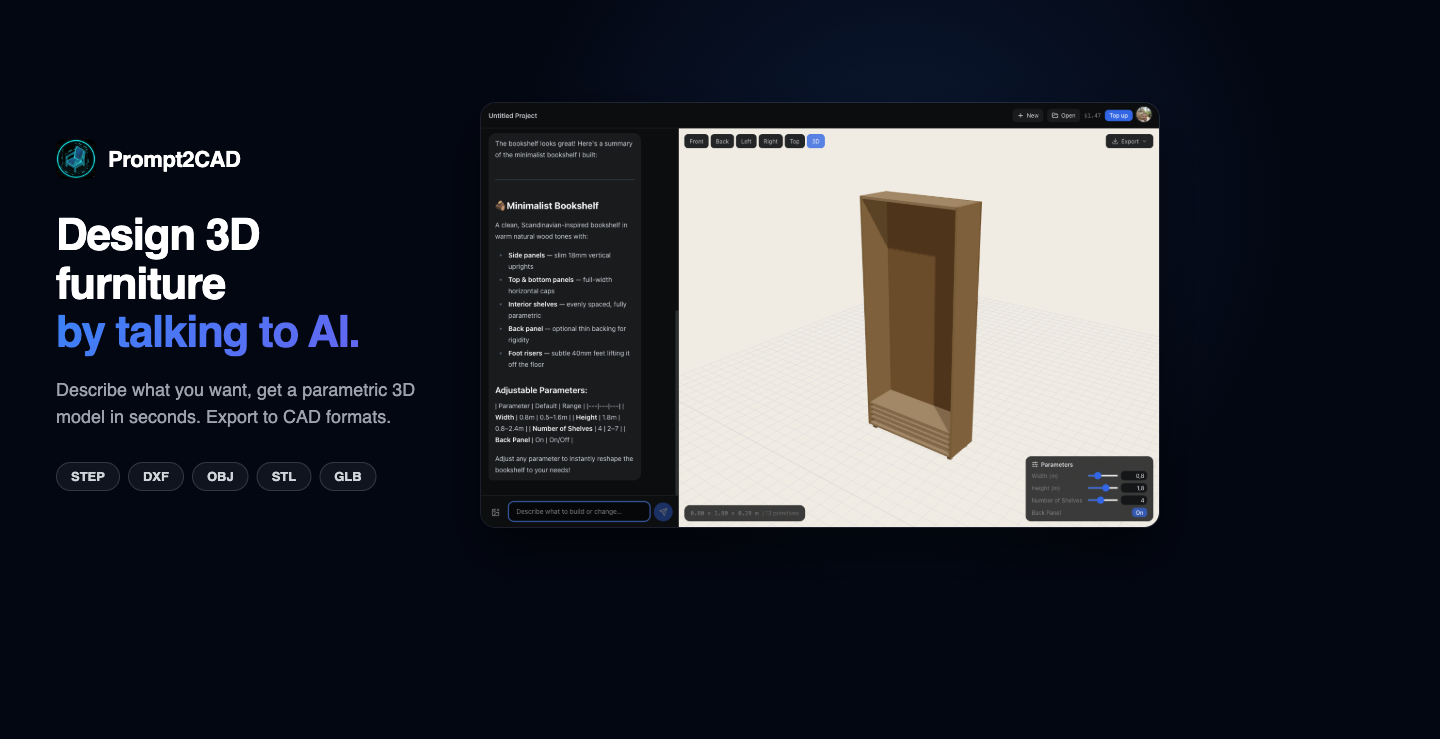
Prompt2CAD — From Idea to Parametric CAD with AI
Prompt2CAD transforms plain language ideas into fully editable, parametric CAD models. It functions as an AI agent that guides the entire modeling process, converting briefs for custom furniture, built-ins, mechanical parts, and products into dimensioned 3D geometry. Users interact conversationally, telling the agent what to build, refining the design by selecting parts or asking for specific changes. The model provides parametric controls—like sliders for width or height—allowing instant adjustments without starting over. It is ideal for designers, engineers, and hobbyists who need real, working CAD files, not simple meshes. Models can be created from text descriptions, uploaded reference images, or existing CAD files (DWG, DXF, OBJ, etc.), and exported to professional formats like STEP, DXF, and STL.
Prompt2CAD — From Idea to Parametric CAD with AIを見る →機能の比較
Retouchia: AI Image Editor
- •Background removal
- •Object erasure
- •4K upscaling
- •Photo restoration
- •Image enhancement
- •Colorizing
Prompt2CAD — From Idea to Parametric CAD with AI
- •Converts plain language briefs to CAD
- •Supports parametric controls and dimension adjustments
- •Handles complex designs (furniture, mechanical parts)
- •Imports existing CAD/3D models (DXF, OBJ, STL)
- •Outputs editable CAD files (STEP, DXF, 3MF)
ひと目で比較
| Retouchia: AI Image Editor | Prompt2CAD — From Idea to Parametric CAD with AI | |
|---|---|---|
| カテゴリ | Design & UI | Design & UI |
| 料金 | Free | — |
| コミュニティの評価 | レビューなし | レビューなし |
| Stremitでの投票数 | 0 | 65 |
| Webサイト | retouchia.com ↗ | prompt2cad.com ↗ |
Retouchia: AI Image Editor vs Prompt2CAD — From Idea to Parametric CAD with AI:どちらが優れている?
Retouchia: AI Image EditorとPrompt2CAD — From Idea to Parametric CAD with AIのどちらを選ぶかは、あなたのニーズ次第です。 どちらのツールも Design & UI カテゴリに属する直接の競合です。上で料金、機能、ユーザーレビューを比較して、ワークフローに最適なものを選びましょう。
詳しい情報、コミュニティのレビュー、機能の内訳は、各ツールのページをご覧ください。
よくある質問
What is the difference between Retouchia: AI Image Editor and Prompt2CAD — From Idea to Parametric CAD with AI?
Retouchia: AI Image Editor: Retouchia is a free, AI-powered image editor designed to transform everyday photos into polished and consistent visuals. It handles complex edits instantly, allowing users to remove backgrounds, erase objects, upscale… Prompt2CAD — From Idea to Parametric CAD with AI: Prompt2CAD transforms plain language ideas into fully editable, parametric CAD models. It functions as an AI agent that guides the entire modeling process, converting briefs for custom furniture, built-ins, mechanical…
Is Retouchia: AI Image Editor free?
Retouchia: AI Image Editor is listed as Free on Stremit. Check the tool's site for current plans.
Are Retouchia: AI Image Editor and Prompt2CAD — From Idea to Parametric CAD with AI competitors?
Yes — both are Design & UI tools on Stremit, so people often compare them before choosing.