Seedance AI vs Seedance 2.0 AI Video Generator: Make Videos by Chatting with AI
ワークフローに最適なAIツールを選ぶための詳しい比較。
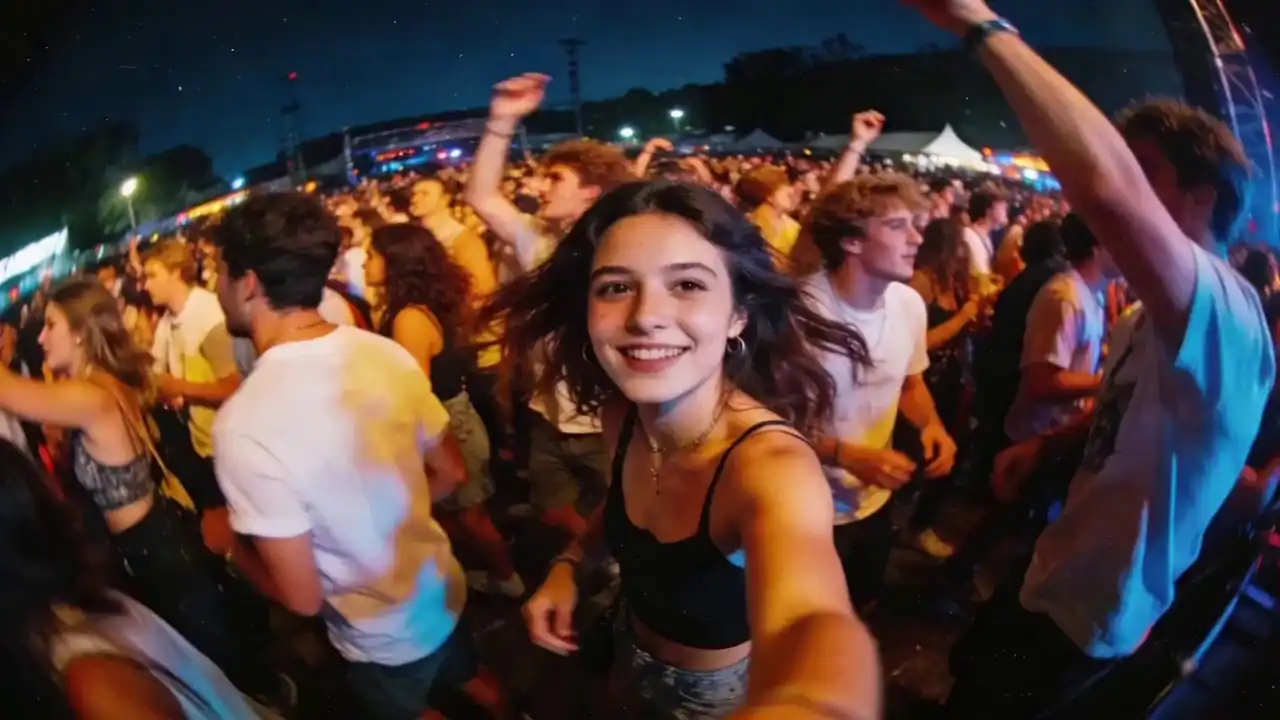
Seedance AI
Powerful AI video generator featuring Seedance 2.0, delivering multimodal cinematic video creation. Reference-Driven Video Creation Use images and videos to control composition, motion, and style instead of relying only on prompts. Consistent Character Generation Maintain identity, clothing, and visual details across multiple scenes. Video Continuation Extend existing videos naturally while preserving motion and narrative flow. Cinematic Camera Control Recreate camera movement, shot composition, and pacing from reference videos. Multi-Modal Video Editing Modify existing videos without regenerating the entire sequence. Audio-Driven Rhythm Synchronize motion and timing with audio references.
Seedance AIを見る →
Seedance 2.0 AI Video Generator: Make Videos by Chatting with AI
Seedance 2.0 is ByteDance's AI video generation model, available on Medeo. It creates multi-shot video from text, images, video clips, and audio files, combining up to 12 assets in a single generation. Dialogue, music, and sound effects are generated alongside the visuals. It is aimed at creators who want consistent characters and directed camera work without prior video editing experience. Users can keep a character's appearance across shots from one reference image, transfer motion from a reference clip, and describe camera moves such as dolly and tracking shots in plain language. What sets it apart is its dual-branch diffusion design, which generates image and sound in parallel so lip movements match speech without separate audio stitching. Medeo offers free trial credits to start, and the page states that no VPN is required.
Seedance 2.0 AI Video Generator: Make Videos by Chatting with AIを見る →機能の比較
Seedance AI
まだ機能は掲載されていません。
Seedance 2.0 AI Video Generator: Make Videos by Chatting with AI
- •Multimodal input: text, images, video, and audio, up to 12 assets per generation
- •Character consistency across shots from a single reference image
- •Motion cloning from a reference video
- •Camera control via natural language prompts
- •Native audio sync for dialogue, music, and sound effects
- •Free trial credits on Medeo, no VPN required
ひと目で比較
| Seedance AI | Seedance 2.0 AI Video Generator: Make Videos by Chatting with AI | |
|---|---|---|
| カテゴリ | Video Generation | Video Generation |
| 料金 | Freemium | Free Trial |
| コミュニティの評価 | レビューなし | レビューなし |
| Stremitでの投票数 | 29 | 48 |
| Webサイト | seedancepro.net ↗ | medeo.app ↗ |
Seedance AI vs Seedance 2.0 AI Video Generator: Make Videos by Chatting with AI:どちらが優れている?
Seedance AIとSeedance 2.0 AI Video Generator: Make Videos by Chatting with AIのどちらを選ぶかは、あなたのニーズ次第です。 どちらのツールも Video Generation カテゴリに属する直接の競合です。上で料金、機能、ユーザーレビューを比較して、ワークフローに最適なものを選びましょう。
詳しい情報、コミュニティのレビュー、機能の内訳は、各ツールのページをご覧ください。
よくある質問
What is the difference between Seedance AI and Seedance 2.0 AI Video Generator: Make Videos by Chatting with AI?
Seedance AI: Powerful AI video generator featuring Seedance 2.0, delivering multimodal cinematic video creation. Reference-Driven Video Creation Use images and videos to control composition, motion, and style instead of relying only… Seedance 2.0 AI Video Generator: Make Videos by Chatting with AI: Seedance 2.0 is ByteDance's AI video generation model, available on Medeo. It creates multi-shot video from text, images, video clips, and audio files, combining up to 12 assets in a single generation. Dialogue, music,…
Is Seedance AI free?
Seedance AI is listed as Freemium on Stremit. Check the tool's site for current plans.
Is Seedance 2.0 AI Video Generator: Make Videos by Chatting with AI free?
Seedance 2.0 AI Video Generator: Make Videos by Chatting with AI is listed as Free Trial on Stremit. Check the tool's site for current plans.
Are Seedance AI and Seedance 2.0 AI Video Generator: Make Videos by Chatting with AI competitors?
Yes — both are Video Generation tools on Stremit, so people often compare them before choosing.