Eddie vs Vidnoz AI: Create FREE AI Videos 10X Faster Online
Uma comparação detalhada para ajudar você a escolher a ferramenta de IA certa para seu workflow.

Eddie
Eddie is an AI video editor that allows users to import interviews and create rough cuts in seconds. It connects to ChatGPT or Claude over MCP to facilitate the editing process. Users can export their edited videos to MP4, Adobe, FCP, DaVinci Resolve, and Avid. Eddie is suitable for video professionals, podcasters, documentarians, and anyone who needs to edit interviews. Its key features include rough cuts, multicam, A-roll logging, B-roll logging, speaker identification, scripted edits, and social clips. What makes Eddie different is its ability to work seamlessly with various video editing software, including Premiere Pro, DaVinci Resolve, Final Cut Pro, and Avid. It also provides enterprise-grade security and brand controls for businesses.
Ver Eddie →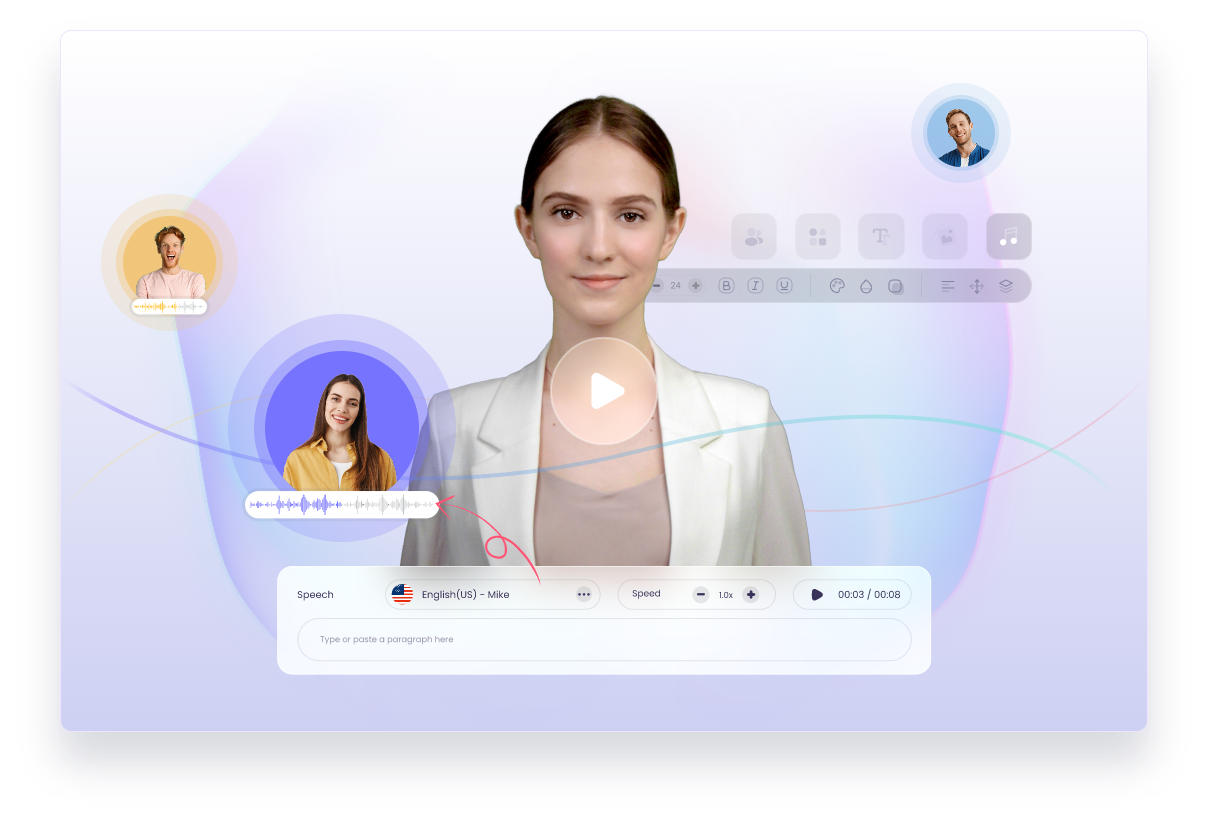
Vidnoz AI: Create FREE AI Videos 10X Faster Online
Vidnoz AI is an all-in-one platform for generating AI videos, allowing users to create content using AI avatars, customizable voices, and professional templates. The generation process involves selecting an avatar or template, creating the AI voiceover from text, adding custom touches like music and effects, and generating the final video. It supports diverse content creation needs, making it suitable for marketing campaigns, e-learning modules, corporate training, and explainer videos. Users from academic institutions, businesses, and medical training programs utilize the service for enhanced communication and professional development. The platform offers over 1900 AI avatars and 2000 realistic AI voices, featuring advanced expressive avatars with body language and options for voice cloning. It provides a comprehensive toolset for streamlining video creation and improving brand reach.
Ver Vidnoz AI: Create FREE AI Videos 10X Faster Online →Comparação de recursos
Eddie
Nenhum recurso listado ainda.
Vidnoz AI: Create FREE AI Videos 10X Faster Online
- •1900+ AI avatars
- •2000+ realistic AI voices
- •2800+ templates
- •AI voice cloning
- •Expressive avatars with body language
Visão geral
| Eddie | Vidnoz AI: Create FREE AI Videos 10X Faster Online | |
|---|---|---|
| Categoria | Video Generation | Video Generation |
| Preços | Freemium | Free |
| Avaliação da Comunidade | Sem avaliações | Sem avaliações |
| Votos na Stremit | 63 | 126 |
| Site | heyeddie.ai ↗ | vidnoz.com ↗ |
Eddie vs Vidnoz AI: Create FREE AI Videos 10X Faster Online: qual é melhor?
A escolha entre Eddie e Vidnoz AI: Create FREE AI Videos 10X Faster Online depende das suas necessidades. As duas ferramentas pertencem à categoria Video Generation e são concorrentes diretas. Compare preços, recursos e avaliações acima para fazer a melhor escolha para seu workflow.
Visite as páginas de cada ferramenta para mais informações, avaliações da comunidade e detalhes dos recursos.
Perguntas frequentes
What is the difference between Eddie and Vidnoz AI: Create FREE AI Videos 10X Faster Online?
Eddie: Eddie is an AI video editor that allows users to import interviews and create rough cuts in seconds. It connects to ChatGPT or Claude over MCP to facilitate the editing process. Users can export their edited videos to… Vidnoz AI: Create FREE AI Videos 10X Faster Online: Vidnoz AI is an all-in-one platform for generating AI videos, allowing users to create content using AI avatars, customizable voices, and professional templates. The generation process involves selecting an avatar or…
Is Eddie free?
Eddie is listed as Freemium on Stremit. Check the tool's site for current plans.
Is Vidnoz AI: Create FREE AI Videos 10X Faster Online free?
Vidnoz AI: Create FREE AI Videos 10X Faster Online is listed as Free on Stremit. Check the tool's site for current plans.
Are Eddie and Vidnoz AI: Create FREE AI Videos 10X Faster Online competitors?
Yes — both are Video Generation tools on Stremit, so people often compare them before choosing.