Invideo AI vs AI Dance Generator
Uma comparação detalhada para ajudar você a escolher a ferramenta de IA certa para seu workflow.

Invideo AI
Invideo allows users to create and edit videos using an agentic editor, letting AI agents handle detailed tasks like trimming, grading, and mixing. The platform supports describing edits in plain words, which the agent applies across multiple shots on a multitrack timeline. Advanced features include storyboarding tools, AI co-writing, and the ability to collaborate in real-time multiplayer mode. It is designed for serious creatives and editors who do not want to be prompt engineers. Users can create custom agents—such as a cinematographer or sound designer—or connect existing external agents (like Claude, ChatGPT, or Gemini) to perform specific actions directly on the timeline. What distinguishes Invideo is its robust agent system, which allows it to integrate multiple AI services to manage a production pipeline. Annual plans offer unlimited access to advanced image models like Nano Banana 2.1 and Ideogram 4.5 for 30 days, helping users scale content across various formats.
Ver Invideo AI →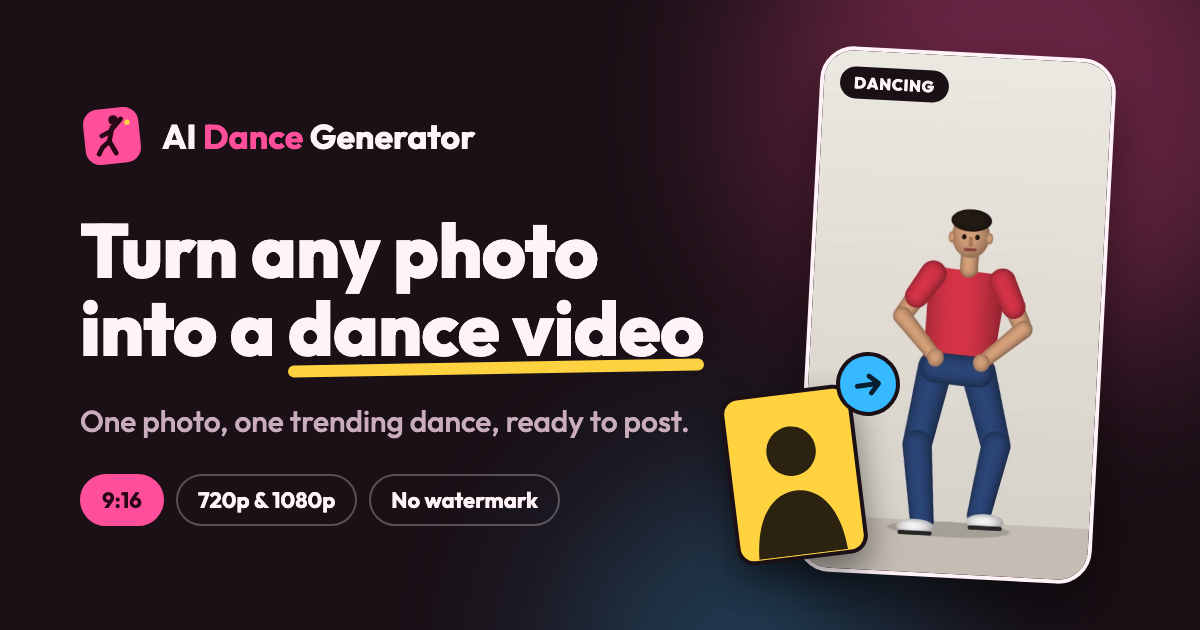
AI Dance Generator
AI Dance Generator turns a single photo of a person or anime character into a dance video. Upload a photo, pick a trending, funny or holiday dance, and the AI moves the whole body through the routine. Videos are vertical 9:16 MP4s sized for TikTok, Instagram Reels and YouTube Shorts, with no watermark. It is aimed at people who want to post dance clips quickly, including creators who post often on TikTok and Instagram and anyone who wants to share a funny dance with friends. No editing or prompts are needed, and the video renders in about two to four minutes in the browser. What sets it apart is that each dance follows a real reference routine, so the moves match the example you pick. Failed videos are refunded in credits, and you can choose 720p or 1080p output.
Ver AI Dance Generator →Comparação de recursos
Invideo AI
- •Agentic video editing with Agent Two
- •Real-time multiplayer collaboration
- •Custom agent creation
- •Integration with external AI agents (e.g., ChatGPT)
- •Storyboarding and AI co-writing
AI Dance Generator
Nenhum recurso listado ainda.
Visão geral
| Invideo AI | AI Dance Generator | |
|---|---|---|
| Categoria | Video Generation | Video Generation |
| Preços | Paid | Subscription |
| Avaliação da Comunidade | 4.0 / 5 (1 avaliações) | Sem avaliações |
| Votos na Stremit | 214 | 0 |
| Site | invideo.io ↗ | ai-dancegenerator.com ↗ |
Invideo AI vs AI Dance Generator: qual é melhor?
A escolha entre Invideo AI e AI Dance Generator depende das suas necessidades. As duas ferramentas pertencem à categoria Video Generation e são concorrentes diretas. Compare preços, recursos e avaliações acima para fazer a melhor escolha para seu workflow.
Visite as páginas de cada ferramenta para mais informações, avaliações da comunidade e detalhes dos recursos.
Perguntas frequentes
What is the difference between Invideo AI and AI Dance Generator?
Invideo AI: Invideo allows users to create and edit videos using an agentic editor, letting AI agents handle detailed tasks like trimming, grading, and mixing. The platform supports describing edits in plain words, which the agent… AI Dance Generator: AI Dance Generator turns a single photo of a person or anime character into a dance video. Upload a photo, pick a trending, funny or holiday dance, and the AI moves the whole body through the routine. Videos are…
Is Invideo AI free?
Invideo AI is listed as Paid on Stremit. Check the tool's site for current plans.
Is AI Dance Generator free?
AI Dance Generator is listed as Subscription on Stremit. Check the tool's site for current plans.
Are Invideo AI and AI Dance Generator competitors?
Yes — both are Video Generation tools on Stremit, so people often compare them before choosing.