MakePixel vs Public Prompts - Home
Uma comparação detalhada para ajudar você a escolher a ferramenta de IA certa para seu workflow.
MakePixel
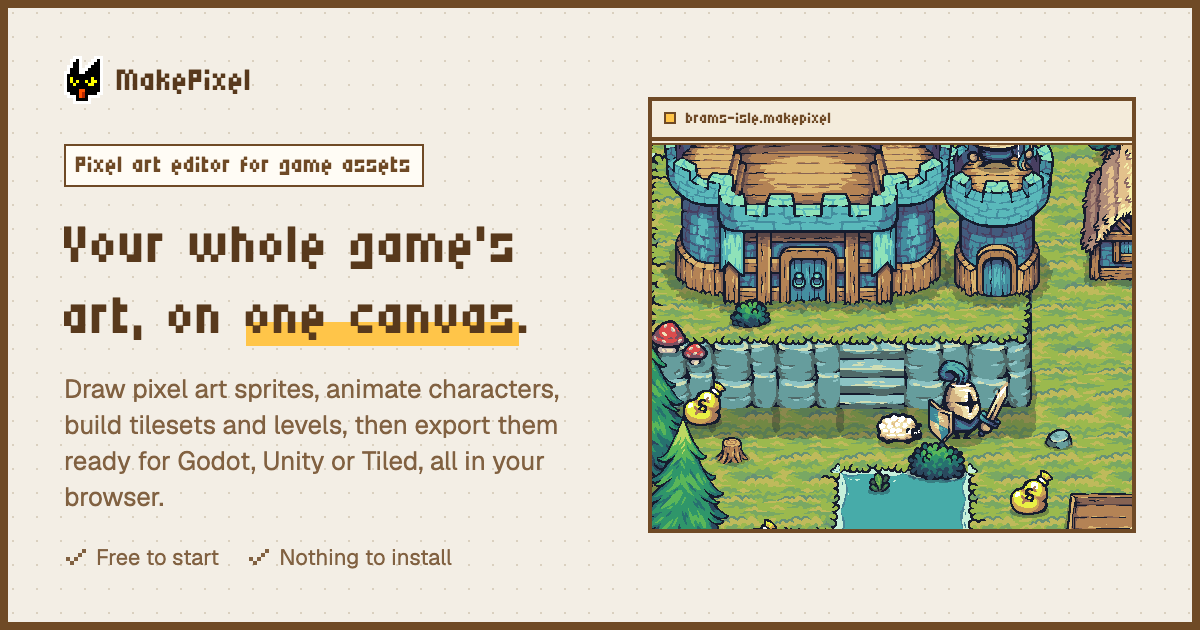
MakePixel is a pixel art editor for game assets that runs in the browser. You draw sprites, animate characters, and build tilesets and levels on one canvas, then export them ready for Godot, Unity, Tiled, or Aseprite. It can also generate pixel art from a text description at 1 credit per picture, and it includes an MCP server that lets coding agents read the canvas and pull sprites into a repository. It is aimed at people making game art who want a whole game's assets in one place. Sections, notes, and an outline keep sprites, animations, and tilesets organised, and a linked asset updates in every project when the original is edited. What sets it apart is autotiling: paint 13 tiles and MakePixel works out the full set of 47. Exports are written in the formats engines read directly, with the filter, pivot, and animation names already set. It is free to start, needs nothing installed, and works on desktop, tablet, and phone.
Ver MakePixel →
Public Prompts - Home
Public Prompts is a collection of verified AI tools for generating images, video, and other creative content. It provides a range of flexible diffusion models, fine-tuned models, and other tools for tasks like art, design, and marketing. The platform is curated for quality and usefulness, allowing users to browse tools by use case, pricing, and category. The tools are designed to be independent and free from directory noise, saving users time and effort. It is suitable for professionals and individuals in various fields such as art, design, marketing, and education. The platform's focus on quality and usefulness makes it an excellent resource for those looking to explore AI tools for creative purposes. One of the key features of Public Prompts is its flexibility, allowing users to compare tools by pricing and use case. The platform also provides a free trial for some tools, making it accessible to users who want to test the features before committing to a paid plan. The platform is constantly updating, with new tools and features being added regularly. This ensures that users have access to the latest and most useful AI tools for their specific needs. Public Prompts is available for free, with no registration required. Users can browse the platform, explore the tools, and start using them immediately.
Ver Public Prompts - Home →Visão geral
| MakePixel | Public Prompts - Home | |
|---|---|---|
| Categoria | Design & UI | Design & UI |
| Preços | Freemium | Free |
| Avaliação da Comunidade | Sem avaliações | Sem avaliações |
| Votos na Stremit | 0 | 63 |
| Site | makepixel.ai ↗ | publicprompts.art ↗ |
MakePixel vs Public Prompts - Home: qual é melhor?
A escolha entre MakePixel e Public Prompts - Home depende das suas necessidades. As duas ferramentas pertencem à categoria Design & UI e são concorrentes diretas. Compare preços, recursos e avaliações acima para fazer a melhor escolha para seu workflow.
Visite as páginas de cada ferramenta para mais informações, avaliações da comunidade e detalhes dos recursos.
Perguntas frequentes
What is the difference between MakePixel and Public Prompts - Home?
MakePixel: MakePixel is a pixel art editor for game assets that runs in the browser. You draw sprites, animate characters, and build tilesets and levels on one canvas, then export them ready for Godot, Unity, Tiled, or Aseprite.… Public Prompts - Home: Public Prompts is a collection of verified AI tools for generating images, video, and other creative content. It provides a range of flexible diffusion models, fine-tuned models, and other tools for tasks like art,…
Is MakePixel free?
MakePixel is listed as Freemium on Stremit. Check the tool's site for current plans.
Is Public Prompts - Home free?
Public Prompts - Home is listed as Free on Stremit. Check the tool's site for current plans.
Are MakePixel and Public Prompts - Home competitors?
Yes — both are Design & UI tools on Stremit, so people often compare them before choosing.