MakePixel vs QuiverAI
Uma comparação detalhada para ajudar você a escolher a ferramenta de IA certa para seu workflow.
MakePixel
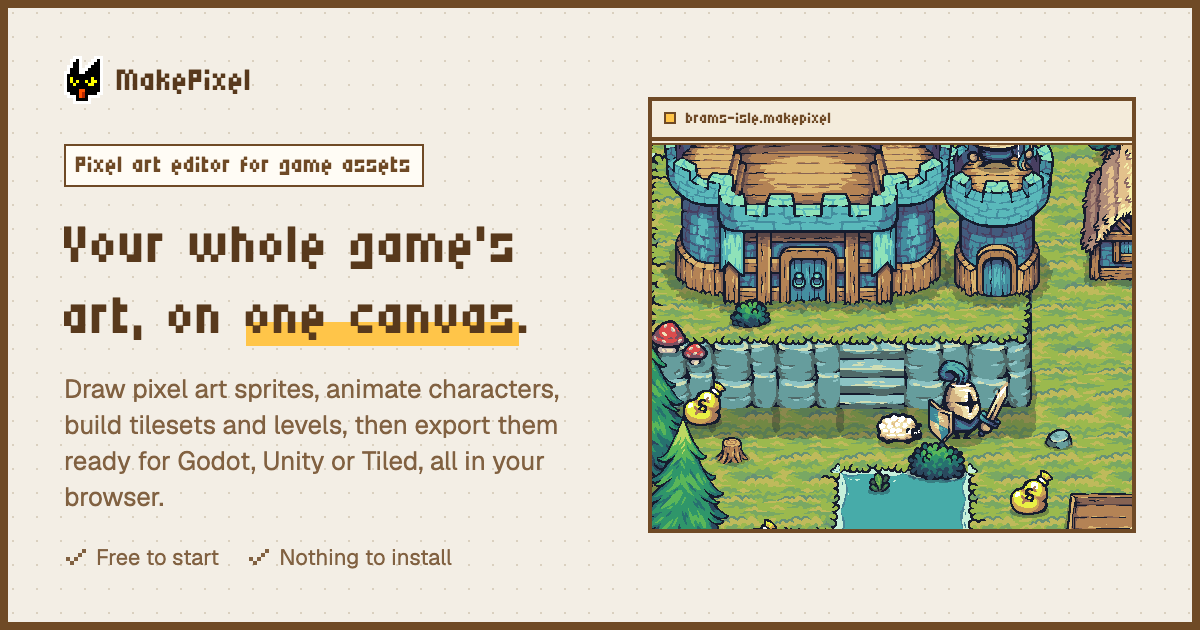
MakePixel is a pixel art editor for game assets that runs in the browser. You draw sprites, animate characters, and build tilesets and levels on one canvas, then export them ready for Godot, Unity, Tiled, or Aseprite. It can also generate pixel art from a text description at 1 credit per picture, and it includes an MCP server that lets coding agents read the canvas and pull sprites into a repository. It is aimed at people making game art who want a whole game's assets in one place. Sections, notes, and an outline keep sprites, animations, and tilesets organised, and a linked asset updates in every project when the original is edited. What sets it apart is autotiling: paint 13 tiles and MakePixel works out the full set of 47. Exports are written in the formats engines read directly, with the filter, pivot, and animation names already set. It is free to start, needs nothing installed, and works on desktop, tablet, and phone.
Ver MakePixel →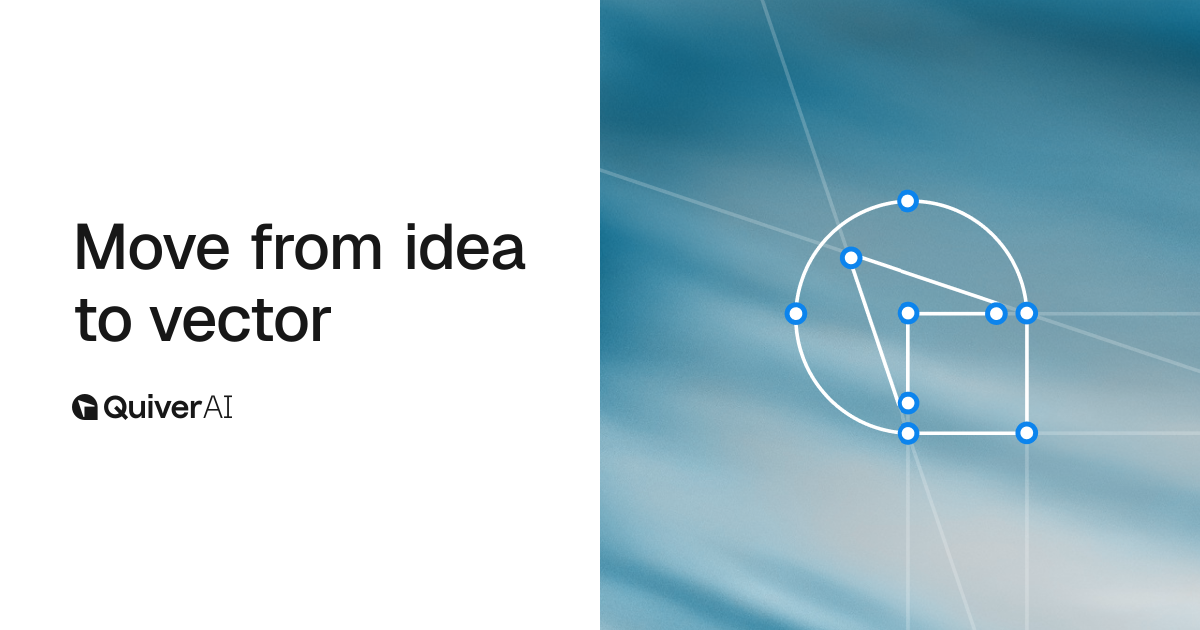
QuiverAI
QuiverAI generates, edits, and animates editable SVG vector graphics. It offers text to SVG, image to SVG vectorization, and SVG animation, with output designed to work in design tools. Its Arrow 2 model covers logos, illustrations, and animations, and typography is listed as coming soon. The tool is aimed at design teams building product, brand, and marketing assets. Developers can reach it through a REST API, Node.js and Vercel AI SDK packages, an MCP server for agents, and a CLI that installs SVGs as React components. QuiverAI's main difference is that its output stays as editable vectors rather than flat images. Animations run directly on the vector shapes and remain lightweight and controllable. Sandbox API keys return deterministic output and are not billed.
Ver QuiverAI →Comparação de recursos
MakePixel
Nenhum recurso listado ainda.
QuiverAI
- •Text to SVG generation from prompts and references
- •Image to SVG vectorization
- •Direct SVG animation for logos, icons, and illustrations
- •Logo and illustration generation with editable vector output
- •REST API, Node.js SDK, and Vercel AI SDK support
- •MCP server, Cursor and Codex plugins, and CLI for React components
Visão geral
| MakePixel | QuiverAI | |
|---|---|---|
| Categoria | Design & UI | Design & UI |
| Preços | Freemium | Contact for Pricing |
| Avaliação da Comunidade | Sem avaliações | Sem avaliações |
| Votos na Stremit | 0 | 72 |
| Site | makepixel.ai ↗ | quiver.ai ↗ |
MakePixel vs QuiverAI: qual é melhor?
A escolha entre MakePixel e QuiverAI depende das suas necessidades. As duas ferramentas pertencem à categoria Design & UI e são concorrentes diretas. Compare preços, recursos e avaliações acima para fazer a melhor escolha para seu workflow.
Visite as páginas de cada ferramenta para mais informações, avaliações da comunidade e detalhes dos recursos.
Perguntas frequentes
What is the difference between MakePixel and QuiverAI?
MakePixel: MakePixel is a pixel art editor for game assets that runs in the browser. You draw sprites, animate characters, and build tilesets and levels on one canvas, then export them ready for Godot, Unity, Tiled, or Aseprite.… QuiverAI: QuiverAI generates, edits, and animates editable SVG vector graphics. It offers text to SVG, image to SVG vectorization, and SVG animation, with output designed to work in design tools. Its Arrow 2 model covers logos,…
Is MakePixel free?
MakePixel is listed as Freemium on Stremit. Check the tool's site for current plans.
Is QuiverAI free?
QuiverAI is listed as Contact for Pricing on Stremit. Check the tool's site for current plans.
Are MakePixel and QuiverAI competitors?
Yes — both are Design & UI tools on Stremit, so people often compare them before choosing.