Napkin vs PhotoCraft ArtCraft
Uma comparação detalhada para ajudar você a escolher a ferramenta de IA certa para seu workflow.
Napkin
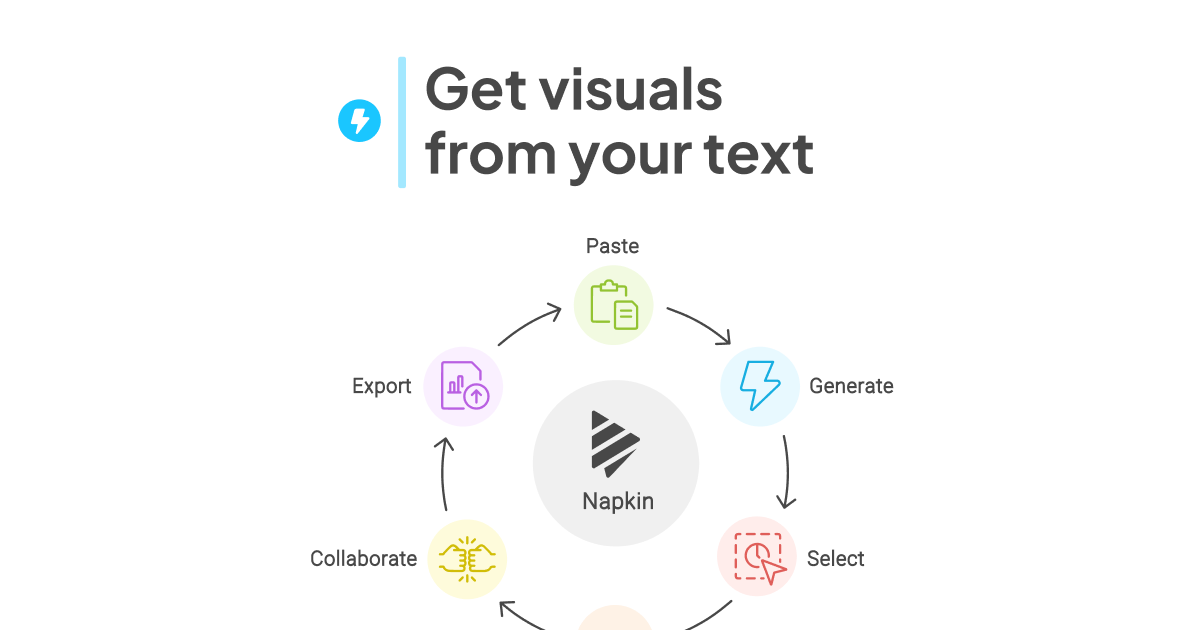
Napkin turns text into visuals. It creates presentation-ready slide decks, mind maps, flowcharts, and editable data charts from written ideas or data. It also offers an API for generating visuals at scale inside an existing workflow. Visual generation uses AI credits, with roughly one credit charged per word selected. The tool is aimed at individuals and small teams, dedicated visual creators and planners, and large teams and organizations with heavy visual needs. The free plan includes 500 AI credits per week, unlimited visual editing, file import from PPT, DOC, PDF, HTML, and MD, and unlimited PNG and PDF export. Visuals on that plan carry Napkin branding. Paid plans add more AI credits, premium AI image models, PPT and SVG export, brand styles, and removal of Napkin branding. The site says self-serve accounts may use anonymized interaction data to improve its AI, with an opt-out available, and that enterprise customer data is not used for training. Napkin states it is SOC 2 Type II compliant and ISO 27001 certified.
Ver Napkin →
PhotoCraft ArtCraft
PhotoCraft is a free, open-source image editor designed as a Photoshop alternative. Built in Rust, it supports layers, masks, editable text, PSD and PSB files, browser-based editing, and downloads for macOS, Windows, and Linux. The guide explains features, installation, comparisons, and current early-alpha limitations.
Ver PhotoCraft ArtCraft →Comparação de recursos
Napkin
- •Text-to-slide deck creation
- •Mind maps and flowcharts from text
- •Editable data charts
- •Unlimited PNG and PDF export on free plan
- •API for automated visual generation
- •SOC 2 Type II and ISO 27001 compliance
PhotoCraft ArtCraft
Nenhum recurso listado ainda.
Visão geral
| Napkin | PhotoCraft ArtCraft | |
|---|---|---|
| Categoria | Design & UI | Design & UI |
| Preços | Freemium | Free |
| Avaliação da Comunidade | Sem avaliações | Sem avaliações |
| Votos na Stremit | 78 | 0 |
| Site | napkin.ai ↗ | photocraftartcraft.com ↗ |
Napkin vs PhotoCraft ArtCraft: qual é melhor?
A escolha entre Napkin e PhotoCraft ArtCraft depende das suas necessidades. As duas ferramentas pertencem à categoria Design & UI e são concorrentes diretas. Compare preços, recursos e avaliações acima para fazer a melhor escolha para seu workflow.
Visite as páginas de cada ferramenta para mais informações, avaliações da comunidade e detalhes dos recursos.
Perguntas frequentes
What is the difference between Napkin and PhotoCraft ArtCraft?
Napkin: Napkin turns text into visuals. It creates presentation-ready slide decks, mind maps, flowcharts, and editable data charts from written ideas or data. It also offers an API for generating visuals at scale inside an… PhotoCraft ArtCraft: PhotoCraft is a free, open-source image editor designed as a Photoshop alternative. Built in Rust, it supports layers, masks, editable text, PSD and PSB files, browser-based editing, and downloads for macOS, Windows,…
Is Napkin free?
Napkin is listed as Freemium on Stremit. Check the tool's site for current plans.
Is PhotoCraft ArtCraft free?
PhotoCraft ArtCraft is listed as Free on Stremit. Check the tool's site for current plans.
Are Napkin and PhotoCraft ArtCraft competitors?
Yes — both are Design & UI tools on Stremit, so people often compare them before choosing.